LINKS
Bakugo vs All For One Twixtor: A Battle Built for Edits
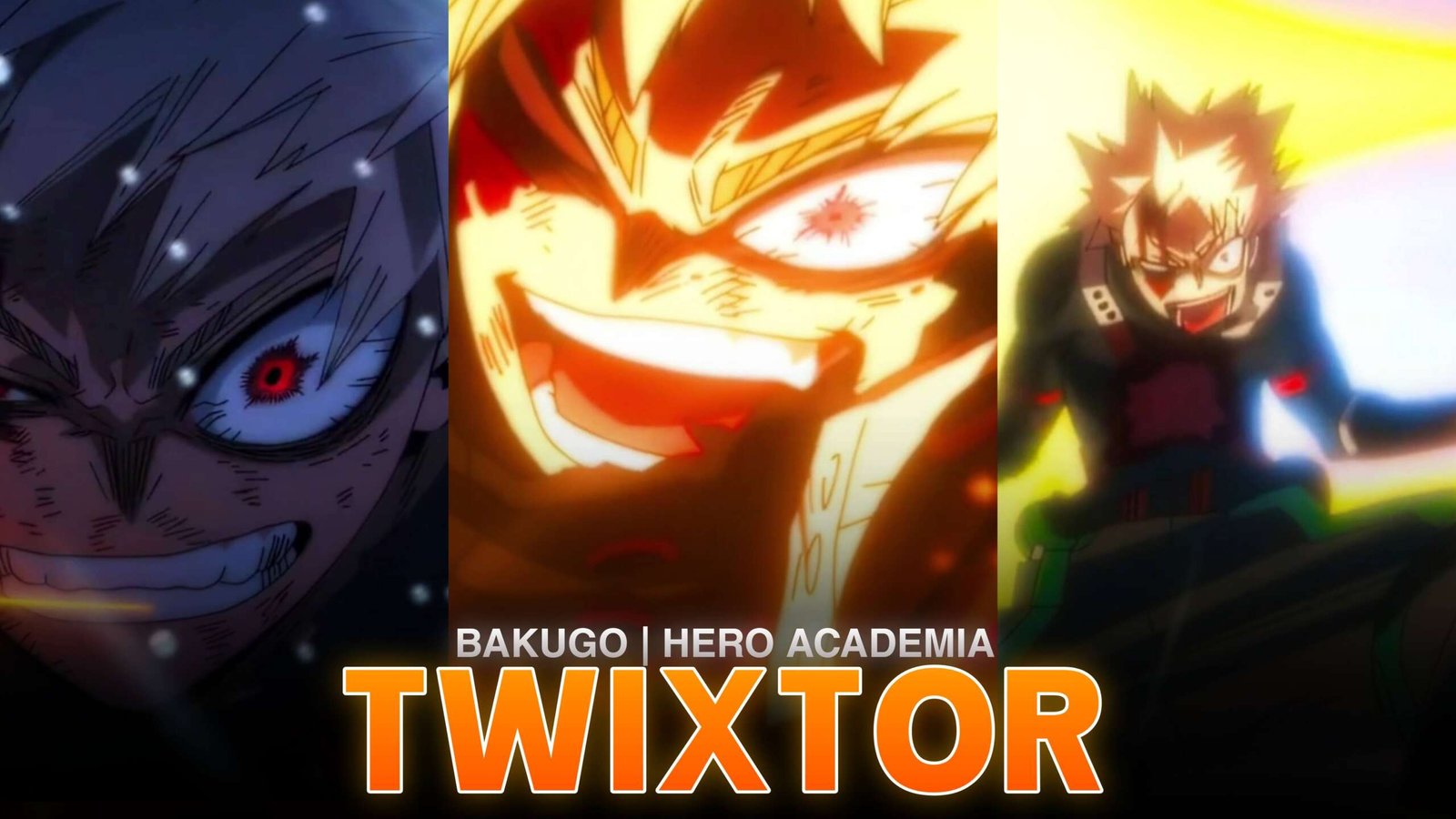
The battle between Katsuki Bakugo and All For One in My Hero Academia delivers explosive action, fast aerial movement, and a powerful comeback. Bakugo’s Explosion Quirk creates bright impact frames and sudden bursts of speed, while All For One’s overwhelming attacks provide dramatic moments for cinematic transitions.
Bakugo vs All For One Twixtor edits are ideal for velocity montages, AMVs, YouTube Shorts, Instagram Reels, and high-energy anime edits. The fight combines rapid movement with emotional intensity, making it suitable for both aggressive beat-sync edits and dramatic character tributes.
When planning this battle edit, I’d build the sequence around Bakugo’s return, his explosive acceleration, and the final Howitzer Impact. These moments create a natural progression from tension to a powerful climax.
Best Scenes for Bakugo vs All For One Twixtor
1. Bakugo’s Return to the Fight
Bakugo’s comeback is a strong opening for a character edit. Start with a close-up or a brief dramatic pause, then transition into his movement toward All For One. A gradual zoom followed by a fast cut can make the entrance feel more impactful.
2. Explosive Speed: Cluster
Bakugo’s increased speed creates opportunities for sharp velocity ramps. Slow the footage briefly before he accelerates, then return to faster playback as he moves toward his opponent.
For Bakugo vs All For One Twixtor, keep the slowdown short enough to preserve the energy of the action.
3. The Final Howitzer Impact
The final attack is a natural climax for a short-form edit. Build tension with a slower approach, sync the attack with the strongest musical beat, and use a controlled impact effect rather than stacking multiple flashes.
How to Make Smooth Bakugo vs All For One Twixtor Edits
- Choose clear footage: Select a shot where Bakugo’s movement and explosion effects are easy to follow.
- Trim the sequence: Focus on a short attack or movement rather than slowing down the entire fight.
- Apply Twixtor: Start with moderate slow motion and inspect frames around the character’s outline.
- Create a velocity ramp: Ease into slow motion, then accelerate with the attack.
- Sync to music: Match explosions and major impacts to musical accents.
- Polish the edit: Adjust contrast, sharpening, and motion blur without obscuring the animation.
Bakugo vs All For One Twixtor can be challenging when smoke, debris, and fast-moving explosions overlap. If interpolation produces warped frames, reduce the slowdown or use a shorter section.
Color Grading and Effects
Bakugo’s orange explosions contrast with the darker battle environment. Keep that contrast clear with restrained effects.
- Glow: Emphasize explosions without washing out the frame.
- Contrast: Preserve details in dark backgrounds and costumes.
- Motion blur: Apply selectively to rapid movement.
- Camera shake: Reserve it for major impacts.
- Transitions: Use sharp cuts and controlled zooms to maintain momentum.
Common Editing Mistakes
- Slowing every attack instead of choosing key moments.
- Overusing glow and camera shake.
- Applying extreme speed changes that distort the footage.
- Cutting away before an impact registers.
- Using the same transition repeatedly.
Frequently Asked Questions
Which scene is best for Bakugo vs All For One Twixtor?
Bakugo’s explosive comeback, Explosive Speed: Cluster, and final Howitzer Impact are strong choices for velocity edits.
How can I make Bakugo’s explosions look better in slow motion?
Use moderate speed reductions and inspect frames around the flames, smoke, and character edges. Keep glow and sharpening under control.
Which episode features this battle?
The main confrontation is featured in My Hero Academia Season 8, Episode 4, titled “Quirk: Explosion!!,” which is Episode 163 overall.
Final Thoughts
Bakugo vs All For One Twixtor offers everything needed for a high-energy anime edit: explosive visuals, rapid movement, dramatic timing, and a memorable finishing attack. Use selective slow motion, precise beat synchronization, and controlled effects to let the animation stand out. For more editing inspiration, browse the Anime Twixtor collection on TwixtorClips.
Disclaimer: All anime/movie footage referenced belongs to its original creators, animation studios, and copyright holders. This content is provided for editing and educational fan-use purposes only, under fair use principles. No copyright infringement is intended. All rights remain with the original owners.