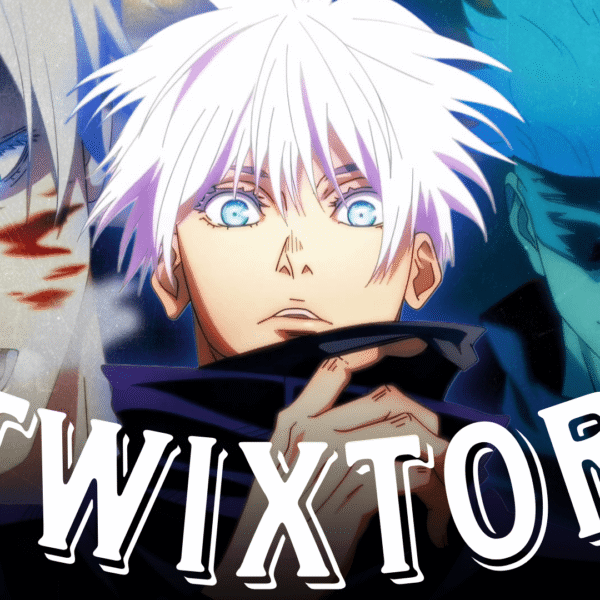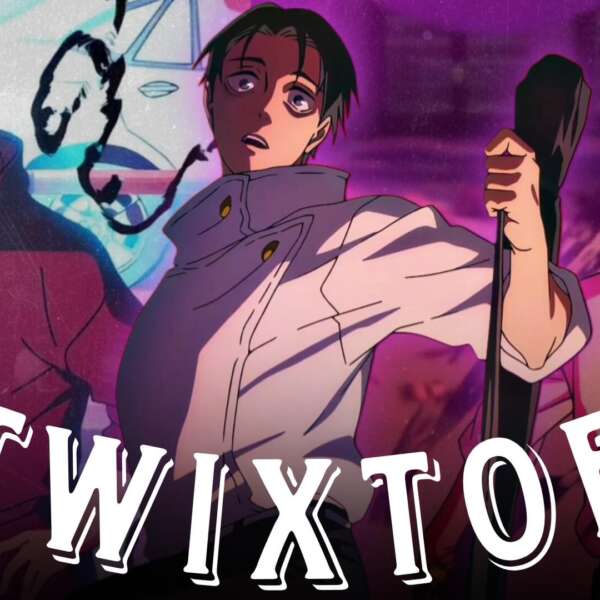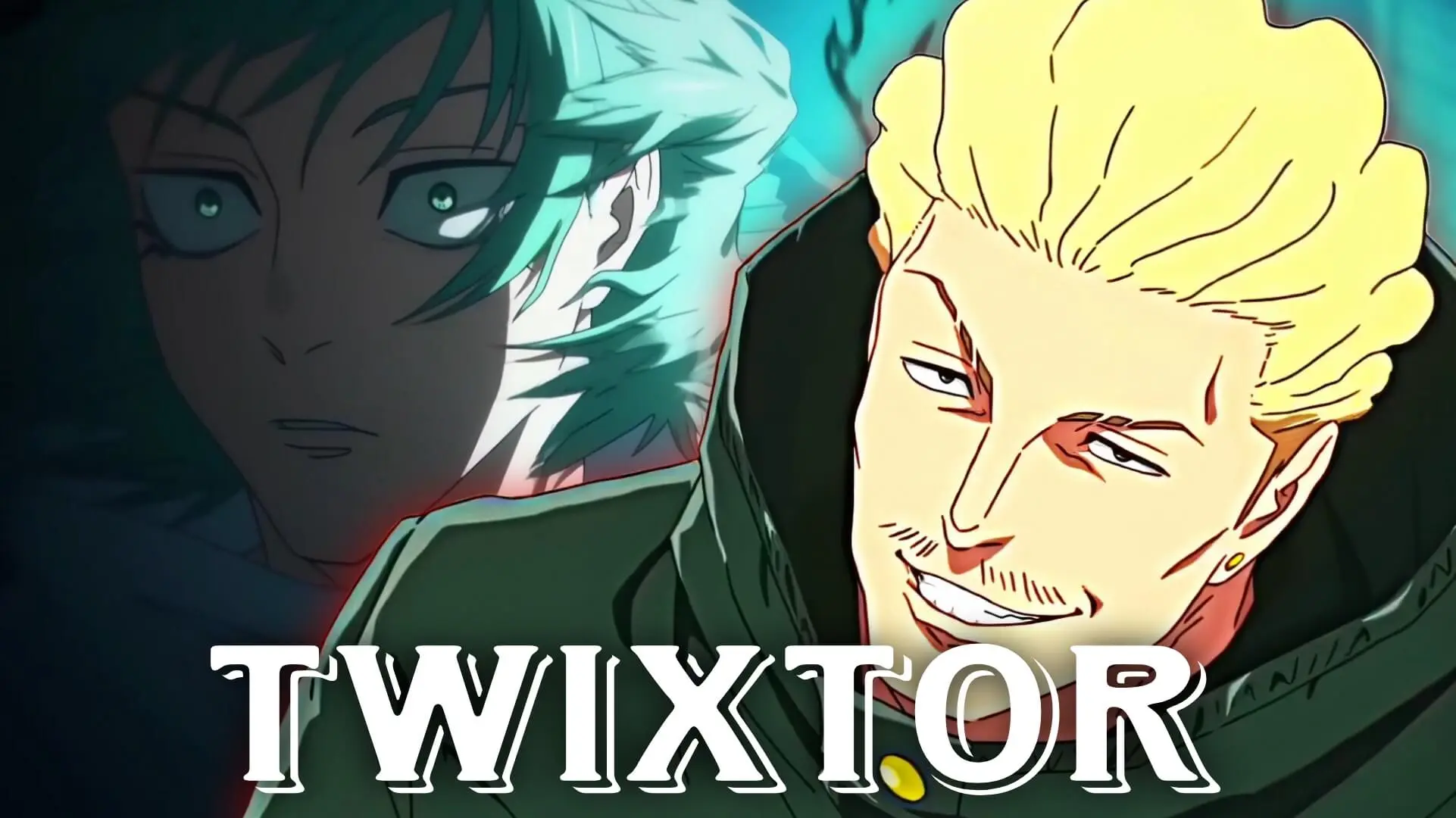
Get Your Anime Twixtor For edits : www.twixtorclips.com
Jujutsu Kaisen Season 4 Trailer Twixtor: Best Moments for Editors
The newly revealed jujutsu kaisen season 4 trailer twixtor footage has already given anime editors plenty to work with. While the full season is still in production, the teaser showcases fast-paced action, dramatic camera movement, powerful character moments, and cinematic effects that are ideal for Twixtor and velocity editing projects. Recent announcements confirm that Season 4 will continue the Culling Game storyline, making it one of the most anticipated anime releases in the community.
For editors looking to create smooth slow-motion sequences, transitions, or high-impact AMV-style edits, the trailer contains several standout moments that can become excellent focal points. In this guide, we’ll break down the best scenes, discuss editing opportunities, and share techniques that can help maximize quality when working with trailer footage.
Why the Jujutsu Kaisen Season 4 Trailer Is Great for Twixtor
One of the biggest strengths of the jujutsu kaisen season 4 trailer twixtor workflow is the trailer’s animation quality. MAPPA continues to use dynamic camera movement, detailed character animation, and dramatic visual effects that naturally complement slow-motion editing.
Editors should pay attention to:
- Fast combat sequences
- Character close-ups
- Energy effects and curse techniques
- Impact frames
- Cinematic camera pans
These elements provide clean motion data that can help Twixtor generate smoother interpolation when applied carefully.
Another advantage is the trailer’s strong contrast between calm story moments and explosive action scenes. This makes it easier to create engaging velocity transitions without relying on excessive effects.
Best Trailer Scenes for Velocity Editing
Several moments stand out immediately when analyzing the jujutsu kaisen season 4 trailer twixtor potential.
Character Entrance Shots
The trailer features multiple dramatic character reveals. These moments often contain slower camera movement and cleaner backgrounds, making them excellent candidates for Twixtor-based slow motion.
Recommended approach:
- Slow to 30-40% speed
- Add subtle zoom-in effects
- Enhance with light motion blur
- Sync with beat drops or vocal transitions
Combat Build-Up Sequences
Before major attacks occur, the trailer includes anticipation frames where characters prepare to strike. These frames often produce smoother Twixtor results because motion is controlled rather than chaotic.
Try:
- Velocity ramp from 100% to 25%
- Add directional blur
- Use RGB split sparingly
- Transition into impact frames
Curse Energy Effects
Energy-based scenes are perfect for visual enhancement. The glowing effects create natural focal points and help edits feel more cinematic.
When working with these scenes:
- Isolate highlights using color correction
- Add glow enhancement
- Combine with camera shake after the slow-motion section
- Use sharp velocity ramps for dramatic impact
Twixtor Settings That Work Well
When creating a jujutsu kaisen season 4 trailer twixtor edit, settings matter just as much as scene selection.
A common mistake is slowing footage too aggressively. Trailer clips often contain rapid movement, and pushing Twixtor beyond its limits can introduce warping or ghosting.
Recommended starting settings:
- Speed: 35%–50%
- Motion Sensitivity: Medium
- Frame Interpolation: Enabled
- Motion Blur: Light to Medium
- Edge Compensation: Enabled
Always preview problem areas frame by frame before final rendering.
If artifacts appear:
- Use masking around the character
- Reduce slow-motion intensity
- Cut away before complicated camera movement
- Blend with velocity edits instead of relying solely on Twixtor
Color Grading Ideas for JJK Season 4 Edits
The atmosphere of the trailer leans heavily into darker tones and intense visual contrast. This makes color grading especially important.
Popular editing styles include:
Dark Blue Cinematic
- Increase contrast
- Lower saturation slightly
- Push shadows toward blue tones
- Enhance highlights
High-Energy Anime Style
- Boost saturation
- Increase sharpness
- Add glow effects
- Enhance curse energy colors
Manga-Inspired Look
- Strong contrast
- Reduced color palette
- Film grain overlay
- Sharper edge definition
These styles can help your edit stand out while preserving the visual identity of the series.
How to Build a Full Edit From the Trailer
Many editors struggle with creating a complete edit from a short teaser. The solution is focusing on pacing rather than duration.
A strong structure could look like:
- Character introduction
- Slow-motion build-up
- Energy effect transition
- Fast combat montage
- Impact sequence
- Final cinematic outro
This format allows you to maximize the available footage while maintaining viewer engagement.
The best jujutsu kaisen season 4 trailer twixtor edits often rely on rhythm, clean transitions, and scene selection rather than excessive visual effects.
FAQ
Is the Jujutsu Kaisen Season 4 trailer good for Twixtor edits?
Yes. The trailer contains multiple action sequences, character reveals, and cinematic camera movements that work well for slow-motion and velocity editing techniques.
What is the best speed percentage for Jujutsu Kaisen Season 4 trailer Twixtor edits?
Most editors achieve cleaner results between 35% and 50% speed. Going lower may introduce visible interpolation artifacts depending on the scene.
Which scenes are easiest to edit with Twixtor?
Character close-ups, anticipation frames before attacks, and slower camera movements generally produce the smoothest results.
Final Thoughts
The jujutsu kaisen season 4 trailer twixtor trend is likely to grow as more footage becomes available. Even in its current form, the trailer offers excellent opportunities for velocity edits, cinematic slow motion, and creative anime editing projects. Focus on clean scene selection, controlled Twixtor settings, and strong pacing to get the best results. YouTube
For more anime editing guides, Twixtor breakdowns, velocity-edit tutorials, and scene analysis articles, explore our latest posts on TwixtorClips.com.