LINKS
Get Exclusive CC & Quality Setting Here : https://payhip.com/QualityCCLab
GET EXCLUSIVE FREE TWIXTOR CLIPS
Get Anime Clips Raw For Free: https://twixtorclips.com/anime-raw-clips/
Exclusive Twixtor Clips For Free: https://twixtorclips.com
Obito Uchiha Twixtor: Best Naruto Clips for Edits
Obito Uchiha has some of the most visually distinctive scenes in Naruto. From his mysterious masked appearance and Kamui abilities to his major battles during the Fourth Great Ninja War, his footage gives editors plenty of opportunities for cinematic and high-energy edits.
Obito Uchiha Twixtor works especially well when editors combine controlled slow motion with speed ramps, transitions and atmospheric music. His scenes can support both aggressive velocity edits and darker character-focused videos.
What Makes Obito Footage Good for Edits?
Obito’s visual identity changes significantly throughout Naruto. The masked version, Sharingan moments, Kamui sequences and later Ten-Tails transformation all offer different editing possibilities.
This makes Obito Uchiha Twixtor clips useful for creating an edit with visual progression. You can begin with mysterious masked scenes and gradually introduce more powerful abilities as the music builds.
Rather than using every available scene, select moments that have clear movement, strong expressions or visually recognizable techniques.
Masked Obito Scenes
Masked Obito provides an excellent opening for a cinematic edit. The mask, Akatsuki outfit and limited facial expressions create a mysterious atmosphere.
For an Obito Uchiha Twixtor intro, start with a slower close-up of the mask before revealing movement or activating an ability. A subtle zoom combined with a gradual speed increase can make the reveal more impactful.
You can also use quick cuts between different masked shots to build tension before the main beat.
Kamui: The Signature Visual
Kamui is one of the most recognizable parts of Obito’s fighting style. The distortion and disappearing movements provide natural opportunities for transitions.
When editing Obito Twixtor footage, try using the moment Obito begins phasing as a transition point. The movement can lead into another shot without requiring a complicated preset.
Useful techniques include:
- Speed ramps
- Motion blur
- Directional transitions
- Zoom cuts
- Beat-synced flashes
- Short reverse sections
Keeping these effects controlled helps preserve the visual identity of Kamui.
Obito’s Sharingan Moments
Sharingan close-ups are particularly useful for short-form edits. A close-up of Obito’s eye can introduce the character or separate two different sections of a video.
With Obito Uchiha Twixtor, slowing the eye movement slightly can create a dramatic pause before the music changes. You can then return to normal speed as the next scene begins.
Red visual accents can complement these shots, but excessive overlays can make the footage difficult to see.
Obito vs Kakashi
The Obito vs Kakashi confrontation provides a very different editing style from large-scale war scenes. The close-range combat, movement and emotional context make the footage useful for a story-driven edit.
For Obito Uchiha Twixtor clips, focus on movement rather than simply slowing down every attack. Pick individual punches, dodges, camera movements and expressions where the motion is visually clear.
A good sequence can alternate between:
Close-up → movement → impact → reaction → close-up
This creates rhythm while allowing the emotional side of the confrontation to remain visible.
Obito During the Fourth Great Ninja War
War Arc Obito provides a much larger visual scale. Battle scenes, powerful techniques and wide shots can be used for a high-energy edit.
An Obito Uchiha Twixtor video based on the war arc can gradually increase in intensity. Start with character shots, introduce his abilities, and then move toward larger battle sequences.
Wide shots are especially useful as establishing clips between close-up shots because they prevent the edit from feeling visually repetitive.
Ten-Tails Jinchuriki Obito
Obito’s Ten-Tails transformation gives editors a major visual change to work with. The transformation can serve as the turning point of a longer edit.
For an Obito Twixtor edit, place the transformation near a major musical transition. Begin with slower footage while the track builds, then switch to faster footage when the transformed Obito appears.
This progression can make the transformation feel like the payoff of the entire edit.
Obito and Madara Scenes
Scenes involving Obito and Madara can be useful when creating a darker Naruto edit. Their interactions provide opportunities to contrast dialogue or calm moments with later action.
Instead of using only combat footage, combine a few character shots with short technique sequences. This can make an Obito Uchiha Twixtor edit feel more narrative-driven.
A darker instrumental track can work particularly well for this style.
How to Create a Strong Obito Velocity Edit
Velocity editing works best when the speed changes follow the movement already present in the footage.
For Obito Uchiha Twixtor, try slowing down just before a major movement and increasing the speed immediately afterward. This creates a natural acceleration effect.
A simple workflow is:
- Select a clean Obito scene.
- Identify the main movement.
- Add frame interpolation where appropriate.
- Create a slow section before the movement.
- Increase the speed during the action.
- Add motion blur carefully.
- Synchronize the change with the music.
- Apply consistent color grading.
This approach is generally more effective than applying the same speed curve to every clip.
Music Styles for Obito Edits
Obito can fit several different music styles depending on the story you want to tell.
For a character-focused Obito edit, atmospheric or emotional music can emphasize his transformation and history.
For an action-focused edit, a track with strong percussion and noticeable drops can complement Kamui and battle sequences.
You can also build the music around a progression:
Calm intro → tension → beat build → Kamui/action → major drop → final character shot
This gives the edit a beginning, middle and ending rather than making every clip equally intense.
Color Grading Obito Footage
Obito edits can benefit from a consistent cinematic grade. Darker scenes can be given additional contrast while keeping skin tones and important visual details visible.
For Obito Uchiha Twixtor clips, avoid making every scene extremely dark. Masked scenes may already have low brightness, while war scenes can be much brighter.
Instead, aim for consistency across the complete sequence. Subtle adjustments to contrast, saturation and highlights can be enough.
Transition Ideas
Obito’s Kamui ability itself can inspire transitions. A disappearing or distorted movement can be followed by another scene to create a visual connection.
Other options include:
- Mask reveal transitions
- Sharingan eye cuts
- Black-frame transitions
- Speed-ramp cuts
- Motion-direction matches
- Zoom transitions
- Flash cuts during major beats
Using movement as the basis of the transition can make Obito Twixtor clips connect more naturally.
Obito Edit Concepts
Masked Man Edit
Build the video around Obito’s masked identity, Kamui and mysterious character moments.
Kamui Velocity Edit
Use phasing, teleportation and movement-heavy scenes with aggressive speed changes.
Obito Character Edit
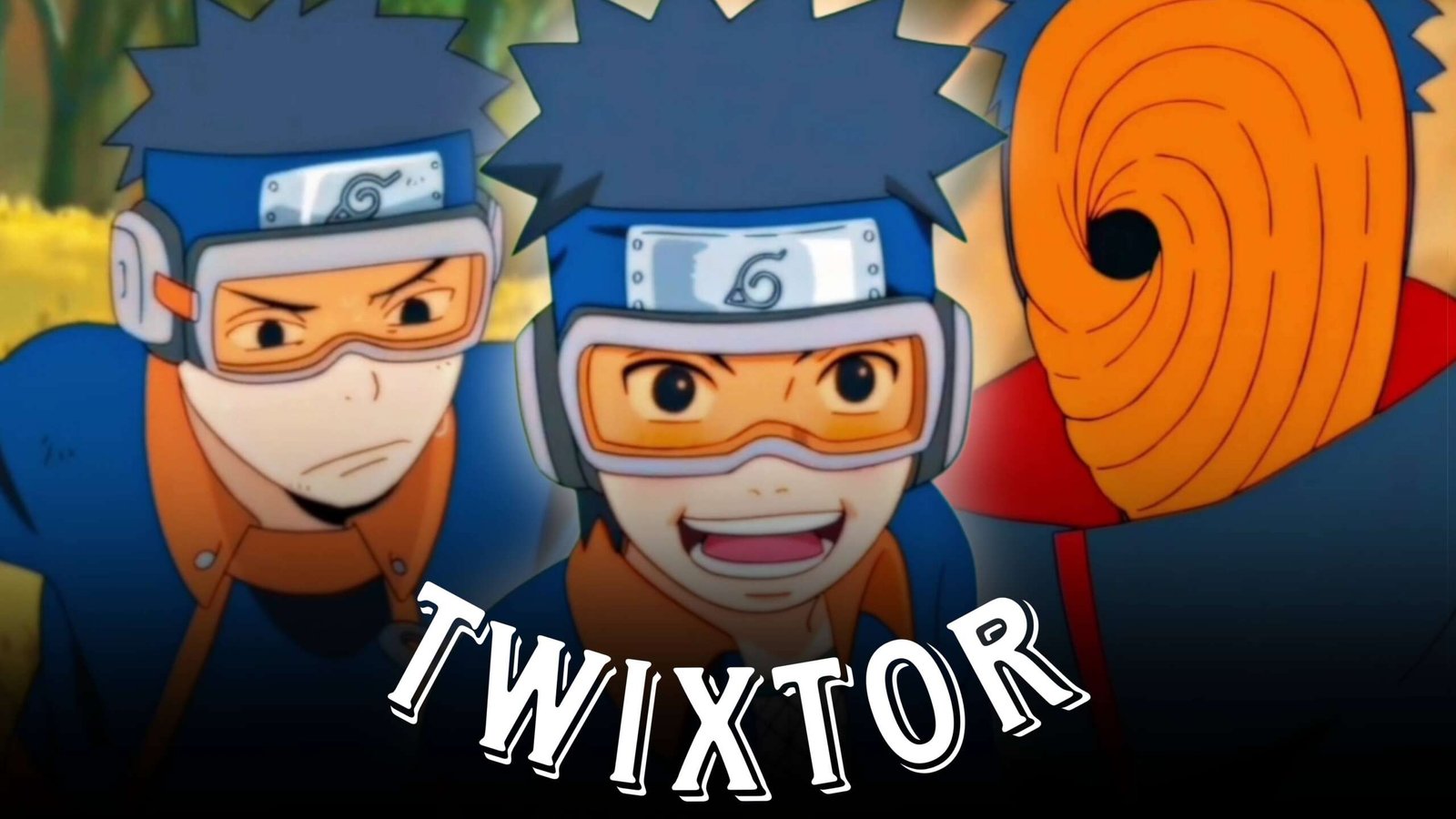
Combine younger Obito, masked Obito and later war scenes to create a visual progression.
War Arc Power Edit
Focus on large-scale abilities and transformation footage with energetic music.
Obito vs Kakashi Edit
Create a more cinematic edit centered on movement, close-ups and the emotional tension of their confrontation.
Common Editing Mistakes
Even strong Obito Uchiha Twixtor footage can look poor when too many effects are used.
Avoid:
- Excessive slow motion
- Overusing flashes
- Heavy sharpening
- Random transitions
- Inconsistent color grading
- Extreme motion blur
- Applying identical velocity curves everywhere
- Using low-quality source footage
The goal is to enhance the animation rather than hide it.
FAQ
What is Obito Uchiha Twixtor?
Obito Uchiha Twixtor refers to Obito Uchiha footage prepared or edited with Twixtor-style frame interpolation for smoother slow motion and anime edits.
Which Obito scenes are useful for Twixtor edits?
Kamui sequences, Sharingan close-ups, masked scenes, Obito vs Kakashi footage, War Arc scenes and his Ten-Tails transformation can all provide useful editing material.
Is Kamui good for velocity edits?
Yes. Kamui contains distinctive movement and visual distortion that can provide natural points for speed ramps and transitions.
How can I make Obito Twixtor clips smoother?
Use suitable source footage, avoid extreme speed reductions and apply interpolation carefully. Motion blur should also be adjusted according to the movement in each shot.
What type of music suits an Obito edit?
Dark atmospheric tracks work well for character-focused edits, while energetic tracks with strong drops can complement Kamui and battle sequences.
Can I make an Obito scenepack for editing?
You can organize footage you are legally permitted to use into categories such as Kamui, Sharingan, masked scenes, battles and transformations for easier editing.
Final Thoughts
Obito Uchiha Twixtor offers a wide range of possibilities because his Naruto scenes cover mystery, combat, emotional storytelling and large-scale transformations. Kamui can provide creative transitions, Sharingan shots can create strong close-ups, and War Arc footage can deliver the high-impact moments needed for a powerful ending.
The strongest Obito Uchiha Twixtor clips are not necessarily the most heavily edited ones. Clean source footage, thoughtful speed changes, synchronized music and consistent grading can make a much bigger difference.
Whether you are creating a short velocity edit, a cinematic character video or a longer Naruto montage, Obito’s varied scenes give you plenty of material to experiment with.
Disclaimer: This article is provided for video-editing information and creative inspiration. It does not host or distribute copyrighted Naruto footage. Use footage you have the right to edit and follow applicable copyright and platform policies.