LINKS
Get Exclusive CC & Quality Setting Here : https://payhip.com/QualityCCLab
GET EXCLUSIVE FREE TWIXTOR CLIPS
Get Anime Clips Raw For Free: https://twixtorclips.com/anime-raw-clips/
Exclusive Twixtor Clips For Free: https://twixtorclips.com
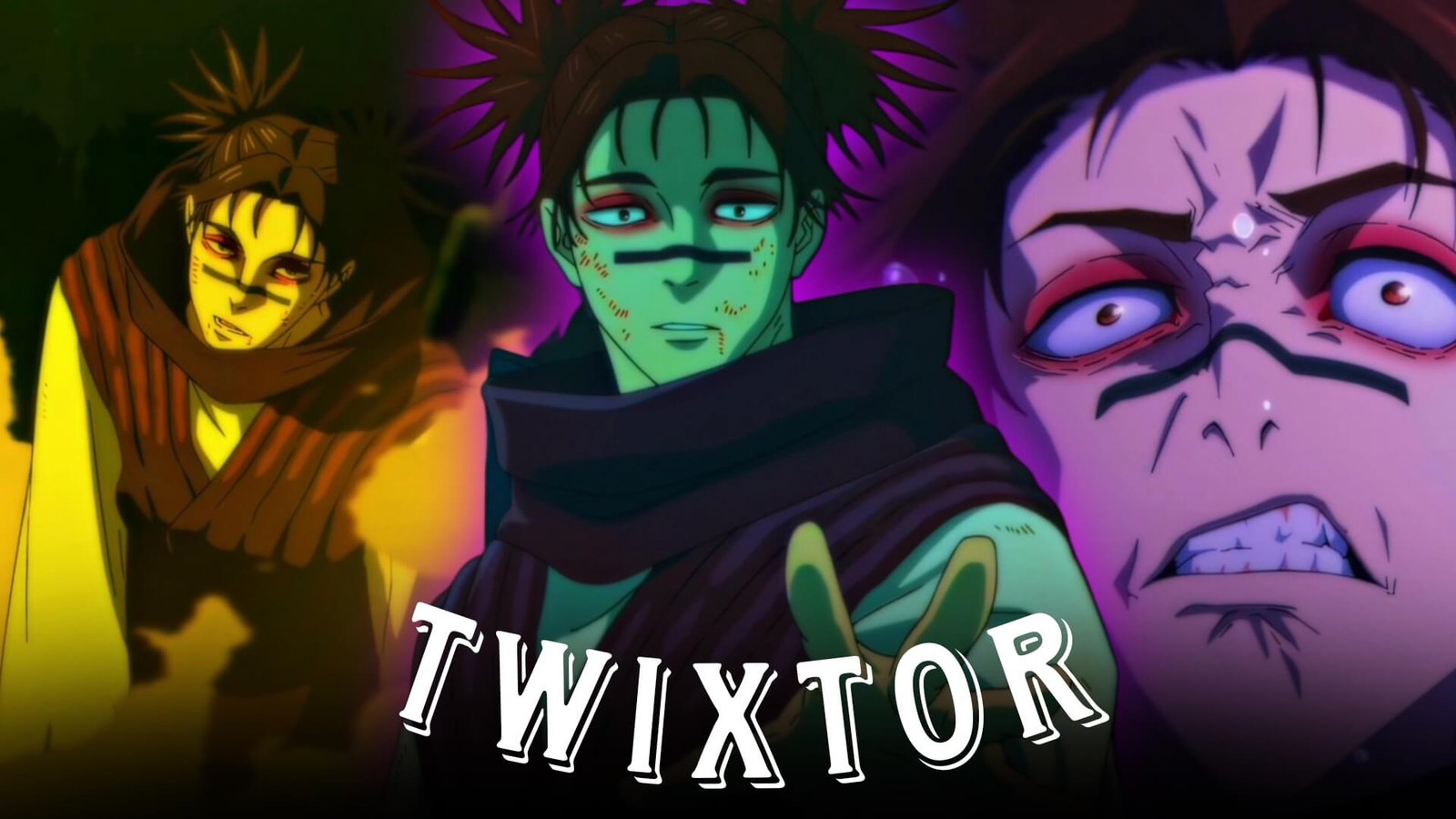
Choso Twixtor: Best Jujutsu Kaisen Blood Manipulation Scenes for Cinematic Anime Edits
Choso is one of the most visually distinctive characters in Jujutsu Kaisen. His Blood Manipulation techniques, intense combat style, and emotional character development provide plenty of material for creative anime edits. From high-speed blood projectiles to close-range combat, Choso Twixtor scenes can work particularly well for cinematic AMVs, velocity edits, YouTube Shorts, TikTok videos, and Instagram Reels.
Choso’s fighting style combines precision, speed, and dramatic visual effects. This makes his action sequences especially suitable for carefully timed slow motion and velocity transitions.
Editorial Note: This article is intended for anime editing education and scene analysis. It does not host or distribute copyrighted anime footage. Use legally obtained source material and follow applicable copyright and platform policies.
Why Choso Is Perfect for Twixtor Edits
Choso’s Blood Manipulation creates distinctive visual effects that make his action scenes stand out.
Popular editing elements include:
- Blood Manipulation techniques
- Piercing Blood
- Supernova
- High-speed projectiles
- Close-range combat
- Dramatic facial expressions
- Intense battle sequences
Combining these moments with selective Twixtor can create smooth and impactful anime edits.
Best Choso Scenes for Twixtor Editing
Choso vs Yuji
One of Choso’s most memorable battles is his confrontation with Yuji Itadori.
The sequence provides excellent opportunities for:
- High-speed attacks
- Blood Manipulation
- Hand-to-hand combat
- Counterattacks
- Dramatic close-ups
- Impact frames
Editing Tip: Apply slow motion immediately before a major attack and return to normal speed at the impact. This creates a stronger velocity effect than slowing the entire sequence.
Piercing Blood
Piercing Blood is one of Choso’s signature techniques and an excellent choice for cinematic editing.
Look for moments involving:
- Technique preparation
- Close-up shots
- Projectile release
- High-speed movement
- Impact sequences
Syncing the release with a beat drop can make the scene considerably more impactful.
Supernova
Choso’s Supernova technique offers another visually interesting opportunity for editors.
The combination of movement, blood effects, and explosive impact can work well as a climax in a short edit or AMV.
For smoother results, consider using Twixtor around the preparation and release rather than applying extreme slow motion to the entire sequence.
Choso’s Emotional Moments
Choso isn’t only about combat.
His relationship with his brothers and his developing connection with Yuji provide emotional scenes that can be used to create a more story-driven edit.
Consider combining:
Emotional close-up → character transition → Blood Manipulation → major attack
This structure can make your edit feel more like a short cinematic sequence.
Twixtor Editing Tips for Choso
Use High-Quality Footage
High-quality source footage can help preserve details around fast-moving characters and Blood Manipulation effects during interpolation.
Apply Twixtor Selectively
The strongest moments to slow down include:
- Piercing Blood preparation
- Projectile release
- Punch impacts
- Fast movement
- Supernova activation
- Dramatic close-ups
Synchronize With Music
Good synchronization points include:
- Bass drops
- Attack releases
- Impact frames
- Camera movements
- Chorus transitions
Don’t Overuse Visual Effects
Choso’s Blood Manipulation already provides strong visual effects. Excessive glow, shake, blur, or flashing can make the scene difficult to follow.
Color Grading Ideas
For a cinematic Choso Twixtor edit, try a darker and high-contrast visual treatment.
Possible adjustments include:
- Deep red accents
- Dark shadows
- Slightly cooler overall tones
- Subtle bloom
- Light film grain
Keep the grading controlled so the Blood Manipulation effects remain detailed.
Common Editing Mistakes
Avoid:
- Extreme slow motion throughout the entire clip
- Excessive camera shake
- Heavy motion blur
- Too many transitions
- Excessive red color grading
- Poor beat synchronization
- Low-quality source footage
Clean timing and selective effects usually produce a more professional result.
Why Editors Love Choso
Choso combines a unique combat style with visually recognizable Blood Manipulation techniques and an emotional character arc. His battles offer both fast-paced action and dramatic moments, making him a versatile character for anime editors.
A well-made Choso Twixtor edit can combine his signature techniques with cinematic music, smooth velocity changes, and carefully chosen character moments.
FAQ
What are the best Choso scenes for Twixtor edits?
Choso vs Yuji, Piercing Blood sequences, Supernova moments, close-range combat, and emotional character scenes are excellent choices.
Why is Choso popular for anime edits?
His Blood Manipulation techniques, distinctive fighting style, intense expressions, and character development make him highly suitable for cinematic Jujutsu Kaisen edits.
How can I make Choso Twixtor smoother?
Use high-quality footage, slow down only key movements, synchronize attacks with music, and avoid excessive visual effects.
Final Thoughts
Choso Twixtor edits work best when they balance his intense Blood Manipulation techniques with his emotional character moments. By combining Piercing Blood, Supernova, close-range combat, and carefully timed slow motion, editors can create cinematic Jujutsu Kaisen content without relying on excessive effects.
For more Jujutsu Kaisen editing inspiration, explore related topics such as Toji Fushiguro Twixtor, Yuji Itadori Twixtor, Sukuna Twixtor, Gojo Twixtor, and Yuta Okkotsu Twixtor.