LINKS
Tengen Uzui Twixtor Clips: Best Scenes for Anime Edits
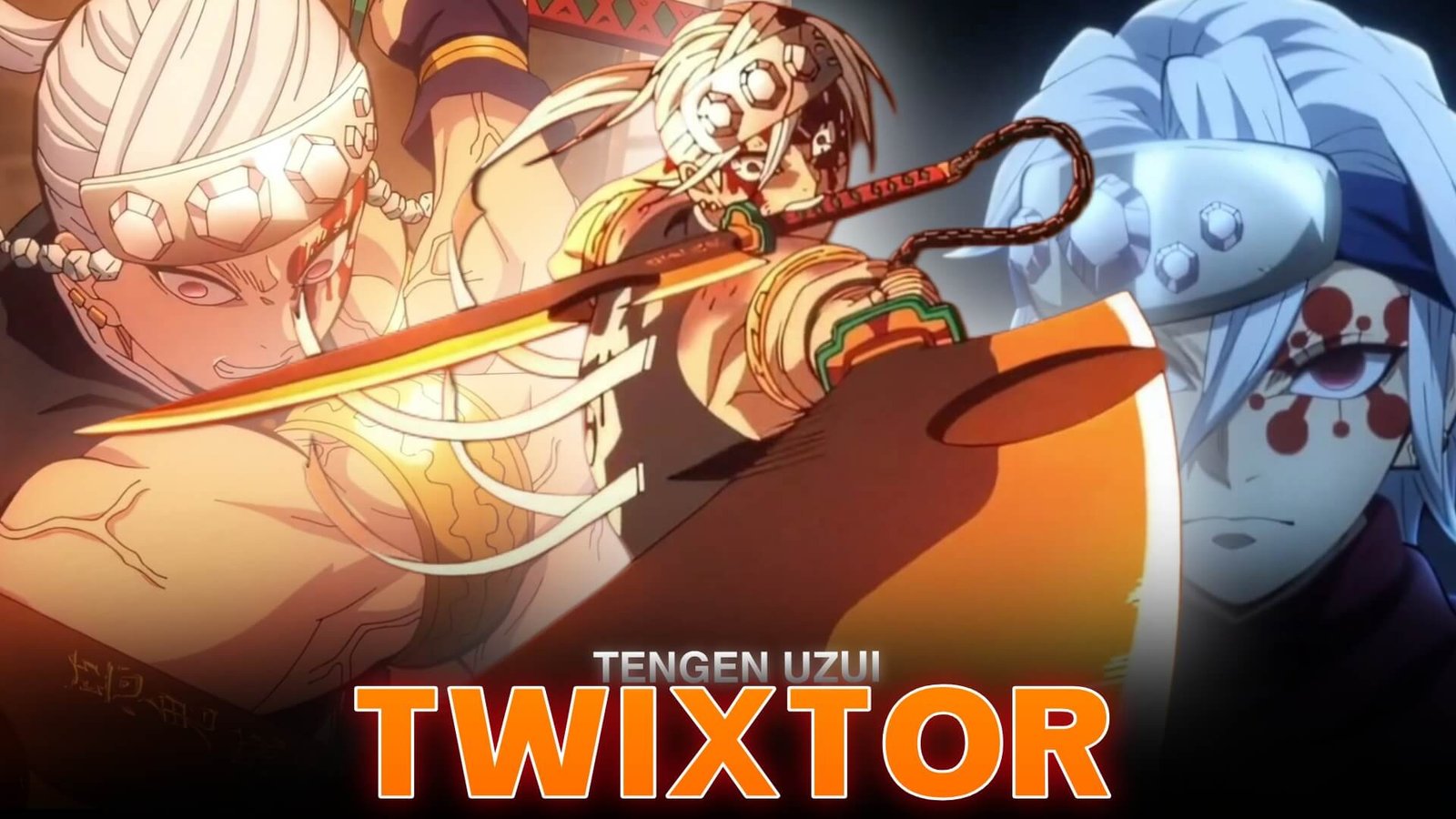
Tengen Uzui brings a distinctive visual style to Demon Slayer: Kimetsu no Yaiba. His dual Nichirin cleavers, explosive combat, musical fighting rhythm, and flashy personality make him an excellent character for cinematic anime edits. Tengen Uzui Twixtor Clips work especially well when editors combine his Sound Breathing techniques with carefully timed slow motion and sharp velocity changes.
From his battle against Gyutaro to his dramatic entrances in the Entertainment District Arc, Tengen’s movements offer plenty of opportunities for energetic AMVs, beat-sync edits, and vertical videos.
Why Tengen Uzui Is Perfect for Twixtor Edits
As the Sound Hashira, Tengen fights with speed, precision, and explosive force. His combat style combines sword swings, acrobatic movement, and dramatic visual effects, giving editors several ways to build a memorable sequence.
Popular editing elements include:
- Sound Breathing attack sequences
- Dual-sword spins and slashes
- Explosive battlefield moments
- Dramatic character close-ups
- Fast dodges and counterattacks
- Tengen’s fight against Gyutaro
The strongest Tengen Uzui Twixtor Clips edits balance his rapid attacks with slower moments that highlight his expressions, stance, or weapon movement. This contrast helps the action feel more impactful without making every shot look the same.
Best Tengen Uzui Moments for Editing
Tengen Uzui vs Gyutaro
The Entertainment District battle is one of the strongest choices for a Tengen Uzui Twixtor Clips edit. The combination of rapid sword exchanges, explosive attacks, and Gyutaro’s unpredictable movements gives editors multiple opportunities to create dramatic speed ramps.
Focus on the moments just before a sword clash, then return to normal speed as the action reaches its peak. This creates a stronger sense of impact than slowing down the entire fight.
For additional inspiration, check out the Gyutaro Twixtor 4K editing guide.
Sound Breathing Techniques
Tengen’s Sound Breathing sequences are particularly effective for beat-sync edits because their movement and explosive effects can complement a soundtrack.
Try this sequence:
- Begin with a short character close-up.
- Build tension with a gradual zoom.
- Slow down the clearest sword movement.
- Accelerate into the attack.
- Finish with a cut synchronized to the beat.
Editing tip: Avoid placing excessive flashes over the sword swings. Keeping the original animation visible makes the choreography easier to follow.
Tengen’s Entrance and Character Moments
Not every edit needs to focus on combat. Tengen’s confident expressions, dramatic poses, and flashy personality work well for character introductions and slower cinematic montages.
Use a subtle push-in, controlled color grading, and a brief pause before the music changes. These moments provide breathing room between high-energy sections and give the final edit more variety.
How to Make Smooth Tengen Uzui Twixtor Clips
For a clean result in After Effects or compatible editing software, follow these steps:
- Choose clear footage: Look for distinct sword movements and avoid shots dominated by heavy motion blur.
- Trim the action: Isolate the specific attack, dodge, or pose you want to emphasize.
- Apply Twixtor: Start with a moderate slowdown and inspect the generated frames for distortions around the blades and character outline.
- Create velocity ramps: Gradually transition between slow and fast movement to maintain the fight’s rhythm.
- Add finishing effects: Apply restrained motion blur, sharpening, and color correction after the timing feels right.
When planning Tengen Uzui Twixtor Clips, pay particular attention to the transition out of slow motion. Returning to full speed at the right moment preserves the force of his attacks and prevents the sequence from feeling sluggish.
For more character-focused editing inspiration, browse the Anime Twixtor collection.
Common Editing Mistakes to Avoid
- Excessive slow motion: It can weaken the intensity of Tengen’s fast sword choreography.
- Interpolation artifacts: Check the edges of the blades and moving limbs.
- Too much glow: Explosive effects already provide strong highlights.
- Unnecessary transitions: Let the action and soundtrack determine where cuts belong.
- Inconsistent color grading: Keep the visual tone consistent across different scenes.
Frequently Asked Questions
Which Tengen Uzui scenes are best for Twixtor edits?
His battle against Gyutaro, Sound Breathing attacks, dual-sword movements, and dramatic character entrances are excellent choices for cinematic edits.
How do I make Tengen Uzui Twixtor Clips smoother?
Use clear source footage, moderate slow-motion settings, and careful frame interpolation. Preview the rendered sequence to identify distorted sword edges or unnatural movement.
Which editing style suits Tengen Uzui best?
Velocity edits, cinematic AMVs, beat-sync montages, and high-energy vertical videos all suit his explosive fighting style. Match the approach to the soundtrack and the movement in each shot.
Final Thoughts
Tengen’s explosive fighting style and distinctive Sound Breathing techniques make Tengen Uzui Twixtor Clips a strong choice for Demon Slayer edits. Combine selective slow motion, precise velocity ramps, and restrained effects to showcase his choreography without losing its energy. Explore more character-focused guides on TwixtorClips.com for your next anime editing project.
Disclaimer: All anime/movie footage referenced belongs to its original creators, animation studios, and copyright holders. This content is provided for editing and educational fan-use purposes only, under fair use principles. No copyright infringement is intended. All rights remain with the original owners.