LINKS
Kira Twixtor Clips: Best Scenes for Death Note Edits
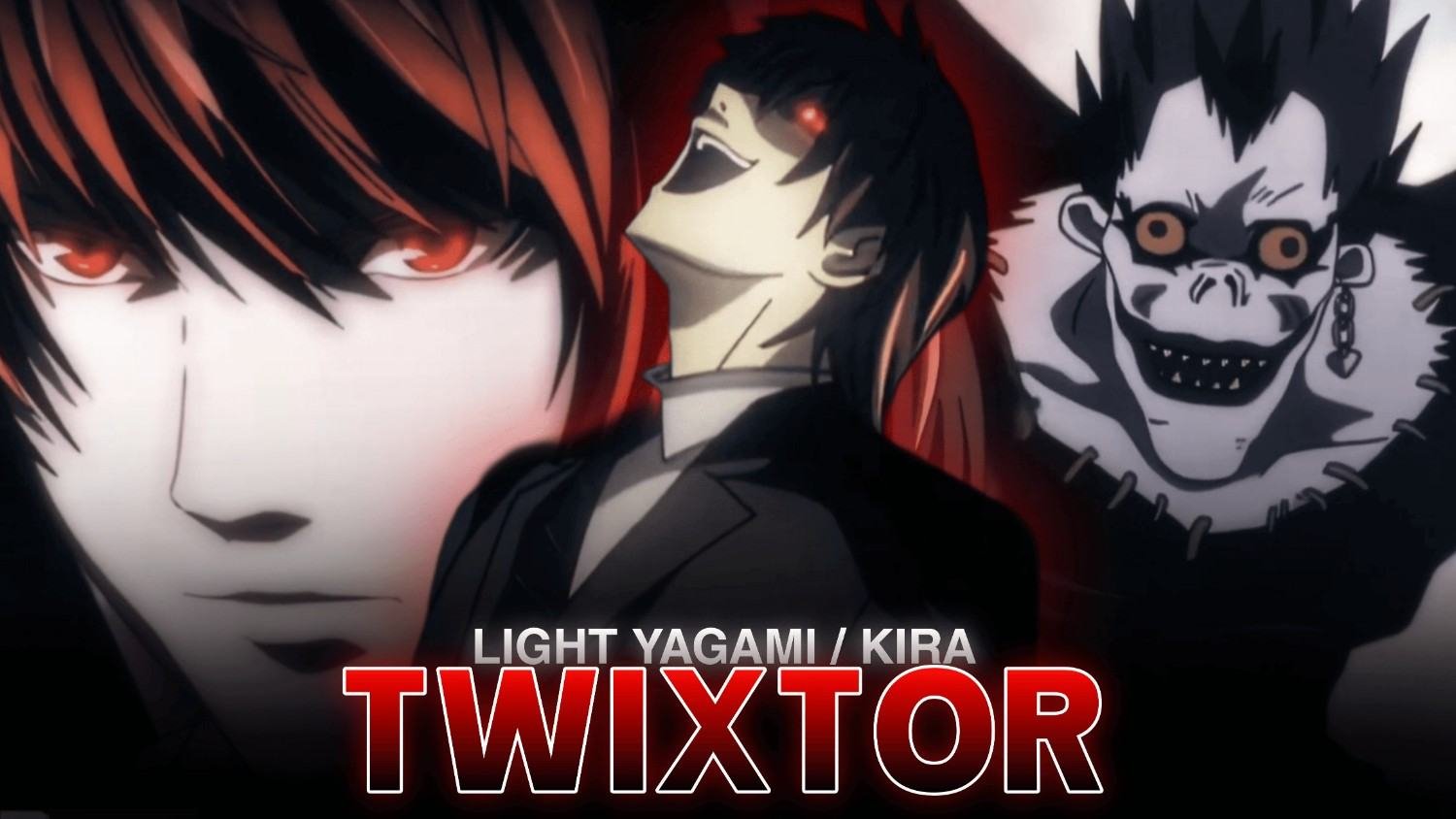
Light Yagami, known as Kira in Death Note, is a compelling character for editors who prefer psychological tension over nonstop action. His confident expressions, calculated decisions, and dramatic reactions give even a quiet scene the potential to become a memorable edit.
Kira Twixtor Clips can work well for dark anime edits, character montages, velocity edits, and short-form videos. Instead of relying on fight scenes, editors can build intensity through eye movements, close-ups, lighting changes, and carefully timed transitions.
When planning a Light Yagami edit, I’d focus on the shift between his calm public image and his more intense expressions. That contrast can create a stronger atmosphere than using heavy effects throughout the entire video.
Why Light Yagami Works for Twixtor Edits
Light’s scenes often depend on facial expressions and dramatic pauses. These details make timing especially important: slow motion should emphasize a meaningful look or reveal rather than stretch every second of the scene.
Consider these scene types when planning Kira Twixtor Clips:
- Intense close-ups: Highlight his eyes and subtle changes in expression.
- Death Note moments: Build suspense around the notebook and his decisions.
- Light and L’s confrontations: Use alternating shots to create a sense of rivalry.
- Confident expressions: Pair a gradual zoom with a beat drop.
- Dramatic reveals: Use a short pause before transitioning into the next shot.
The most effective edits connect these moments into a visual story instead of presenting unrelated scenes.
Best Moments to Highlight in a Kira Edit
1. The Notebook Reveal
The Death Note is central to Light’s transformation. Shots involving the notebook, his hands, or a serious expression can establish a mysterious opening. Use a gradual zoom and restrained lighting before the music builds.
2. Light’s Intense Expressions
Close-ups are ideal for edits built around suspense. With Kira Twixtor Clips, keep the slowdown short enough to preserve natural facial movement. A subtle zoom or carefully timed cut can make a reaction feel more dramatic.
3. Light and L’s Rivalry
The mental battle between Light and L offers opportunities for split-second cuts and alternating close-ups. Match each character’s appearance to a separate beat, then use a faster transition to build tension.
4. The Final Reveal
For a darker character montage, arrange scenes so the mood gradually shifts from confidence to desperation. This gives Kira Twixtor Clips a clear emotional progression and makes the ending feel intentional.
How to Make Smooth Kira Twixtor Clips
Follow these steps in After Effects or another compatible editing setup:
- Choose clean footage: Look for clear facial details and minimal camera movement.
- Trim the shot: Focus on a meaningful expression or action rather than slowing an entire scene.
- Apply Twixtor: Start with a moderate speed reduction and inspect the generated frames.
- Create a velocity ramp: Ease into slow motion before accelerating toward a beat or transition.
- Add subtle movement: Use a controlled zoom or slight camera motion to add depth.
- Finish the grade: Adjust contrast and color carefully to maintain facial detail.
When I plan this style of edit, I’d prioritize expression and timing over extreme slow motion. Kira Twixtor Clips often benefit from restrained effects because the tension is already present in the original scene.
Color Grading and Effects for Death Note Edits
A darker visual style can complement Light’s calculating personality, but excessive contrast can hide important details.
- Color grading: Use cool or muted tones for a suspenseful atmosphere.
- Glow: Keep it subtle, especially around bright highlights.
- Sharpening: Preserve eye and facial details without creating harsh edges.
- Motion blur: Apply only when it improves the transition.
- Transitions: Try clean cuts, brief fades, and controlled zooms instead of constant flashes.
For Kira Twixtor Clips, consistency matters more than the number of effects. Choose a visual style that supports the mood of the scene.
Common Editing Mistakes to Avoid
- Slowing dialogue scenes excessively.
- Using strong camera shake on static close-ups.
- Applying too much sharpening to facial details.
- Adding transitions that interrupt the suspense.
- Choosing music that clashes with the scene’s atmosphere.
A clean edit allows the character’s expressions to remain the main attraction. With Kira Twixtor Clips, a carefully timed close-up can be more effective than a complicated effects sequence.
Frequently Asked Questions
Which Kira scenes are best for Twixtor edits?
Light’s notebook scenes, intense close-ups, confrontations with L, and dramatic reveals are useful starting points for character-focused edits.
How can I make Light Yagami edits look cinematic?
Use controlled zooms, moderate slow motion, consistent color grading, and music that supports the suspenseful mood.
Can I use Kira clips for AMVs and Reels?
These scenes can inspire AMVs, Reels, Shorts, and character edits. Follow applicable copyright rules and the publishing platform’s policies.
Final Thoughts
Kira Twixtor Clips are a strong choice for editors who want to create suspenseful, psychological anime edits rather than action-heavy montages. Focus on facial expressions, meaningful pauses, and carefully timed transitions to give each shot purpose. You can browse TwixtorClips for more editing inspiration and anime-related content.
Disclaimer: All anime/movie footage referenced belongs to its original creators, animation studios, and copyright holders. This content is provided for editing and educational fan-use purposes only, under fair use principles. No copyright infringement is intended. All rights remain with the original owners.