LINKS
Dante Zogratis Twixtor: Bring the Dark Triad’s Power Into Your Edits
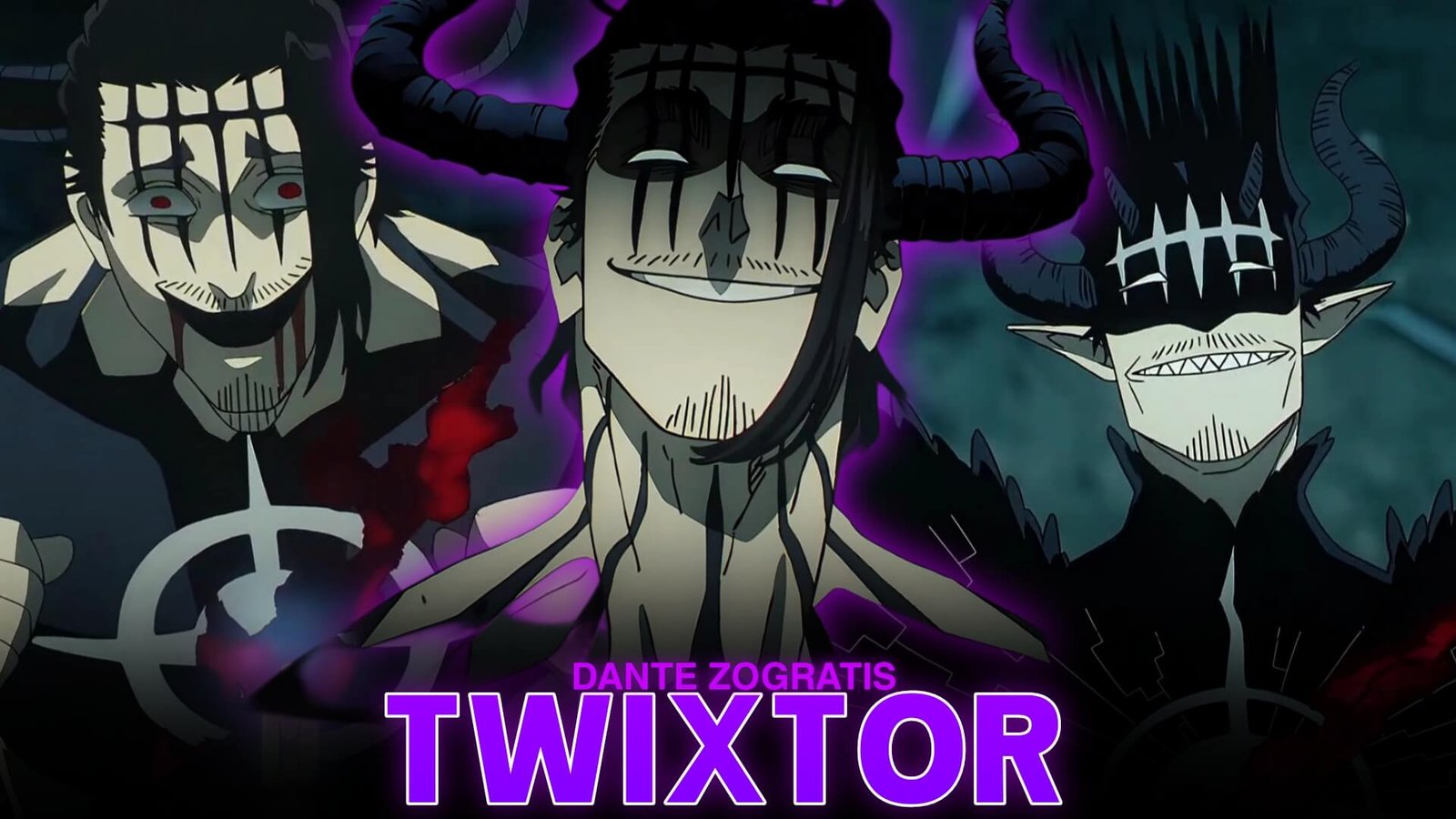
Dante Zogratis is one of the most memorable villains in Black Clover. As a member of the Dark Triad and the host of Lucifero, he combines Gravity Magic, Body Magic, and overwhelming physical strength. His calm personality makes his sudden attacks even more intimidating, creating excellent moments for cinematic anime edits.
Dante Zogratis Twixtor is a strong topic for editors who enjoy dark character edits, aggressive velocity changes, and dramatic fight sequences. From his confident expressions to his devil-powered transformation, Dante offers a variety of visual moments that can make an AMV stand out.
Instead of adding effects to every frame, focus on the character’s movement and the atmosphere of each scene. A carefully timed edit can make even a short sequence feel powerful.
Why Dante’s Fighting Style Works for Twixtor Edits
Dante’s fighting style offers a combination of close-range combat and supernatural abilities. His Gravity Magic creates opportunities for dramatic visual transitions, while his physical attacks provide sharp movements that work well with speed adjustments.
Here are some scene types worth considering:
- Gravity Magic: Use slower pacing to build tension around moments when Dante manipulates gravity.
- Devil transformation: Highlight his changing appearance with a gradual zoom and carefully timed flashes.
- Close-range attacks: Use short velocity ramps to emphasize punches and sudden movements.
- Facial expressions: Create dramatic pauses before a beat drop or transition.
When choosing footage for a Dante Zogratis Twixtor edit, I would prioritize scenes with clear character movement. Footage with excessive motion blur or overlapping effects can be difficult to interpolate smoothly.
Best Editing Ideas for Dante Zogratis 4K Clips
1. Create a Dark Cinematic Introduction
Begin with a close-up of Dante or a moment where he calmly faces his opponent. Use a subtle zoom and controlled contrast to establish the atmosphere. Let the music build before introducing the first major action shot.
2. Experiment With Velocity Changes
A Dante Zogratis Twixtor sequence can look impressive when speed changes follow the movement naturally. Slow down a character’s approach, then return to normal speed as the attack begins. Avoid applying extreme slow motion to every shot.
3. Improve the Color Grading
Dante’s dark character design works particularly well with deeper shadows and controlled highlights. You can experiment with slightly reduced saturation, stronger contrast, and subtle red accents. Keep the original animation visible instead of covering it with excessive glow.
4. Synchronize Effects With Impacts
Use camera shake when a powerful attack connects. A short directional blur or a carefully timed flash can emphasize the action without distracting viewers. A polished Dante Zogratis Twixtor edit should keep the character and animation as its main attraction.
Related Black Clover Twixtor Clips
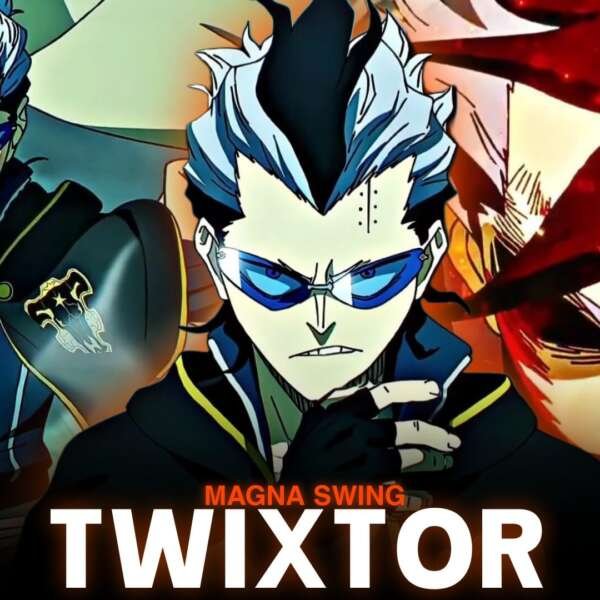
Dante’s confrontation with Magna is one of the most interesting battles to use as an editing reference. Their fight combines close-range punches, fire magic, and a memorable change in the balance of power.
For more related material, check these TwixtorClips pages:
- Magna vs Dante Twixtor 4K – Directly connected to Dante’s battle.
- Asta Twixtor Clips 4K – Another major Black Clover character.
- Asta Devil Union Form Twixtor – Useful for dark transformation edit inspiration.
How to Make Smooth Dante Zogratis Twixtor Edits
For better results in After Effects, follow a simple workflow:
- Select clear footage with visible movement.
- Trim the sequence around important actions.
- Apply Twixtor and experiment with moderate speed reduction.
- Inspect fast-moving body parts for interpolation distortion.
- Add motion blur only where it improves the movement.
- Synchronize transitions with the music.
- Render a short preview before exporting the complete edit.
One common mistake is slowing down every attack by the same amount. Mixing normal-speed footage with short slow-motion sections gives the edit a more natural rhythm. This approach is especially useful when working with Dante Zogratis Twixtor footage containing fast punches and sudden movements.
Get More Anime Editing Inspiration
If you enjoy creating anime velocity edits, you can also follow Flamearc.Edits for social content and editing inspiration:
These profiles can be useful places to explore anime editing content and creative approaches.
Frequently Asked Questions
What makes Dante Zogratis suitable for Twixtor edits?
His Gravity Magic, devil transformation, physical attacks, and dramatic expressions offer different types of footage for cinematic AMVs and velocity edits.
Which Dante fight is best for an anime edit?
His battle against Magna Swing is a standout choice because it features close-range combat and an interesting contrast between the two characters.
How can I avoid distortion in Dante Zogratis Twixtor edits?
Use footage with clear movement, avoid excessive speed reduction, and inspect fast-moving areas such as hands, hair, and character outlines after interpolation.
Final Thoughts
Dante Zogratis brings a dark and intimidating atmosphere to Black Clover. His powerful abilities and confident personality provide plenty of creative opportunities for anime editors. With thoughtful scene selection, controlled speed changes, and balanced effects, Dante Zogratis Twixtor edits can deliver a cinematic result without losing the original animation’s impact.
Explore more Black Clover anime Twixtor clips on TwixtorClips for your next editing project.
Disclaimer: All anime/movie footage referenced belongs to its original creators, animation studios, and copyright holders. This content is provided for editing and educational fan-use purposes only, under fair use principles. No copyright infringement is intended. All rights remain with the original owners.