LINKS
GET EXCLUSIVE FREE TWIXTOR CLIPS
Get Exclusive CC & Quality Setting Here : https://payhip.com/QualityCCLab
Get Demon Slayer Twixtor’s For Free : https://twixtorclips.com/category/demon-slayer-twixtor/
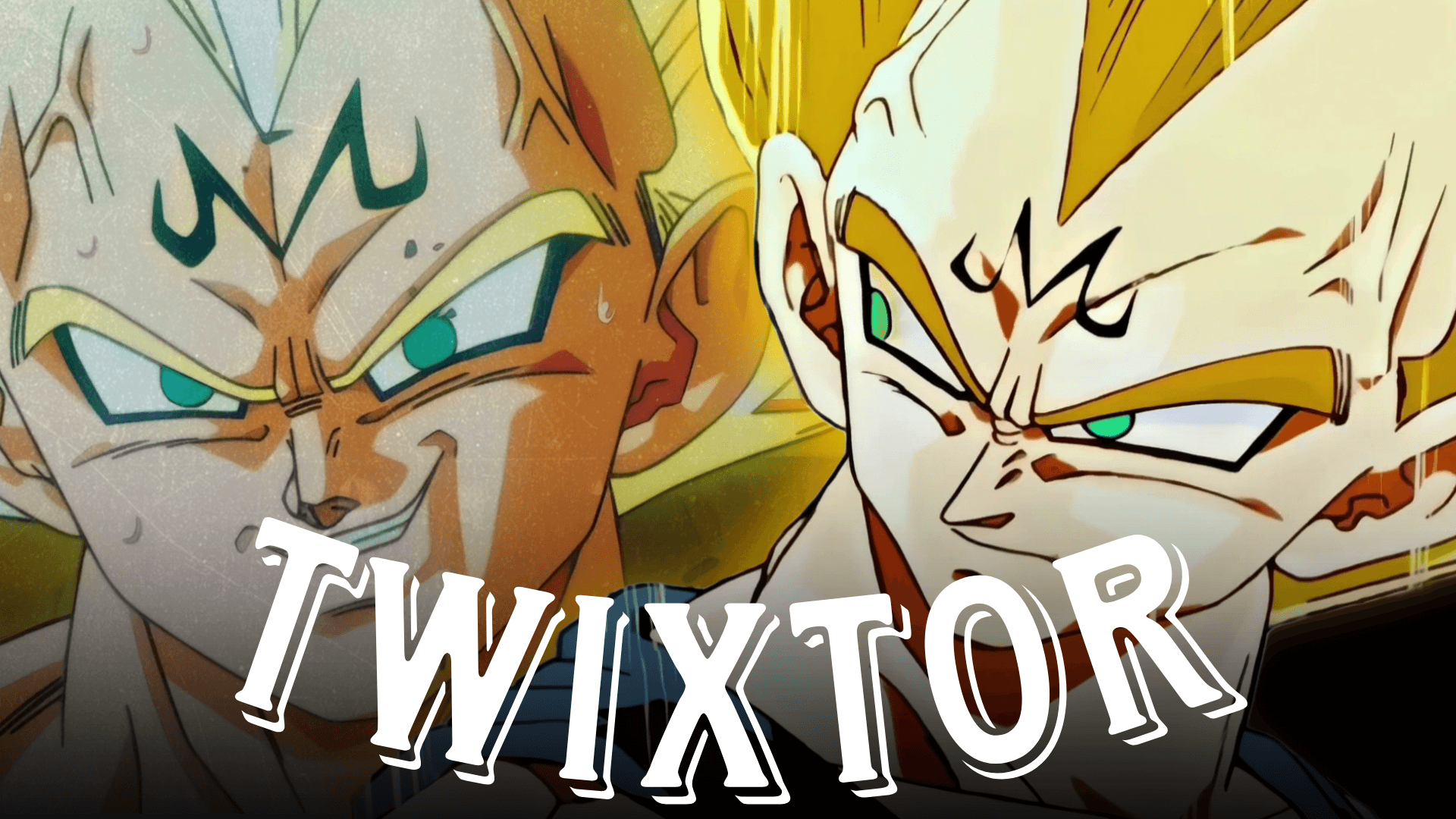
Vegeta Twixtor: Best Dragon Ball Scenes for Smooth Edits
Vegeta is one of the most iconic characters in the Dragon Ball franchise, making Vegeta Twixtor edits incredibly popular among anime editors. His explosive transformations, intense fight choreography, and confident personality provide countless opportunities for creating cinematic slow-motion edits. Whether you’re working on an AMV, TikTok edit, Instagram Reel, or YouTube Short, choosing the right Vegeta scenes can dramatically improve your final result.
In this guide, we’ll explore some of the best Vegeta moments for Twixtor editing, discuss editing techniques that help create smoother slow-motion effects, and share practical tips that every anime editor can apply.
Why Vegeta Is Perfect for Twixtor Edits
A successful Vegeta Twixtor edit starts with scenes that feature clean animation and fluid movement. Dragon Ball is known for dynamic action sequences, making Vegeta one of the easiest characters to transform into high-quality slow-motion edits.
Some reasons editors enjoy working with Vegeta include:
- Powerful transformation sequences
- Fast combat animations
- Emotional character moments
- Energy aura effects
- Signature attacks with cinematic visuals
These characteristics make Vegeta suitable for velocity edits, cinematic AMVs, and transition-heavy projects.
Best Vegeta Scenes for Twixtor Editing
Ultra Ego Vegeta
Ultra Ego features some of the most visually stunning animation in modern Dragon Ball. His confident expressions, battle damage, and purple aura create excellent opportunities for dramatic slow-motion sequences.
Editing Tip:
- Apply Twixtor during slower camera movements.
- Enhance aura colors using glow effects.
- Combine with subtle camera shake for impact.
Super Saiyan Blue Vegeta
Super Saiyan Blue offers clean animation and vibrant energy effects that work exceptionally well in velocity edits.
Recommended moments include:
- Transformation scenes
- Energy charging
- Final Flash preparation
- Fast punch combinations
- Close-up facial expressions
These clips are ideal for transitions between intense action sequences.
Vegeta vs Goku
One of the most legendary rivalries in anime history provides numerous editing opportunities.
Great moments include:
- Initial face-offs
- High-speed combat
- Power clashes
- Emotional dialogue
- Final attacks
When creating a Vegeta Twixtor, alternating perspectives between Vegeta and Goku can produce engaging comparison edits.
Vegeta’s Final Flash
Final Flash remains one of Vegeta’s signature attacks and is perfect for cinematic edits.
Why it works:
- Long anticipation sequence
- Bright visual effects
- Powerful camera movement
- Explosive ending
Slow-motion can emphasize the energy buildup before transitioning into the attack’s release.
Tips for Creating a Smooth Vegeta Twixtor
Even great source footage requires careful editing. To maximize quality:
Use High-Quality Source Footage
Higher-resolution footage generally provides cleaner frame interpolation, reducing unwanted visual artifacts.
Choose Stable Motion
Twixtor performs best when movement is clear and consistent. Scenes with excessive flashing or rapid camera cuts may produce distortions.
Mask Fast-Moving Objects
During intense fight scenes, masking individual characters can help improve interpolation quality and reduce ghosting effects.
Add Motion Blur Carefully
A small amount of motion blur helps hide interpolation artifacts while maintaining a natural cinematic appearance.
Sync With Music
Strong Vegeta edits often align transformations, attacks, or dramatic expressions with musical beats or bass drops.
Popular sync points include:
- Aura activation
- Punch impacts
- Final Flash release
- Transformation completion
- Character close-ups
Good timing can make an edit feel significantly more polished.
Common Mistakes to Avoid
Many beginner editors encounter similar issues when creating a Vegeta Twixtor edit.
Avoid:
- Using low-resolution footage
- Applying excessive slow motion
- Overusing glow effects
- Ignoring frame interpolation artifacts
- Adding too many unnecessary transitions
Keeping your edit clean often produces a more professional final result.
Color Grading Ideas
Color grading can completely change the mood of your Vegeta edit.
Popular styles include:
- Blue cinematic grading for Super Saiyan Blue
- Purple highlights for Ultra Ego
- High-contrast action grading
- Warm orange battle atmosphere
- Dark dramatic edits for emotional scenes
Experiment with different grading styles to match the music and pacing of your project.
Why Vegeta Remains a Favorite Among Anime Editors
Few anime characters offer the same combination of personality, action, and memorable transformations as Vegeta. From his early Saiyan Saga battles to his latest appearances, every era provides scenes that suit different editing styles.
Whether you prefer cinematic edits, velocity edits, or dramatic AMVs, Vegeta Twixtor projects remain consistently popular because of the character’s iconic moments and visually striking animation.
Learning to identify scenes with smooth movement, expressive animation, and impactful camera work will help elevate the quality of your edits.
FAQ
What is the best Vegeta scene for a Twixtor edit?
Ultra Ego transformations, Final Flash sequences, and Super Saiyan Blue fight scenes are among the most popular choices because they feature smooth animation and dramatic visual effects.
Which Dragon Ball arc has the best Vegeta animation?
Many editors favor the Tournament of Power, Dragon Ball Super: Broly, and recent Dragon Ball Super arcs for their fluid animation and dynamic fight choreography.
How can I make my Vegeta Twixtor look smoother?
Use high-quality footage, apply Twixtor selectively during clean motion, mask overlapping objects when necessary, and synchronize key moments with your music for a more polished result.
Final Thoughts
Creating an impressive Vegeta Twixtor edit is about more than slowing down a fight scene. Careful scene selection, clean motion, thoughtful color grading, and precise timing all contribute to a professional-looking result. As you refine your editing workflow, explore different Dragon Ball arcs and experiment with transitions, velocity changes, and cinematic effects to develop your own editing style.
If you’re looking for more anime editing inspiration, explore our other guides covering iconic Dragon Ball battles, transformation analyses, character-focused editing techniques, and Twixtor workflow tips.