LINKS
Get Exclusive CC & Quality Setting Here : https://payhip.com/QualityCCLab
GET EXCLUSIVE FREE TWIXTOR CLIPS
Get Anime Clips Raw For Free: https://twixtorclips.com/anime-raw-clips/
Exclusive Twixtor Clips For Free: https://twixtorclips.com
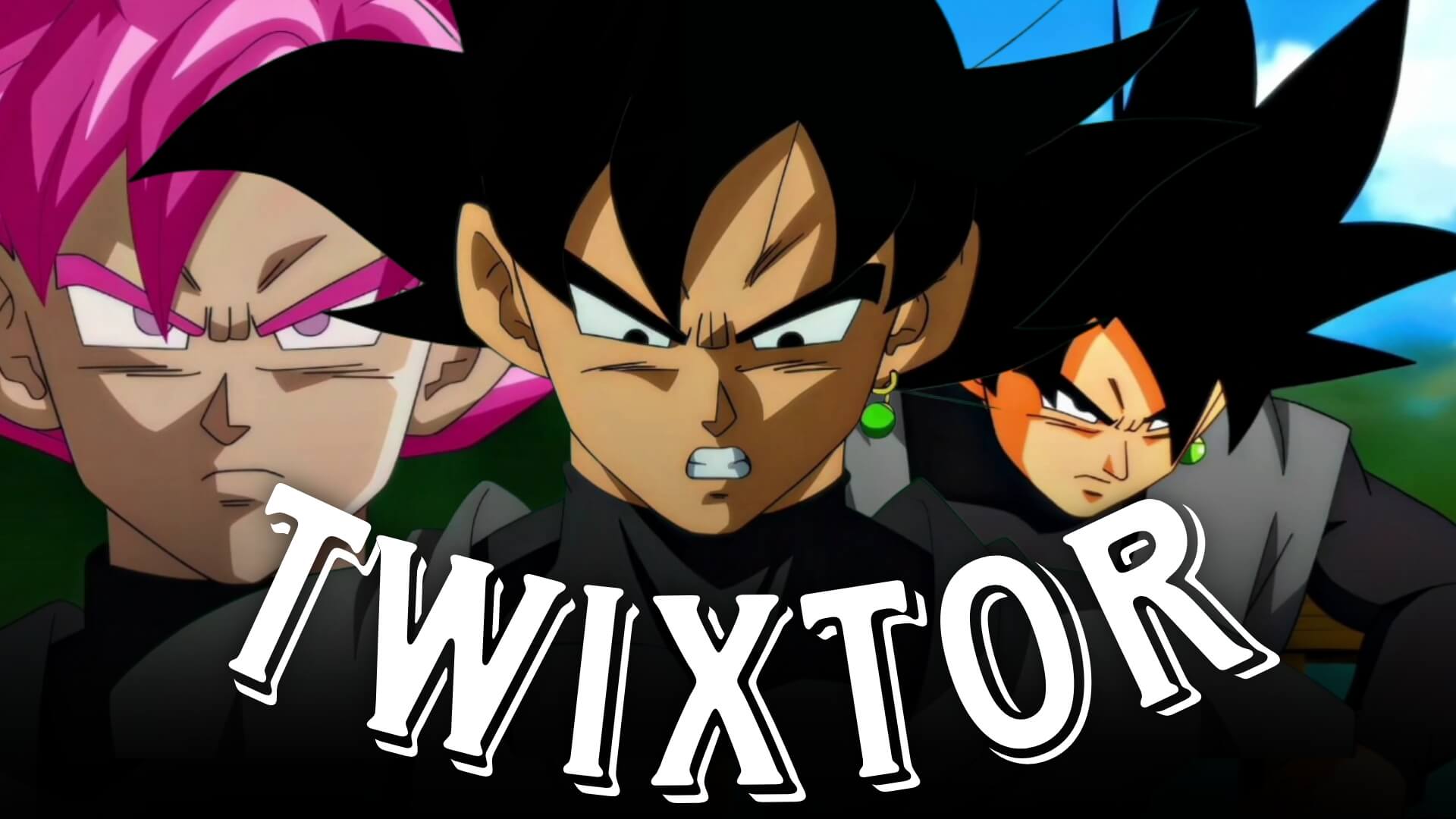
Black Goku Twixtor: Best Dragon Ball Super Scenes for Edits
Black Goku Twixtor edits are among the most stylish and cinematic in the Dragon Ball Super editing community. Better known as Goku Black, this fan-favorite antagonist combines elegant fighting techniques, powerful transformations, and unforgettable visual effects that make his scenes ideal for Twixtor editing. Whether you’re creating an AMV, TikTok edit, Instagram Reel, or YouTube Short, Goku Black offers countless moments that stand out through smooth animation and dramatic storytelling.
In this guide, we’ll explore the best Black Goku Twixtor scenes, explain why they’re popular among editors, and share practical editing techniques for creating high-quality anime edits.
Why Black Goku Is Perfect for Twixtor
A great Black Goku Twixtor edit starts with scenes featuring fluid animation, cinematic camera work, and powerful energy effects. Goku Black’s calm personality and graceful combat style create visually striking moments that look exceptional in slow motion.
Editors love Goku Black because of his:
- Elegant sword combat
- Super Saiyan Rosé transformation
- Divine Ki visual effects
- Fast aerial battles
- Powerful energy attacks
- Cinematic facial expressions
These qualities make him one of the most edited villains in Dragon Ball Super.
Best Black Goku Scenes for Twixtor Editing
Super Saiyan Rosé Transformation
Goku Black’s transformation into Super Saiyan Rosé is one of the most iconic moments in the series.
Best editing moments include:
- Transformation sequence
- Pink aura activation
- Hair color change
- Close-up facial expressions
- Energy release
Editing Tip:
Apply slow motion during the aura buildup before transitioning into the first attack for maximum impact.
Black Goku vs Super Saiyan Blue Goku
The clash between Goku Black and Goku delivers several beautifully animated action sequences.
Highlight scenes include:
- Fast punches
- Energy clashes
- Teleportation movement
- Beam struggles
- Mid-air combat
These moments work perfectly for velocity edits synchronized with music.
Black Goku vs Vegeta
Vegeta’s battles against Goku Black feature intense choreography and emotional storytelling.
Excellent editing clips include:
- Close-range combat
- Energy blasts
- Counterattacks
- Aura effects
- Powerful finishing strikes
These sequences create cinematic action edits with dynamic pacing.
Energy Scythe and Divine Techniques
Goku Black’s unique abilities provide spectacular visual effects.
Focus on:
- Energy Blade creation
- Energy Scythe attacks
- Dimensional slash effects
- Purple aura
- Reality-distorting visuals
These scenes are excellent for dramatic slow-motion edits.
Editing Tips for a Smooth Black Goku Twixtor
Creating a professional Black Goku Twixtor requires careful timing and scene selection.
Use High-Quality Source Footage
High-resolution footage helps Twixtor interpolate frames more accurately while preserving Dragon Ball Super’s vibrant animation.
Apply Twixtor Strategically
Reserve slow motion for:
- Transformations
- Energy Blade attacks
- Aura activation
- Punch impacts
- Final finishing moves
Using Twixtor selectively creates stronger visual emphasis.
Synchronize With Music
Excellent synchronization points include:
- Rosé transformation
- Energy blast releases
- Sword attacks
- Aura surges
- Final clashes
Matching these moments with beat drops creates more engaging edits.
Keep Visual Effects Balanced
The original animation already includes colorful aura effects and dramatic lighting. Avoid excessive glow or unnecessary overlays that reduce clarity.
Color Grading Ideas
A cohesive color grade enhances your Black Goku Twixtor.
Popular styles include:
- Rosé pink highlights
- High-contrast cinematic grading
- Purple shadow tones
- Soft bloom effects
- Slight film grain
Consistent grading helps your edit feel polished and cinematic.
Common Mistakes to Avoid
When creating a Black Goku Twixtor, avoid:
- Overusing slow motion
- Excessive transitions
- Too much camera shake
- Poor beat synchronization
- Using low-quality source clips
Simple edits with clean timing often produce the strongest results.
Why Black Goku Is an Editor Favorite
Goku Black’s elegant fighting style and memorable transformations make him one of the most visually appealing characters in the Dragon Ball franchise. His calm confidence, divine abilities, and striking Rosé form provide editors with endless opportunities for cinematic storytelling and action-packed edits.
A well-crafted Black Goku Twixtor highlights not only the speed of his combat but also the unique visual identity that makes him one of Dragon Ball Super‘s most iconic villains.
FAQ
What are the best Black Goku scenes for Twixtor edits?
The Super Saiyan Rosé transformation, Black Goku vs Super Saiyan Blue Goku, Black Goku vs Vegeta, and the Energy Scythe sequences are among the best scenes for cinematic edits.
Why is Black Goku popular for anime edits?
His elegant combat style, unique Rosé transformation, cinematic animation, and powerful energy effects make him one of the most popular Dragon Ball characters for Twixtor edits.
How can I make my Black Goku Twixtor smoother?
Use high-resolution footage, apply Twixtor to scenes with clean movement, synchronize major attacks with your soundtrack, and keep visual effects balanced for a polished result.
Final Thoughts
A memorable Black Goku Twixtor edit combines smooth slow motion, cinematic pacing, and precise music synchronization to showcase one of Dragon Ball Super‘s most iconic villains. By carefully selecting transformation scenes, dramatic battles, and signature techniques, you can create edits that stand out across social media platforms.
For more anime editing inspiration, explore our guides on Goku vs Vegeta Twixtor, Future Trunks Twixtor, Vegeta Ultra Ego Twixtor, and other legendary Dragon Ball editing techniques.