LINKS
Get Exclusive CC & Quality Setting Here : https://payhip.com/QualityCCLab
GET EXCLUSIVE FREE TWIXTOR CLIPS
Get Anime Clips Raw For Free: https://twixtorclips.com/anime-raw-clips/
Exclusive Twixtor Clips For Free: https://twixtorclips.com
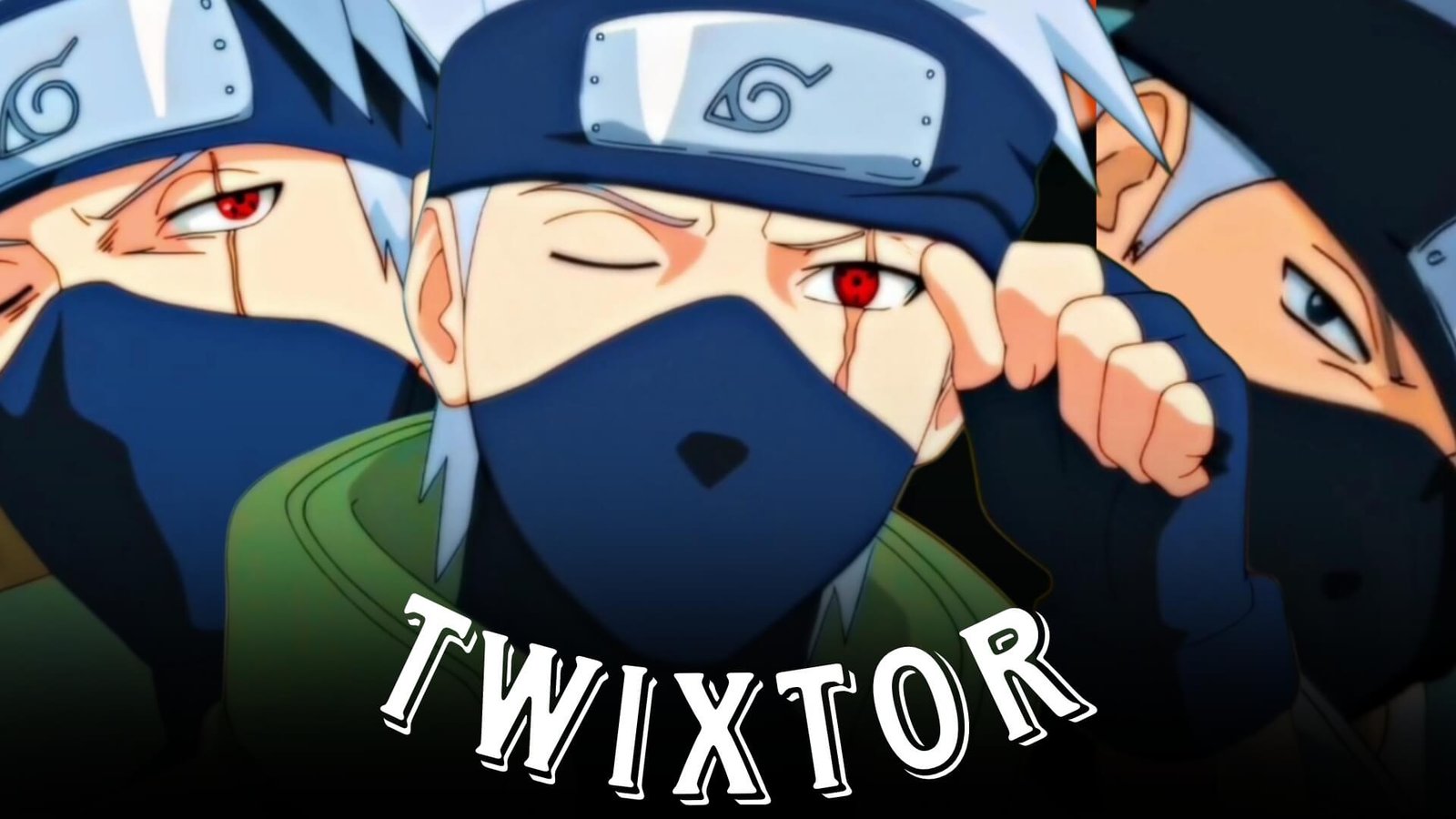
Kakashi Hatake Twixtor: Best Naruto Scenes for Cinematic Edits
Kakashi Hatake is one of the most recognizable characters in the Naruto series. Known as the Copy Ninja, Kakashi combines exceptional combat skills, the Sharingan, Lightning Style techniques, and a calm but intimidating personality.
His fast movements, Lightning Blade, Sharingan activations, Kamui sequences, and memorable battles make Kakashi Hatake Twixtor a strong topic for anime editors.
Kakashi clips can be used to create AMVs, velocity edits, YouTube Shorts, TikTok videos, Instagram Reels, and cinematic character edits.
Editorial Note: This article focuses on anime editing education and scene analysis. It does not host or distribute copyrighted anime footage. Use footage you have the right to use and follow applicable copyright and platform policies.
Why Kakashi Is Great for Twixtor Edits
Kakashi’s fighting style combines speed, precision, and visually recognizable techniques.
Popular editing elements include:
- Sharingan activation
- Lightning Blade
- Kamui
- Raikiri
- Copy Ninja moments
- Kunai and weapon movements
- Taijutsu
- High-speed combat
- Character close-ups
Best Kakashi Moments for Editing
Kakashi Sharingan Scenes
Kakashi’s Sharingan activation can make a powerful opening for an edit.
A simple structure is:
Kakashi close-up → eye reveal → Sharingan activation → slow motion → beat drop → combat
Keep the transition relatively clean so the Sharingan remains the visual focus.
Kakashi’s Lightning Blade
The Lightning Blade is one of Kakashi’s most recognizable techniques.
It provides excellent material for speed-ramping because the technique often involves a clear buildup followed by rapid movement.
Try:
Kakashi preparation → Lightning Blade activation → slow motion → acceleration → impact
Synchronizing the attack with a bass hit or beat drop can make the moment more impactful.
Kakashi’s Kamui
Kamui sequences can create excellent transition points.
You can use the visual distortion or technique activation as a natural moment to transition between two different scenes.
For example:
Kakashi close-up → Kamui activation → transition → new scene → attack
Avoid adding too many additional effects because the original technique already provides strong visuals.
Kakashi vs Obito
Kakashi’s battle with Obito offers some of the most visually dynamic combat footage for an edit.
Useful elements include:
- Taijutsu
- Hand-to-hand combat
- Kunai clashes
- Sharingan moments
- Fast movements
- Character close-ups
For a cinematic edit, alternate between both characters rather than showing only Kakashi’s attacks.
Twixtor Editing Tips for Kakashi
Use High-Quality Footage
High-quality source footage generally gives interpolation software more visual information, particularly during fast combat sequences.
Apply Twixtor Selectively
Good moments include:
- Lightning Blade activation
- Sharingan reveals
- Kunai movements
- Punches and kicks
- Dodges
- Character close-ups
- Technique activation
Avoid applying Twixtor across hard cuts or complicated overlapping animation.
Use Velocity Ramping
A simple pattern is:
100% → slow motion → acceleration → impact → 100%
This keeps the edit energetic while emphasizing key attacks.
Synchronize With Music
Kakashi edits can work well with:
- Dark cinematic music
- Phonk
- Electronic beats
- Orchestral tracks
- Bass-heavy music
Use Sharingan activations and Lightning Blade impacts as synchronization points.
Color Grading Ideas
For a cinematic Kakashi Hatake Twixtor edit, experiment with:
- High contrast
- Deep shadows
- Controlled saturation
- Subtle sharpening
- Mild bloom
- Light film grain
Keep Kakashi’s face, eye, and Lightning Blade effects clearly visible.
Common Editing Mistakes
Avoid:
- Extreme slow motion
- Excessive camera shake
- Heavy motion blur
- Too many transitions
- Excessive flashing
- Over-sharpening
- Excessive glow
Kakashi’s techniques already have strong visual effects, so a clean editing style can make the footage stand out.
Why Editors Love Kakashi Hatake
Kakashi combines a distinctive character design with memorable techniques and some of the most important battles in Naruto. His Sharingan, Lightning Blade, Kamui, and hand-to-hand combat sequences give editors a wide variety of footage to work with.
A well-crafted Kakashi Hatake Twixtor edit can transition from a calm character introduction into fast-paced combat and finish with a signature technique.
FAQ
What are the best Kakashi scenes for Twixtor?
Kakashi vs Obito, Lightning Blade sequences, Sharingan activations, Kamui moments, and major combat scenes are excellent choices.
Why is Kakashi popular for anime edits?
His Sharingan, Lightning Blade, Kamui, combat skills, and recognizable character design make him ideal for cinematic anime edits.
How can I make Kakashi Twixtor clips smoother?
Use high-quality footage, apply Twixtor selectively to clear movements, avoid hard cuts, and synchronize speed changes with your soundtrack.
Final Thoughts
Kakashi Hatake Twixtor is an excellent topic for Naruto editors. His Sharingan, Lightning Blade, Kamui, and iconic battles provide natural opportunities for slow motion, velocity changes, and cinematic transitions.
For more Naruto editing content, explore Madara Uchiha Twixtor, Itachi Uchiha Twixtor, Sasuke Uchiha Twixtor, Naruto Twixtor, and Kakashi vs Hidan and Kakuzu Twixtor.