LINKS
Get Exclusive CC & Quality Setting Here : https://payhip.com/QualityCCLab
GET EXCLUSIVE FREE TWIXTOR CLIPS
Get Anime Clips Raw For Free: https://twixtorclips.com/anime-raw-clips/
Exclusive Twixtor Clips For Free: https://twixtorclips.com
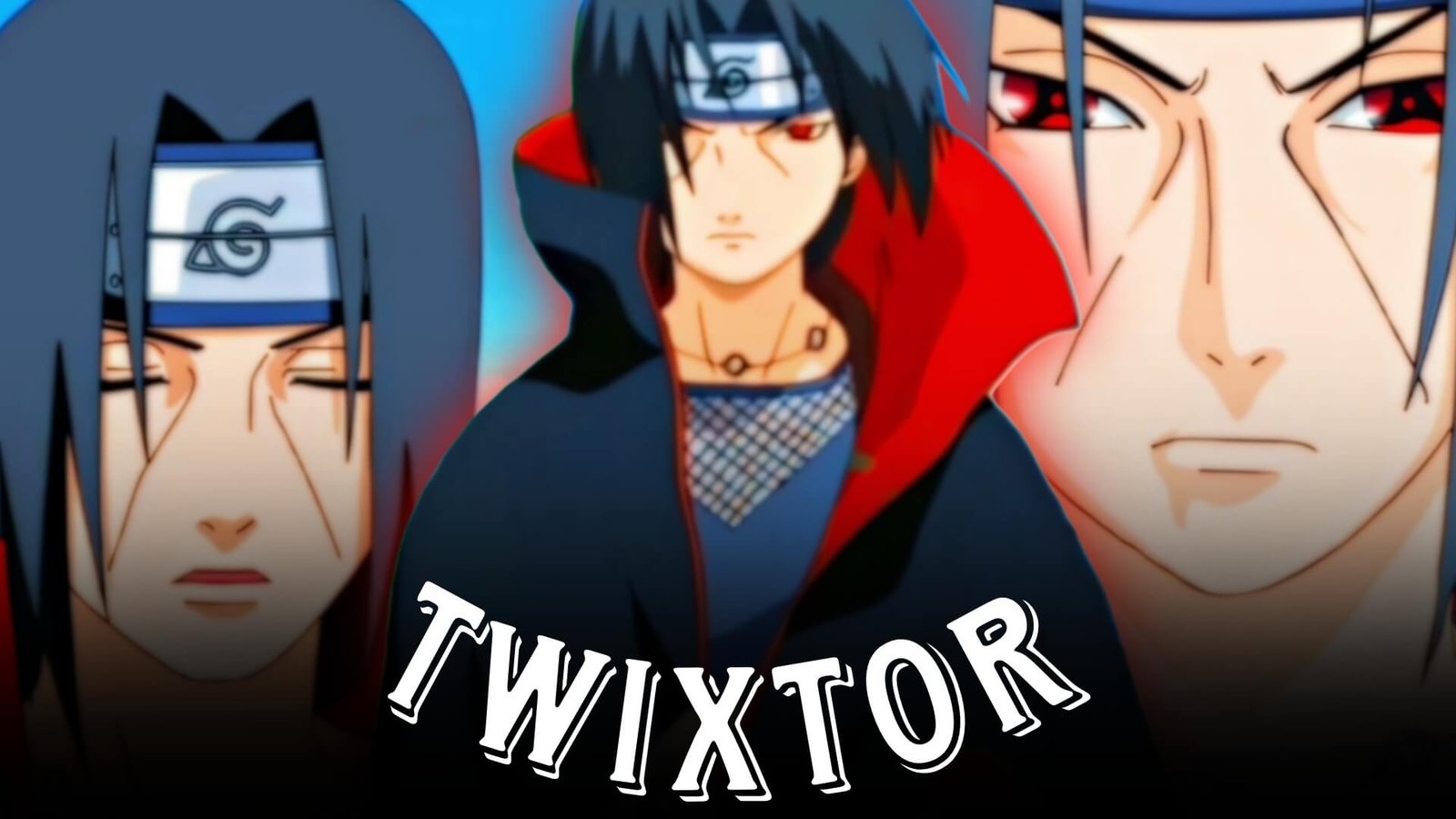
Itachi Twixtor: Best Naruto Clips for Edits
Itachi Uchiha is one of the most recognizable characters in Naruto, making his scenes especially effective for anime edits. His calm expressions, Sharingan techniques, genjutsu sequences, Amaterasu, Susanoo and major battles provide a wide range of footage for creative editing.
Itachi Twixtor edits work particularly well when slow motion is combined with controlled velocity, dramatic music and carefully timed transitions. Instead of relying only on action scenes, editors can also use Itachi’s quieter moments to create atmosphere before building toward a stronger beat drop.
Why Itachi Scenes Work So Well for Editing
Itachi has a distinctive visual style that makes his footage easy to recognize. The Akatsuki cloak, Sharingan effects, red-and-black visual elements and dramatic lighting can all contribute to a strong edit.
With Itachi Twixtor clips, editors can combine different types of scenes rather than creating an edit entirely around fighting. A short expression shot can introduce the character, followed by a Sharingan activation and then a high-impact technique.
This gives an Itachi Uchiha Twixtor edit a natural progression from calm moments to intense action.
Sharingan Activation Clips
Sharingan scenes are some of the most useful footage for an Itachi Twixtor project. Eye close-ups and activation moments can work as transitions between different parts of a video.
Try slowing the clip shortly before the Sharingan becomes visible and returning to normal speed when the beat hits. This creates a visual emphasis without requiring excessive effects.
You can also combine several close-up shots with quick cuts to create a short character introduction.
Itachi’s Genjutsu and Visual Moments
Itachi’s genjutsu scenes offer something different from conventional fight footage. Distorted environments, eye contact and psychological moments can be used to create a darker editing style.
For Itachi Twixtor clips, these sequences are useful between action shots because they give the edit a change of pace. Add subtle zooms, motion blur and controlled camera movement rather than covering the entire scene with effects.
A short genjutsu sequence can also work particularly well before a music drop.
Amaterasu Scenes for Beat Drops
Amaterasu provides strong visual material for an Itachi edit because the technique has an instantly recognizable appearance.
When working with Itachi Twixtor, place the most visually important part of the technique close to the musical impact. The footage can begin slightly slower before accelerating toward the moment when the flames appear.
Editors can experiment with:
- Speed ramps
- Motion blur
- Flash transitions
- Short zoom-ins
- Beat-synced cuts
- Dark color grading
Keeping the effects controlled allows the original animation to remain the main focus.
Susanoo Clips for High-Impact Edits
Susanoo footage can provide the climax of an Itachi Twixtor edit. Its large-scale visuals and glowing design make it suitable for powerful music sections.
Start with a wider shot to establish the scene, then move toward closer shots as the track builds. A velocity change can be used when the Susanoo becomes fully visible.
For an Itachi Uchiha Twixtor edit, combining Susanoo footage with Sharingan close-ups can create a clear visual connection between the character and his abilities.
Itachi vs Sasuke Editing Ideas
The Itachi vs Sasuke storyline provides several different moods that can be used within one edit. Rather than showing only the biggest attacks, consider combining expressions, movement, technique activation and environmental shots.
A possible sequence is:
- Begin with a quiet Itachi close-up.
- Introduce a Sharingan activation.
- Increase the velocity as the confrontation develops.
- Cut on the first major musical beat.
- Use Amaterasu or another technique for the main impact.
- Finish with a slower emotional shot.
This structure can make Itachi Twixtor clips feel more like a short cinematic sequence instead of a collection of unrelated shots.
Itachi vs Kakashi and Other Battle Footage
Battle footage involving Itachi can be useful for faster edits. Movement-based scenes work particularly well when the original footage has enough frames for smooth interpolation.
When choosing Itachi fight clips, look for moments where the character moves clearly across the frame. These shots generally provide better opportunities for velocity transitions than extremely short or visually crowded sequences.
Avoid stacking too many effects on top of fast animation. A clean speed ramp with good motion blur can often look more polished than multiple filters.
Creating a Dark Itachi Color Grade
Itachi edits often suit darker cinematic grading. You can reduce excessive brightness, add contrast and maintain the red tones associated with the Sharingan without making the footage look unnatural.
For Itachi Twixtor videos, try maintaining consistent grading throughout the edit. If every clip has dramatically different brightness or saturation, the final video can feel disconnected.
A restrained grade can also make eye effects, Amaterasu and Susanoo scenes stand out naturally.
Music and Beat Synchronization
Music selection can completely change the feeling of an Itachi edit.
For a serious cinematic edit, slower atmospheric music can work well with close-ups and emotional scenes. For an action-focused video, a track with clear beat drops gives you more opportunities for velocity changes.
Try matching:
- Sharingan activation → beat accent
- Technique reveal → bass hit
- Fast movement → rapid cuts
- Susanoo appearance → major drop
- Emotional close-up → slower section
Good synchronization is usually more important than adding additional visual effects.
Twixtor Settings and Smooth Slow Motion
When creating Itachi Twixtor clips, avoid assuming that extremely low speed automatically produces better results. Heavy slow motion can create artifacts when the source footage contains rapid movement, overlapping characters or complicated effects.
Use moderate speed changes first and inspect the result frame by frame. If the footage becomes distorted, increase the speed or use a shorter slow-motion section.
A practical workflow is:
Select clean footage → trim the important movement → apply Twixtor → adjust speed → add motion blur → synchronize with music → color grade → export.
Transition Ideas for Itachi Edits
Transitions should support the footage instead of distracting from it. Eye close-ups are especially useful as natural transition points.
Some ideas include:
- Sharingan eye zoom transitions
- Black-frame cuts
- Motion-based transitions
- Red flash transitions
- Match cuts between close-ups
- Speed-ramp transitions
- Technique-to-technique cuts
For Itachi Twixtor clips, repeating one recognizable transition throughout the video can also create a consistent editing identity.
Itachi Edit Concepts You Can Try
Here are several different concepts for an Itachi Twixtor project:
Akatsuki Introduction Edit: Start with the Akatsuki cloak and slow character shots before introducing the Sharingan.
Sharingan Edit: Build the entire video around eye close-ups, activations and synchronized beat cuts.
Power Progression Edit: Move from normal Itachi scenes into Amaterasu and finally Susanoo.
Emotional Itachi Edit: Use quieter scenes, slower Twixtor sections and atmospheric music rather than focusing on combat.
Battle Velocity Edit: Combine movement-heavy fight scenes with faster speed ramps and sharp beat synchronization.
Common Problems With Itachi Twixtor Clips
Even good footage can produce a poor result if the source material is not handled correctly.
Common problems include:
- Excessive slow motion
- Heavy artificial sharpening
- Too much motion blur
- Random transitions
- Inconsistent color grading
- Poorly timed velocity changes
- Using clips with complicated overlapping movement
- Adding effects that hide the original animation
A polished Itachi Twixtor edit should keep the character and animation recognizable while using effects to improve timing and presentation.
FAQ
What is Itachi Twixtor?
Itachi Twixtor refers to edited Itachi Uchiha footage from Naruto that uses Twixtor-style frame interpolation or similar slow-motion techniques for anime edits.
What scenes are useful for Itachi Twixtor clips?
Sharingan activations, close-ups, Amaterasu, Susanoo, battles and cinematic character moments can all be useful depending on the editing style.
Can I use Itachi Twixtor for velocity edits?
Yes. Movement-heavy Itachi scenes can work well with velocity editing when the source footage is clean and the speed changes are carefully controlled.
What music works for an Itachi edit?
Both atmospheric and high-energy tracks can work. The best choice depends on whether the edit focuses on Itachi’s emotional side, abilities or battles.
How do I make Itachi Twixtor look smoother?
Use suitable source footage, moderate speed changes, appropriate frame interpolation settings and controlled motion blur. Avoid slowing every shot excessively.
Final Thoughts
Itachi Twixtor gives anime editors plenty of creative possibilities because Itachi’s scenes combine action, emotion, visual effects and memorable character moments. Sharingan close-ups can work for transitions, Amaterasu can emphasize beat drops, and Susanoo can provide a strong climax.
The key is to build the edit around the footage rather than relying on effects alone. With carefully selected Itachi Twixtor clips, good timing, consistent color grading and controlled velocity, you can create an edit that feels cinematic while keeping the original Naruto visuals at the center.
Disclaimer: This article is for video-editing information and creative inspiration. It does not host or distribute copyrighted Naruto footage. Use footage you have the right to edit and follow applicable copyright and platform policies.