LINKS
More Post Like This: https://twixtorclips.com/spider-man-brand-new-day-twixtor/
Anime Twixtor Clips Available: https://twixtorclips.com/anime-twixtor/
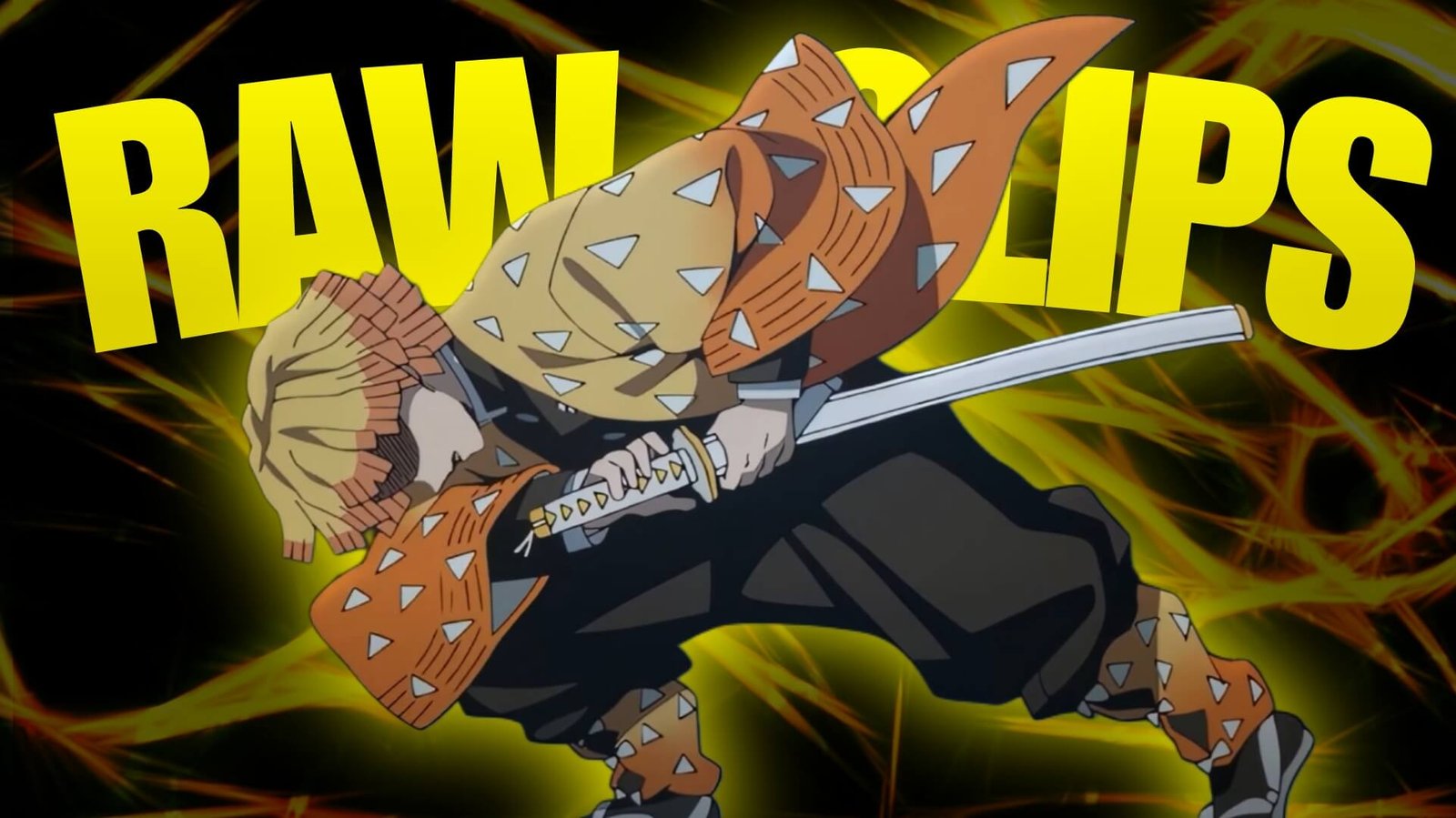
Zenitsu vs Spider Demon Clip: Best Demon Slayer Fight Scenes for Edits
The Zenitsu vs Spider Demon Clip offers a completely different editing style from many Demon Slayer battles. Instead of relying on long exchanges of attacks, the scene focuses heavily on tension, atmosphere, fear, sudden movement, and Zenitsu’s incredible burst of speed.
The dark environment of Mount Natagumo, the spider-themed visuals, and Zenitsu’s Thunder Breathing create strong material for cinematic edits, velocity videos, and short-form anime edits.
Editorial Note: This article focuses on editing techniques, scene selection, and creative use of anime footage. It does not host or distribute copyrighted Demon Slayer footage.
Why Zenitsu vs Spider Demon Works for Edits
The scene has an interesting contrast between slow tension and extremely fast action.
Zenitsu’s frightened reactions create a calm or emotional opening, while his Thunder Breathing sequence provides a natural climax.
Useful Zenitsu vs Spider Demon Clip footage can include:
- Zenitsu close-ups
- Spider Demon appearances
- Forest environments
- Spider webs
- Zenitsu’s reactions
- Thunder Breathing preparation
- Sword-drawing moments
- Thunderclap and Flash
- Fast movement
- Lightning effects
- Impact shots
This gives editors enough material to create an edit with a clear beginning, buildup, and climax.
Start With the Dark Forest
The Mount Natagumo environment is perfect for establishing atmosphere.
Instead of beginning with the main attack, open with a few darker shots.
A cinematic introduction could be:
Forest → spider webs → Spider Demon → Zenitsu reaction → sword close-up
Lower the music during this section and gradually build tension.
This makes the eventual attack feel much more impactful.
Zenitsu’s Fearful Moments
Zenitsu’s personality is an important part of the scene.
His nervous reactions can actually make a good opening for an edit because they create a strong contrast with what happens later.
Try using:
Zenitsu close-up → reaction → breathing → sword → silence
Then allow the music or sound design to build.
When the action begins, the sudden change in pacing can make the attack feel much faster.
The Spider Demon
The Spider Demon provides a darker visual element for the edit.
Use its appearance, movements, and attacks to establish the threat before switching back to Zenitsu.
A useful sequence could be:
Spider Demon close-up → movement → attack → Zenitsu reaction → sword preparation
This creates a simple visual conversation between the two sides of the fight.
For Zenitsu vs Spider Demon Clip edits, the demon footage can also be used as short transition shots between Zenitsu’s action sequences.
Thunder Breathing Preparation
The preparation before Zenitsu’s attack is one of the most important moments for velocity editing.
Rather than immediately speeding up the scene, let the buildup breathe.
Try:
Zenitsu stance → close-up → sword movement → brief slowdown → acceleration
The contrast between the quiet preparation and sudden movement is what makes the attack visually effective.
Thunderclap and Flash
Zenitsu’s Thunderclap and Flash provides the natural climax for the edit.
The attack is extremely fast, so avoid covering it with excessive effects.
A clean structure could be:
Preparation → acceleration → lightning → attack → impact → aftermath
You can synchronize the attack with a major music beat or sound effect.
If you are using Twixtor, consider applying it to the preparation or aftermath rather than forcing extreme slow motion onto the fastest portion.
Creating a Zenitsu Velocity Edit
The scene is particularly useful for a short velocity edit.
Opening
Start with the dark forest and Zenitsu’s reaction.
Build-Up
Show the Spider Demon and gradually introduce Zenitsu’s sword.
Acceleration
Increase the speed as Zenitsu prepares to attack.
Main Attack
Use the Thunder Breathing sequence as the main visual peak.
Ending
Slow down again after the attack and finish with a close-up or environmental shot.
This creates a complete story in a relatively short edit.
Twixtor Tips
Twixtor can be useful for selected sections of Zenitsu vs Spider Demon Clip footage.
However, the attack contains extremely fast movement, making interpolation more difficult.
Pay attention to:
- Sword edges
- Zenitsu’s hair
- Lightning
- Clothing
- Spider webs
- Fast camera movement
- Background details
If you notice warping or strange shapes, reduce the amount of slow motion or use the original footage speed.
A useful workflow is:
Normal speed → controlled slowdown → acceleration → attack → normal speed
Clean interpolation is more important than extreme slowdown.
Music and Sound Design
The scene works particularly well with music that creates tension before a drop.
Cinematic
Useful for building suspense.
Dark Ambient
Works well with the forest and Spider Demon sections.
Phonk
Can work for a fast Zenitsu velocity edit.
Electronic
Useful for rapid beat synchronization.
Orchestral
Good for a more dramatic anime edit.
Sound effects can also make the attack feel stronger.
Use subtle:
- Sword sounds
- Whooshes
- Impact sounds
- Thunder effects
- Bass hits
Avoid adding too many sounds at once.
Color Grading
The forest setting naturally provides a darker color palette.
A cinematic grade can emphasize the difference between the environment and Zenitsu’s lightning effects.
You can adjust:
- Contrast
- Exposure
- Shadows
- Highlights
- Saturation
- Curves
- Sharpening
Keep the darker sections detailed rather than crushing the shadows completely.
When the lightning appears, allow it to stand out without making the entire frame excessively bright.
Transition Ideas
Spider Web Wipe
Use a spider web crossing the frame as a natural transition.
Lightning Flash
Use Zenitsu’s lightning effect to hide a cut.
Sword Match Cut
Match the direction of a sword movement with another clip.
Dark Cut
Transition from a bright attack back into the darker forest.
Impact Cut
Cut exactly when the attack connects.
These techniques can make Zenitsu vs Spider Demon Clip edits feel more connected without requiring complicated transitions.
Creating a Dark Zenitsu Edit
For a darker version of the edit, focus more heavily on atmosphere.
Use:
Forest → Spider Demon → Zenitsu fear → close-up → sword → Thunder Breathing → attack
Keep the color grade darker and use minimal effects.
This style works particularly well with cinematic or ambient music.
Creating a Fast Velocity Edit
For a short-form velocity edit, reduce the setup and focus on movement.
Try:
Zenitsu close-up → sword → acceleration → Thunder Breathing → attack → impact → final pose
Use short speed ramps and synchronize the strongest movement with the beat.
Organizing Your Clips
If you are organizing footage you have the legal right to use, separate the material into categories.
Zenitsu
- Close-ups
- Reactions
- Sword preparation
- Thunder Breathing
- Attack
- Aftermath
Spider Demon
- Close-ups
- Movement
- Attacks
- Reactions
- Spider effects
Environment
- Forest
- Spider webs
- Dark backgrounds
- Atmospheric shots
Effects
- Lightning
- Sword movement
- Impact frames
- Fast motion
This makes it easier to build different versions of the edit.
Common Editing Mistakes
When using Zenitsu vs Spider Demon Clip footage, avoid making the entire video extremely fast.
Common problems include:
- Excessive Twixtor
- Too much camera shake
- Overusing flashes
- Heavy glow
- Excessive sharpening
- Over-saturated lightning
- Random transitions
- Removing the buildup
- Slowing the fastest attack too aggressively
- Covering the animation with overlays
The scene works because of its contrast between fear, silence, tension, and sudden speed. Preserve that contrast.
FAQ
What is the Zenitsu vs Spider Demon Clip?
The Zenitsu vs Spider Demon Clip refers to footage from Zenitsu Agatsuma’s confrontation with the Spider Demon in Demon Slayer, used as source material for creative edits when the editor has the appropriate rights to use the footage.
Is Zenitsu vs Spider Demon good for velocity edits?
Yes. Zenitsu’s Thunder Breathing and extremely fast movement provide a natural climax for velocity editing.
Can I use Twixtor on Zenitsu’s attack?
You can use Twixtor on suitable footage, but extremely fast movement and lightning effects can create interpolation artifacts. Test the footage before applying heavy slow motion.
What music works for this scene?
Dark ambient, cinematic, orchestral, electronic, and phonk tracks can all work depending on the type of edit you want.
What effects work well with Zenitsu?
Controlled speed ramps, motion blur, subtle glow, lightning enhancement, camera movement, and balanced color grading can complement the scene.
Can I make a Spider Demon-focused edit?
Yes. Use the forest atmosphere, spider webs, demon close-ups, movements, and attacks to create a darker character-focused edit.
Final Thoughts
The Zenitsu vs Spider Demon Clip is particularly useful for editors because it naturally builds from tension into one of Zenitsu’s most recognizable Thunder Breathing moments.
Instead of making the entire edit fast, use the slower forest and character shots to create anticipation. Then use speed ramps, carefully selected Twixtor sections, and music synchronization to make the final attack feel like the payoff.
The combination of dark forest visuals, Spider Demon imagery, Zenitsu’s emotional reactions, and lightning-fast sword movement gives editors plenty of material for both cinematic and velocity-style Demon Slayer edits.
Disclaimer
This article is for editing inspiration and informational purposes only. Demon Slayer: Kimetsu no Yaiba, Zenitsu Agatsuma, the Spider Demon, and related anime footage are protected by their respective copyright holders. This site does not host or distribute copyrighted footage. Use footage you have the legal right or permission to edit and follow applicable copyright and platform policies.

Get Exclusive CC & Quality Setting Here : https://payhip.com/QualityCCLab