LINKS
Why Reverse Motion Works So Well in Iron Man Edits
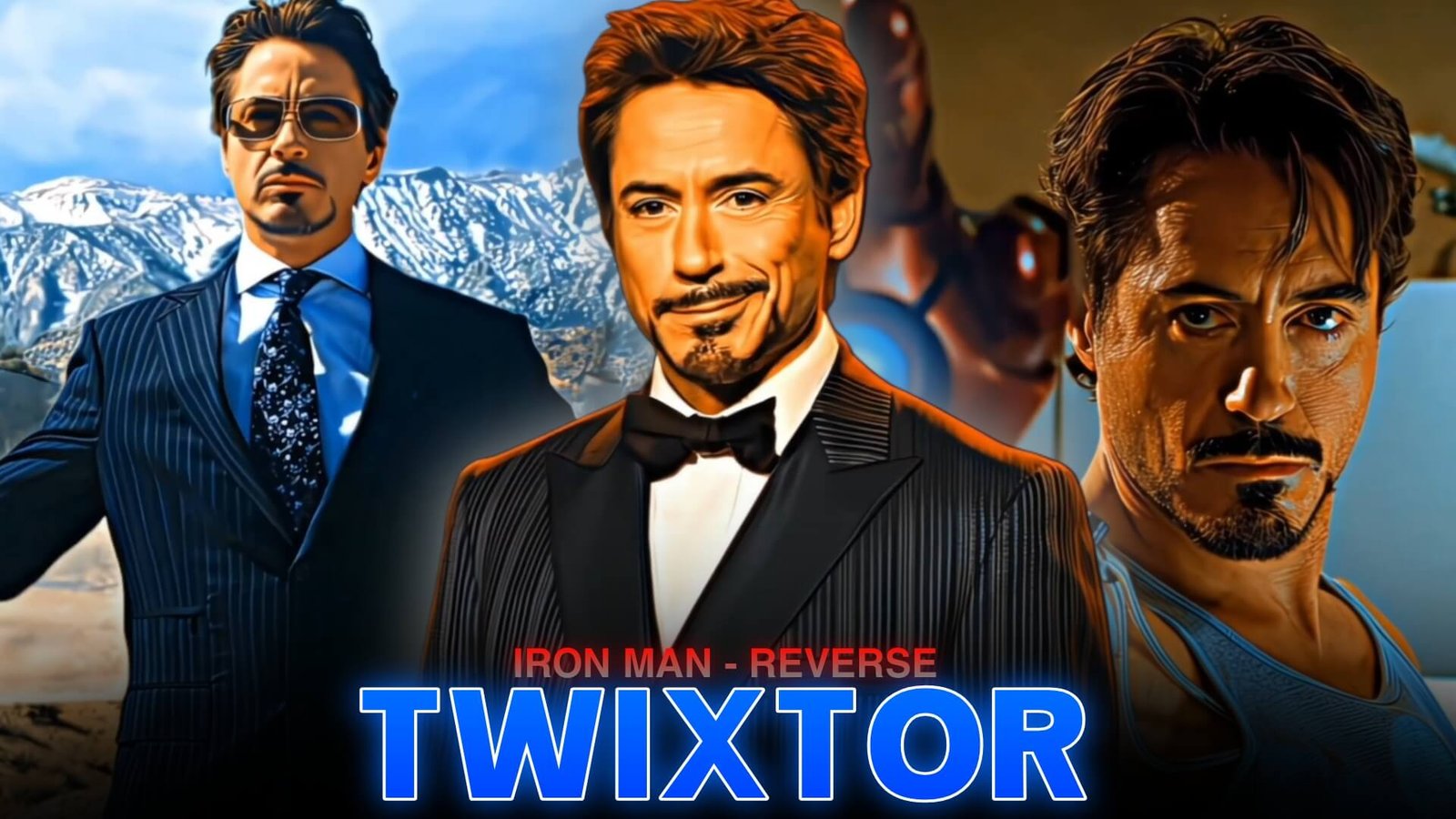
Iron Man Reverse Twixtor is an editing style that combines reverse playback, speed changes, and smooth slow-motion effects to give Tony Stark’s action scenes a distinctive rhythm. The technique can make an armor transformation feel like a mechanical rewind, turn a flying sequence into a dramatic transition, or create a brief pause before a powerful beat drop.
Iron Man footage offers plenty of visual detail for this style. Moving armor plates, glowing repulsors, flight movements, and futuristic interfaces give editors several ways to experiment with timing. The key is to reverse only the movements that support the mood of the edit.
What Is Iron Man Reverse Twixtor?
The term Iron Man Reverse Twixtor describes a fan-editing approach rather than a separate plugin. Reverse playback changes the direction of a clip, while Twixtor generates intermediate frames to help produce smoother slow motion.
These techniques can be combined, but they serve different purposes. Reversing footage creates the rewind effect; interpolation helps smooth movement when playback speed changes. The final result depends on the source footage and how the effect is applied.
For example, an editor might show Iron Man flying forward, reverse a short portion of the movement, and return to normal playback on a music beat. This creates a quick visual accent without making the entire sequence feel backward.
Iron Man Moments to Experiment With
Some types of shots are better suited to reverse editing than others.
- Armor assembly: Reverse a short suit-up movement to create a mechanical rewind before the armor locks into place.
- Repulsor action: Use a brief reverse segment before a forward blast or a beat-synchronized cut.
- Flight sequences: Reverse a small part of a movement to create a velocity transition between two camera angles.
- Combat dodges: Rewind a short dodge or turn before cutting to the next action shot.
- Tony Stark close-ups: Use a subtle reverse effect before a dramatic expression or a soundtrack change.
When building a sequence, choose one main visual idea instead of applying the same effect to every shot.
How to Make an Iron Man Reverse Twixtor Edit
1. Prepare the Footage
Choose a clear action shot with continuous movement. Armor transformations and flight scenes can contain complex visual effects, so inspect the footage for rapid cuts, flashing lights, and overlapping objects that may confuse frame interpolation.
2. Create the Reverse Section
Place the clip on your editing timeline and split it around the movement you want to emphasize. Apply reverse playback to the selected segment, then check the transition into and out of that section.
Keep the reversed portion short enough that the action remains understandable. Long reverse sequences can make explosions, particles, and complex movements appear unnatural.
3. Apply Twixtor Carefully
Use Twixtor where you need smoother slow motion. Adjust the speed gradually and preview the result frame by frame. Look closely at armor edges, hands, repulsor effects, and fast-moving backgrounds for warping or ghosting.
For more guidance on the overall workflow, visit the Twixtor beginner’s editing guide.
4. Build a Music-Synchronized Transition
Choose a clear beat for the switch from reverse to forward playback. A short pause, subtle zoom, or restrained motion blur can emphasize the change in direction. Avoid combining too many effects at once because they can hide the armor details that make Iron Man footage visually interesting.
5. Refine the Final Look
Keep your color grading consistent across the sequence. Red and gold armor, blue repulsor light, and darker backgrounds can create a strong cinematic contrast, but excessive sharpening or glow may reduce detail. Preview the complete edit at its intended frame rate before exporting.
Mistakes That Can Ruin Reverse Edits
One common issue with Iron Man Reverse Twixtor is expecting the plugin to fix every source-footage problem. Twixtor estimates motion between frames, so complex effects and sudden changes can produce visible artifacts.
Another mistake is reversing footage without checking continuity. Smoke, explosions, flying debris, and light effects may move backward in ways that distract from the main action. Choose a short section, review it carefully, and use a regular cut if the reverse effect looks confusing.
You can also explore smooth Twixtor editing in CapCut if you prefer a simpler editing workflow.
Make Your Iron Man Edit More Memorable
The best Iron Man Reverse Twixtor edits balance visual effects with clear timing. A brief rewind before a repulsor blast, a mechanical suit-up transition, or a reverse-to-forward flight movement can add personality without overwhelming the scene.
Experiment with different reverse lengths, keep the motion readable, and let the soundtrack guide your cuts. With careful source selection and restrained effects, Iron Man Reverse Twixtor can become a useful technique for cinematic superhero edits.
Frequently Asked Questions
What does Iron Man Reverse Twixtor mean?
It refers to an editing style that combines Iron Man footage with reverse playback and, where needed, Twixtor interpolation for smoother slow-motion sections.
Do I need Twixtor to reverse Iron Man footage?
No. Most video editors include a reverse-playback function. Twixtor is useful when you want to generate intermediate frames for slow motion.
How can I avoid glitches in reverse slow motion?
Choose footage with clear movement, keep reverse sections short, avoid extreme speed reductions, and inspect complex armor edges and visual effects frame by frame.
Disclaimer: Iron Man, Tony Stark, and related characters are owned by their respective rights holders. This article is an independent educational resource about video-editing techniques and is not affiliated with Marvel Studios or Disney.