LINKS
Kinji Hakari Twixtor: Best Jujutsu Kaisen Scenes for Edits
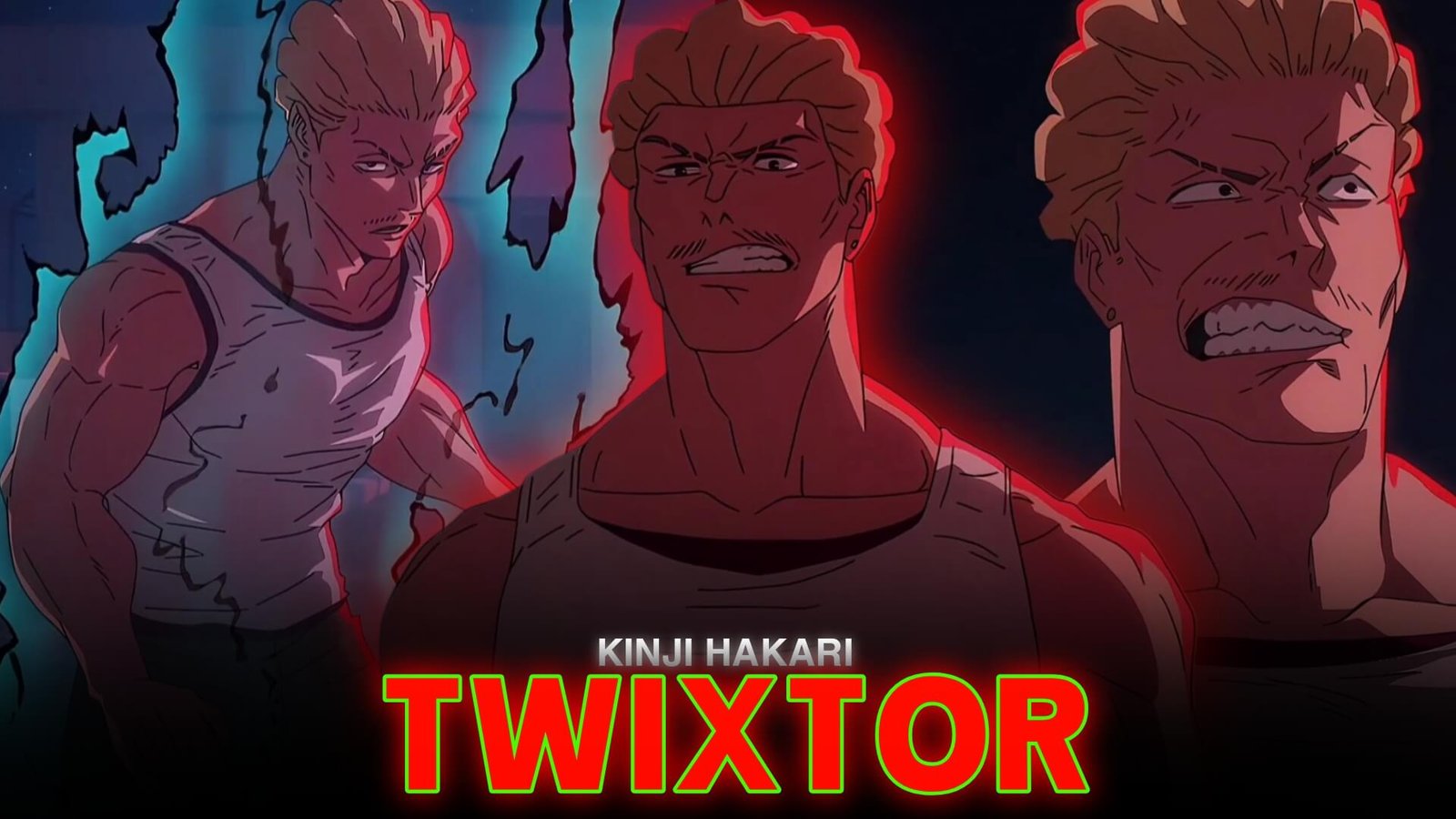
Kinji Hakari brings a different kind of energy to Jujutsu Kaisen. His confident attitude, unpredictable fighting style, and jackpot-based technique make him an exciting character for anime editors. From aggressive punches to the visual spectacle of his Domain Expansion, his scenes offer plenty of opportunities for dynamic velocity edits.
Kinji Hakari Twixtor is a useful editing theme for creators who want to highlight his combat movements with smooth slow motion, sharp transitions, and music-synchronized effects. The goal is to emphasize the action without making the original animation difficult to follow.
What Makes Hakari a Great Choice for Anime Edits?
Hakari’s fighting style combines close-range combat with the dramatic atmosphere of his technique, Idle Death Gamble. The contrast between physical attacks and colorful jackpot visuals gives editors different types of scenes to work with.
A well-made Kinji Hakari Twixtor edit can switch between fast punches, expressive close-ups, and slower dramatic moments. His energetic personality also suits edits built around bass-heavy music, fast cuts, and sudden changes in playback speed.
Hakari Scenes Worth Highlighting
Idle Death Gamble
Hakari’s Domain Expansion introduces a distinctive gambling-inspired visual style. Use the buildup as a transition point, then synchronize a cut or speed change with the moment the jackpot sequence reaches its payoff.
Hakari vs. Hajime Kashimo
This confrontation is a strong reference for action-focused edits. Fast attacks, changing positions, and powerful impacts can create a rhythm that alternates between full-speed movement and short slow-motion sections.
Hakari’s Close-Combat Moments
Punches, dodges, and changes in stance are useful for short velocity edits. Select movements with clear silhouettes so the action remains readable after effects are applied.
These approaches help Kinji Hakari Twixtor edits feel different from slower, atmosphere-focused character montages.
How to Create a Smooth Hakari Twixtor Edit
1. Choose Clear Source Footage
Start with a shot that has readable character movement and minimal compression artifacts. Fast camera cuts and overlapping effects can make interpolation less predictable, so review the source before editing.
2. Apply Twixtor to Important Movements
Place the clip on your timeline and identify the movement you want to emphasize. Apply Twixtor where smoother slow motion is needed, then adjust the speed gradually.
Avoid slowing every part of the scene. A short slowdown before an impact often creates more contrast than an entire sequence played at reduced speed.
For the complete process, follow this beginner’s guide to making Twixtor clips.
3. Build a Strong Velocity Curve
Combine slower moments with faster playback to create a sense of momentum. For example, begin with a normal-speed movement, accelerate into a punch, and briefly slow the impact before cutting to the next shot.
This approach makes Kinji Hakari Twixtor edits more engaging because the speed changes support the action rather than distract from it.
4. Match Effects to the Jackpot Theme
Use restrained flashes, brief zooms, and color accents to complement the gambling-inspired visuals. Keep important details visible, and avoid stacking heavy shakes, glow, and motion blur on every beat.
5. Refine the Final Export
Preview the complete sequence at normal playback speed. Check for warped outlines, flickering edges, and unnatural movement around hands or backgrounds. If a section looks distorted, reduce the slowdown or use a regular speed ramp instead.
For an alternative workflow, see this guide to making smooth Twixtor clips in CapCut.
Common Editing Mistakes to Avoid
One common issue with Kinji Hakari Twixtor is using extreme slow motion on footage that cannot support it. Twixtor estimates intermediate frames, but complex movements and rapid changes can still produce visible artifacts.
Another mistake is adding effects without considering the soundtrack. Every cut does not need a flash or camera shake. Choose a few important beats, keep transitions consistent, and let Hakari’s original movements carry the sequence.
Create a More Memorable Hakari Edit
A strong Kinji Hakari Twixtor edit balances action, timing, and visual clarity. Focus on one memorable fight sequence, use slow motion selectively, and synchronize the biggest movements with the music.
Whether you prefer a fast-paced velocity edit or a dramatic jackpot-themed montage, deliberate speed changes can make the final video feel more polished. Explore the Anime Twixtor collection for more character-edit inspiration.
Frequently Asked Questions
What is Kinji Hakari Twixtor?
It refers to an anime-editing style that uses Hakari footage with Twixtor-assisted slow motion, speed changes, and visual effects.
Which Hakari scenes work well for edits?
Idle Death Gamble, the fight against Hajime Kashimo, and close-combat sequences offer useful opportunities for dramatic timing and velocity changes.
How can I make Hakari edits smoother?
Choose clear footage, use moderate speed reductions, inspect interpolation artifacts, and synchronize transitions with the soundtrack.
Disclaimer: Kinji Hakari, Kinji Hakari Twixtor and Jujutsu Kaisen belong to their respective rights holders. This article is an independent educational guide to video-editing techniques and is not affiliated with the official creators.