LINKS
Wanda Maximoff Scenepack | Best Scarlet Witch Scenes for Marvel Edits
Few Marvel characters offer the same combination of emotional storytelling, striking visuals, and supernatural power as Wanda Maximoff. From her early days with the Avengers to her transformation into the Scarlet Witch, Wanda has become a favorite subject for cinematic edits, character tributes, and dramatic fan videos.
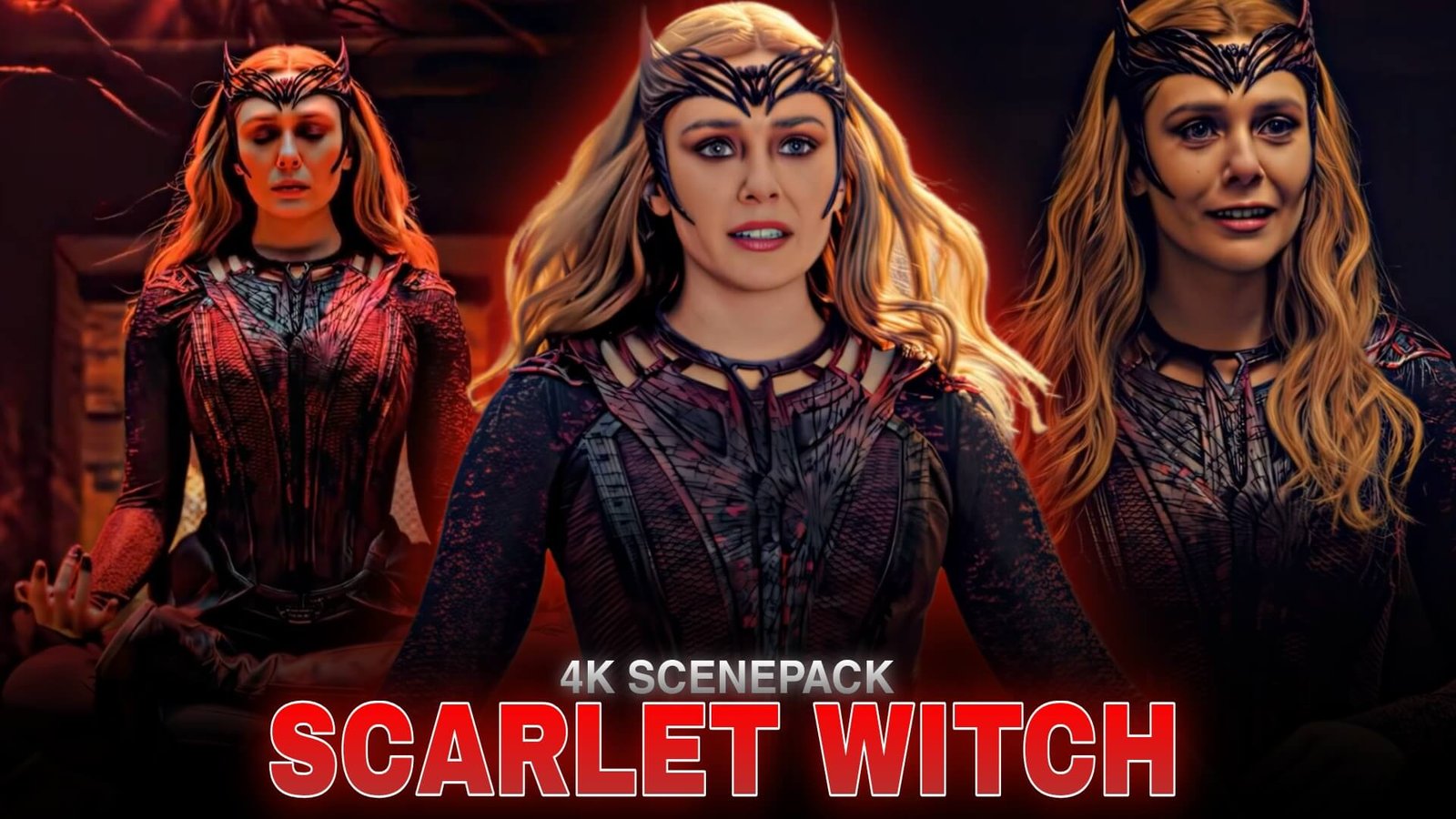
A Wanda Maximoff Scenepack is a useful starting point for editors planning a montage around her character. Her glowing red magic, expressive close-ups, and intense action sequences provide opportunities for velocity edits, transitions, color grading, and music synchronization.
Why Wanda Maximoff Is Perfect for Edits
Wanda’s visual identity makes her scenes recognizable even in short edits. Her red chaos magic contrasts with darker environments, while changes in facial expression can communicate grief, anger, confidence, or determination without lengthy dialogue.
When planning a Wanda Maximoff Scenepack edit, consider the story you want to tell. A powerful action montage needs a different rhythm from an emotional character tribute. Combining both styles can create a more memorable video.
For official character background and appearances, visit Marvel’s Wanda Maximoff profile.
Best Wanda Maximoff Scenes to Feature
1. WandaVision’s Cinematic Moments
WandaVision offers a distinctive visual style, moving between sitcom-inspired settings and darker supernatural storytelling. The changes in lighting, costumes, and atmosphere can help editors create a montage that evolves alongside Wanda’s character.
For a Wanda Maximoff Scenepack, consider using quiet close-ups before introducing faster cuts or stronger visual effects. This approach builds anticipation and gives the edit a clear emotional direction.
2. Avengers Action Sequences
Wanda’s appearances in the Avengers films provide opportunities to emphasize her telekinetic abilities and combat movements. Shots featuring energy blasts, defensive barriers, and controlled gestures work well with beat-synchronized transitions.
Use a combination of wide shots and close-ups so the viewer can follow the action. A sequence of effects without enough visual context may look impressive initially but can become difficult to understand.
3. Doctor Strange in the Multiverse of Madness
This film presents a darker version of Wanda, with dramatic lighting, supernatural imagery, and intense expressions. These scenes suit edits built around suspense, horror-inspired color grading, or powerful music drops.
A Wanda Maximoff Scenepack focused on this era can use deep shadows, red highlights, and deliberate pacing to create a consistent mood without overloading every shot with effects.
How to Edit a Wanda Maximoff Scenepack
Choose a Clear Editing Style
Before opening your editing software, decide whether the final video will be an emotional tribute, a fast-paced velocity edit, or a cinematic character montage. Pick music that supports that direction.
Use Red Tones Carefully
Red is strongly associated with Scarlet Witch’s magic, making it an effective accent color. Adjust contrast and saturation while keeping skin tones and important background details visible. Excessive red tint can hide facial expressions and reduce detail.
Create Smooth Slow Motion
Slow motion can emphasize hand movements, magic effects, and dramatic reactions. If you use Twixtor or another frame-interpolation tool, inspect difficult frames closely because fast movement and overlapping effects can cause visual warping.
For more editing techniques, read this beginner’s guide to making Twixtor clips.
Synchronize Effects With the Soundtrack
Use major musical beats for transitions, but allow emotional shots to breathe. Short flashes, controlled zooms, and subtle camera movement can be more effective than stacking several effects at once.
A well-paced Wanda Maximoff Scenepack should preserve the character’s expressions while making the strongest visual moments stand out.
Common Mistakes to Avoid
One common mistake is using the same transition on every shot. Vary the pacing with a mix of close-ups, action, and quieter moments. Another is adding excessive glow or motion blur, which can obscure Wanda’s face and the details of her magic.
Choose footage with clear movement, preview interpolation at normal speed, and keep the color grade consistent across scenes from different films and episodes.
Final Thoughts
A Wanda Maximoff Scenepack gives Marvel editors a strong creative direction, whether the goal is a dark Scarlet Witch montage, an emotional tribute, or a fast-paced social media edit. The most effective results come from thoughtful scene selection, clean transitions, and effects that support the story rather than distract from it.
Start with a clear theme, build the sequence around the soundtrack, and use Wanda’s changing expressions and magic effects to guide the visual rhythm.
Frequently Asked Questions
What is a Wanda Maximoff Scenepack?
It is a scene-focused editing concept built around Wanda Maximoff, also known as Scarlet Witch, for character edits, montages, and video-editing practice.
Which Marvel productions are useful for Wanda edits?
WandaVision, Avengers: Infinity War, Avengers: Endgame, and Doctor Strange in the Multiverse of Madness offer different visual styles and character moments.
How can I make a Scarlet Witch edit look cinematic?
Use controlled red highlights, consistent color grading, carefully timed slow motion, and transitions that match the mood of the soundtrack.
Disclaimer: Wanda Maximoff and Scarlet Witch are Marvel characters. This article is an independent fan-editing resource and is not affiliated with or endorsed by Marvel Studios or Disney.