LINKS
Get Exclusive CC & Quality Setting Here : https://payhip.com/QualityCCLab
GET EXCLUSIVE FREE TWIXTOR CLIPS
Get Anime Clips Raw For Free: https://twixtorclips.com/anime-raw-clips/
Exclusive Twixtor Clips For Free: https://twixtorclips.com
Luffy Gear 4 vs Kaido Twixtor: Best One Piece Fight Scenes for Cinematic Edits
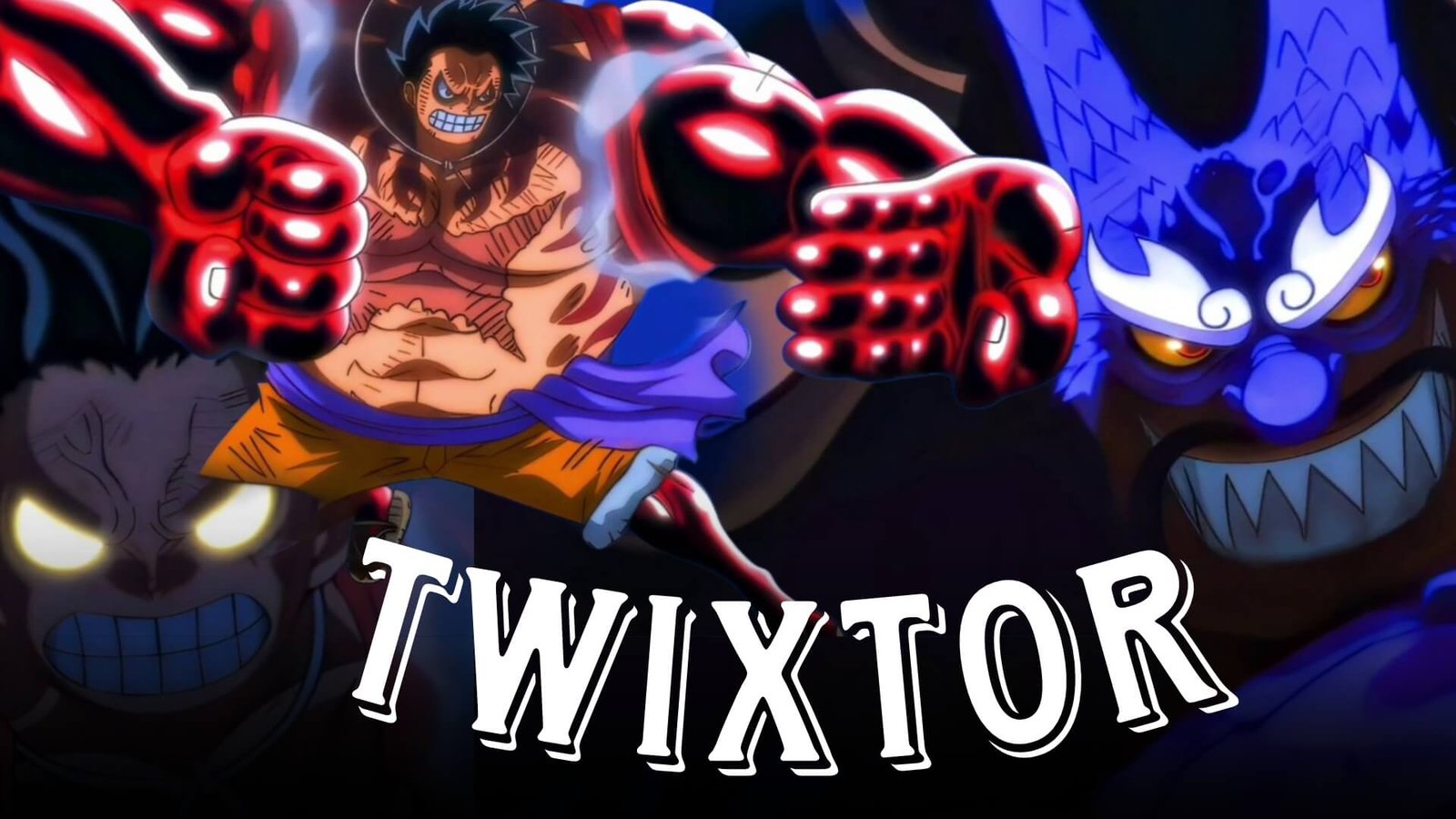
The clash between Monkey D. Luffy and Kaido is packed with unforgettable moments, but Luffy Gear 4 vs Kaido Twixtor edits remain a favorite among anime editors because they perfectly combine explosive action with cinematic animation. Throughout the Wano Country Arc, Gear 4 showcases Luffy’s incredible speed, advanced Haki, and relentless determination against one of the strongest pirates in the world.
For editors creating AMVs, Twixtor projects, TikTok videos, Instagram Reels, or YouTube Shorts, this battle offers countless opportunities to build smooth slow-motion sequences, dramatic velocity changes, and impactful beat-synced transitions. Rather than relying on heavy visual effects, the fight itself provides enough energy to create edits that feel dynamic and professional.
Editorial Note: This guide is intended for anime editing education and scene analysis. Always use footage in accordance with applicable copyright laws and the policies of the platforms where you publish your edits.
Why Luffy Gear 4 vs Kaido Is Perfect for Twixtor
A great Luffy Gear 4 vs Kaido Twixtor edit highlights the contrast between Luffy’s fast, elastic attacks and Kaido’s overwhelming strength. Their battles feature fluid choreography, colorful Haki effects, and dramatic camera movements that naturally suit cinematic editing styles.
Editors often choose this fight because it includes:
- Gear 4 transformations
- Advanced Armament and Conqueror’s Haki effects
- High-speed aerial combat
- Powerful impact animations
- Dynamic camera angles
- Stunning Wano animation
These visual elements create exciting edits without requiring excessive overlays or transitions.
Best Luffy Gear 4 vs Kaido Scenes for Twixtor Editing
Gear 4 Transformation
Luffy’s transformation into Gear 4 immediately grabs the viewer’s attention.
Excellent scenes include:
- Transformation sequence
- Haki aura buildup
- Close-up character shots
- Smoke effects
- Heroic poses
Editing Tip:
Slow the transformation slightly before accelerating into the first attack to create a strong opening for your edit.
Kong Gun and Heavy Impact Attacks
Gear 4 introduces several powerful attacks that work perfectly with beat-synced editing.
Recommended clips include:
- Kong Gun
- Kong Organ attacks
- Boundman movement
- Mid-air punches
- Shockwave impacts
Time the strongest impact frames with bass drops to increase the intensity.
Kaido’s Counterattacks
Kaido’s immense power creates an excellent contrast with Luffy’s speed.
Look for scenes featuring:
- Thunder Bagua
- Dragon transformations
- Massive club swings
- Haki clashes
- Powerful reactions
These moments help maintain balance between offense and defense throughout the edit.
Haki Clash Sequences
The Haki clashes are among the most visually striking moments in the battle.
Great clips include:
- Black lightning effects
- Conqueror’s Haki visuals
- Camera zooms
- Collision impacts
- Dramatic slow-motion frames
These scenes often work best with minimal additional visual effects.
Twixtor Editing Tips for a Cleaner Result
A polished Luffy Gear 4 vs Kaido Twixtor edit focuses on rhythm and pacing rather than constant visual effects.
Apply Slow Motion Selectively
Instead of slowing every punch, use Twixtor during:
- Gear 4 transformation
- Haki activation
- Mid-air attacks
- Major impacts
- Character close-ups
This creates stronger emphasis while preserving the battle’s fast pace.
Match Editing to the Music
Effective synchronization points include:
- Beat drops
- Drum hits
- Bass impacts
- Instrument transitions
- Final chorus
Let attacks complete naturally before switching scenes to improve flow.
Build Toward the Climax
Structure your edit like a story:
- Introduce Gear 4.
- Show the exchange of attacks.
- Increase the pace gradually.
- Finish with the most impactful Haki clash or finishing sequence.
This progression keeps viewers engaged from beginning to end.
Color Grading Ideas
Subtle grading can make your Luffy Gear 4 vs Kaido Twixtor feel even more cinematic.
Popular choices include:
- Deep crimson highlights for Haki
- Rich blue shadows
- Warm orange lighting
- High-contrast grading
- Light cinematic film grain
Maintain the original color balance so the Wano animation remains vibrant.
Common Editing Mistakes
Many editors reduce the quality of this fight by adding unnecessary effects.
Avoid:
- Excessive slow motion
- Heavy motion blur
- Overused shake effects
- Flash transitions on every hit
- Poor beat synchronization
- Low-resolution footage
Simple edits often showcase the animation more effectively.
Why Editors Continue to Choose This Battle
The Luffy Gear 4 vs Kaido Twixtor battle remains one of the most popular editing topics because it blends emotional storytelling with spectacular action. Every exchange feels meaningful, and the detailed animation provides countless opportunities for creative scene selection.
Whether you’re producing a cinematic AMV or a short-form velocity edit, this fight offers the perfect balance of speed, power, and visual impact.
FAQ
What are the best Luffy Gear 4 vs Kaido scenes for Twixtor edits?
The Gear 4 transformation, Kong Gun attacks, Haki clashes, Thunder Bagua exchanges, and major impact scenes are among the most popular choices.
Why is Luffy Gear 4 vs Kaido popular for anime edits?
Its fluid animation, advanced Haki effects, explosive choreography, and emotional storytelling make it one of the best One Piece battles for Twixtor edits.
How can I make my Luffy Gear 4 vs Kaido Twixtor smoother?
Use high-quality footage, apply slow motion only to key moments, synchronize attacks with your soundtrack, and avoid excessive visual effects.
Final Thoughts
A memorable Luffy Gear 4 vs Kaido Twixtor edit is built on careful timing, clean transitions, and smart scene selection rather than excessive effects. By highlighting Gear 4 transformations, Haki clashes, and cinematic impact frames, you can create an edit that captures the intensity of one of One Piece‘s greatest battles while maintaining a polished, professional style.
If you enjoy editing One Piece battles, explore our related guides on Luffy Gear 5 Twixtor, Kaido Twixtor, Zoro vs King Twixtor, Sanji vs Queen Twixtor, and Kid and Law vs Big Mom Twixtor for more editing ideas and scene analysis.