LINKS
Get Exclusive CC & Quality Setting Here : https://payhip.com/QualityCCLab
GET EXCLUSIVE FREE TWIXTOR CLIPS
Get Anime Clips Raw For Free: https://twixtorclips.com/anime-raw-clips/
Exclusive Twixtor Clips For Free: https://twixtorclips.com
Satoru Gojo vs Toji Fushiguro Twixtor: Best Jujutsu Kaisen Fight Scenes for Cinematic Edits
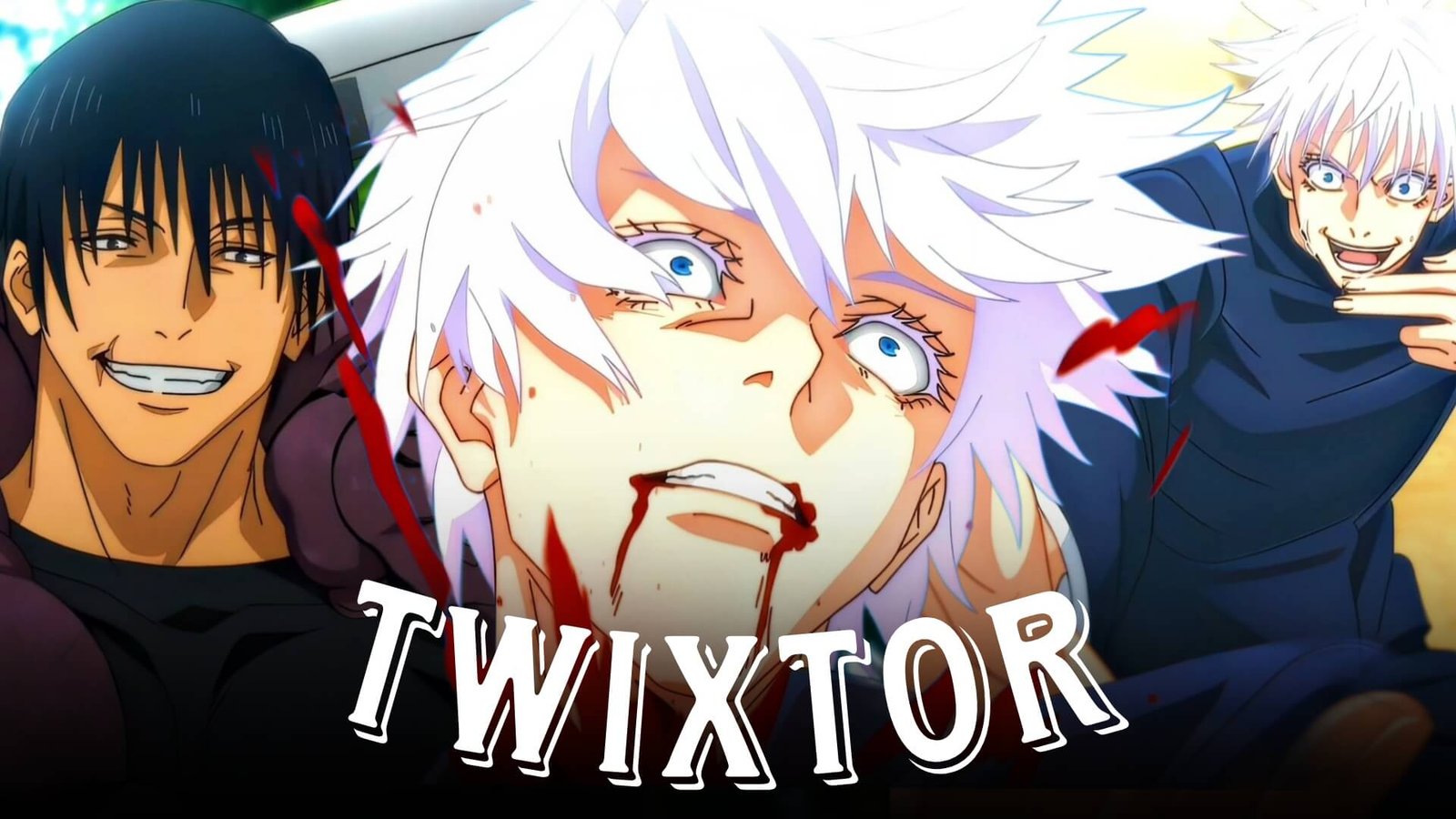
Few anime battles combine speed, emotion, and cinematic storytelling as effectively as Satoru Gojo vs Toji Fushiguro Twixtor moments from Jujutsu Kaisen. Their confrontation in the Hidden Inventory Arc isn’t just a clash of overwhelming strength—it represents two completely different philosophies of combat. Gojo relies on limitless cursed techniques, while Toji depends entirely on refined physical ability and flawless weapon mastery.
For anime editors, this contrast creates an incredible foundation for Twixtor edits, AMVs, velocity edits, TikTok videos, Instagram Reels, and YouTube Shorts. Instead of focusing only on flashy effects, the battle rewards editors who carefully pace slow motion, camera transitions, and music synchronization.
Editorial Note: This guide focuses on editing techniques and scene analysis for creators. Always use video footage in accordance with the copyright rules and platform policies that apply to your project.
Why Gojo vs Toji Is One of the Best Fights for Twixtor
A successful Satoru Gojo vs Toji Fushiguro Twixtor edit works because both characters fight in completely different ways.
Gojo’s techniques create elegant visual effects filled with blue, red, and purple energy, while Toji’s attacks rely on speed, precision, and perfectly timed movements. This contrast naturally creates exciting pacing without requiring excessive visual effects.
Editors often choose this battle because it features:
- Smooth hand-to-hand combat
- High-speed movement
- Cinematic camera angles
- Powerful cursed technique effects
- Emotional storytelling
- Exceptional animation quality
These elements provide plenty of opportunities for creative editing while keeping the action easy to follow.
Scene Selection That Creates Better Twixtor Edits
Gojo’s Awakening
One of the strongest moments to include is Gojo’s transformation after unlocking a deeper understanding of his abilities.
Look for scenes featuring:
- Calm facial expressions
- Floating camera shots
- Energy buildup
- Confident smiles
- Technique activation
These clips work well as the emotional turning point of your edit.
Editing Idea:
Begin with normal speed, introduce slow motion during the awakening, and transition back to full speed on the music drop for maximum impact.
Toji’s High-Speed Combat
Toji’s movements are extremely clean, making them excellent for Twixtor interpolation.
Recommended moments include:
- Sword attacks
- Fast dashes
- Mid-air movement
- Close-range combat
- Quick weapon transitions
Avoid adding unnecessary effects—the animation already carries plenty of visual energy.
Hollow Purple Sequence
One of the most recognizable moments in the battle is Gojo’s use of Hollow Purple.
Excellent editing points include:
- Energy charging
- Camera zoom
- Environmental destruction
- Light effects
- Final impact
A gradual speed ramp often looks better here than keeping the entire sequence in slow motion.
Emotional Closing Moments
The ending of the fight offers a completely different editing style.
Good clips include:
- Character close-ups
- Quiet expressions
- Slow camera movement
- Dramatic lighting
- Emotional atmosphere
These scenes help balance action with storytelling.
Twixtor Editing Tips for This Fight
Creating a polished Satoru Gojo vs Toji Fushiguro Twixtor edit is more about timing than adding dozens of effects.
Use Slow Motion Sparingly
The fight already feels incredibly fast. Instead of slowing every attack, reserve Twixtor for moments such as:
- Character entrances
- Technique activation
- Mid-air attacks
- Final strikes
- Emotional reactions
This approach keeps the edit energetic while emphasizing the most important scenes.
Match Scene Changes to Music
Rather than cutting on every beat, allow important attacks to finish before switching angles.
Good synchronization points include:
- Beat drops
- Bass hits
- Vocal transitions
- Instrumental pauses
- Final chorus
Smooth rhythm often feels more cinematic than rapid transitions.
Build Momentum Gradually
One common editing mistake is showing the biggest scene first.
Instead:
- Introduce both characters.
- Increase the action step by step.
- Save Hollow Purple or the decisive moments for the climax.
This creates a stronger viewing experience.
Color Grading Ideas
Although Jujutsu Kaisen already has excellent color design, subtle grading can help unify your edit.
Popular options include:
- Deep blue highlights for Gojo
- Dark green shadows for Toji
- High contrast
- Soft bloom
- Light film grain
Avoid oversaturating the colors, as it can reduce the impact of the original animation.
Common Mistakes Editors Should Avoid
Many beginner edits lose quality because of unnecessary effects.
Try to avoid:
- Excessive motion blur
- Constant camera shake
- Overusing glow effects
- Extremely fast transitions
- Poor beat synchronization
- Low-quality source footage
Often, the original animation is strong enough to carry the edit on its own.
Why Editors Still Love This Battle
Years after its release, Satoru Gojo vs Toji Fushiguro Twixtor remains one of the most searched editing topics in the anime community.
The fight succeeds because it balances:
- Incredible choreography
- Emotional storytelling
- Smooth animation
- Memorable character moments
- Cinematic visual effects
This combination gives editors endless creative possibilities, whether they’re producing a dramatic AMV or a fast-paced social media edit.
FAQ
What are the best Gojo vs Toji scenes for Twixtor edits?
Gojo’s awakening, Toji’s high-speed attacks, Hollow Purple, and the emotional conclusion are the most popular editing choices.
Why is Gojo vs Toji so popular among anime editors?
The battle combines fluid animation, contrasting fighting styles, emotional storytelling, and cinematic visuals, making it ideal for Twixtor and velocity edits.
How can I make my Gojo vs Toji Twixtor look smoother?
Choose high-quality footage, apply slow motion only to key moments, synchronize major attacks with your soundtrack, and avoid excessive visual effects.
Final Thoughts
A memorable Satoru Gojo vs Toji Fushiguro Twixtor edit doesn’t rely on dozens of effects—it relies on smart timing, thoughtful pacing, and an understanding of the fight’s emotional rhythm. By combining selective slow motion with clean transitions and music synchronization, you can create an edit that feels cinematic while respecting the original animation.
If you’re looking to improve your anime editing skills, explore our related guides covering Gojo Satoru Twixtor, Toji Fushiguro Twixtor, Sukuna Twixtor, Gojo vs Sukuna Twixtor, and Mahoraga Twixtor for more scene analysis and editing techniques.