LINKS
Get Exclusive CC & Quality Setting Here : https://payhip.com/QualityCCLab
GET EXCLUSIVE FREE TWIXTOR CLIPS
Get Anime Clips Raw For Free: https://twixtorclips.com/anime-raw-clips/
Exclusive Twixtor Clips For Free: https://twixtorclips.com
Zoro Twixtor Clips: Best One Piece Swordsmanship Moments for Cinematic Edits
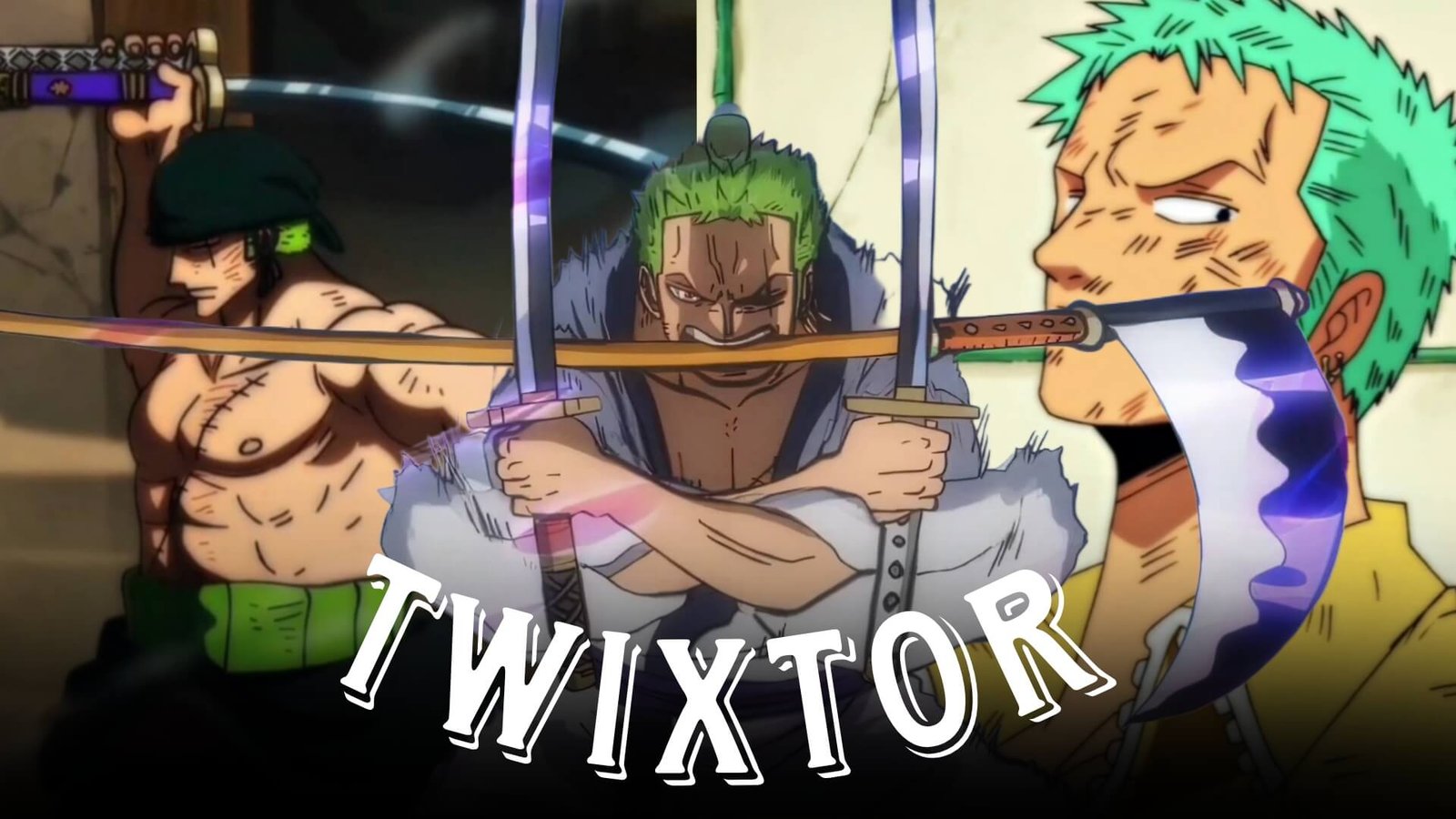
Roronoa Zoro is one of the most popular characters in One Piece and one of the most recognizable swordsmen in anime. His Three Sword Style, powerful attacks, intense battles, and determination make Zoro Twixtor clips a popular choice for anime editors.
From his early sword fights to his Wano battles, Zoro has numerous moments that can be used to create cinematic AMVs, velocity edits, YouTube Shorts, TikTok videos, and Instagram Reels.
Editorial Note: This article focuses on editing techniques and scene analysis. It does not host or distribute copyrighted anime footage. Use legally obtained source material and follow applicable copyright and platform policies.
Why Zoro Twixtor Clips Are Popular
Zoro’s fighting style offers a combination of fast movements and powerful attacks that can work well with speed-ramping and slow-motion techniques.
Great editing elements include:
- Three Sword Style
- Enma
- Haki
- Santoryu attacks
- Sword clashes
- Fast slashes
- Character close-ups
- Powerful finishing attacks
Best Zoro Moments for Twixtor Edits
Three Sword Style
Zoro’s signature Three Sword Style provides some of the best material for velocity edits.
Look for:
- Sword-drawing sequences
- Attack preparation
- Rapid sword swings
- Santoryu techniques
- Impact moments
Editing Tip: Start the sequence at normal speed, slow down immediately before the sword attack, and accelerate as the slash connects.
Zoro’s Enma Scenes
Zoro’s use of Enma provides visually powerful material, particularly during the Wano storyline.
The sword’s importance to Zoro’s fighting style makes these scenes excellent for character-focused edits.
A possible sequence:
Enma close-up → Zoro reaction → sword draw → slow motion → attack → beat drop
Zoro Twixtor Clips vs King
The battle against King provides some of Zoro’s strongest modern action sequences.
Useful moments include:
- High-speed sword exchanges
- Haki effects
- Enma sequences
- Aerial attacks
- Sword clashes
- Finishing attacks
These moments work especially well for fast-paced AMVs and velocity edits.
Zoro vs Killer
The confrontation with Killer provides another strong source of sword-fighting footage.
You can combine:
Killer movement → Zoro reaction → sword clash → slow motion → attack → impact
Alternating between the two characters can create a more dynamic edit.
Zoro vs Kuma
The Thriller Bark sequence involving Zoro and Kuma is particularly useful for emotional edits.
Instead of focusing entirely on speed effects, consider combining:
- Zoro’s determination
- Combat moments
- Character close-ups
- Dramatic pauses
- Emotional ending
This can create a story-driven Zoro edit.
Twixtor Editing Tips for Zoro
Use High-Quality Footage
Higher-quality source footage generally provides more information for interpolation, especially during rapid sword movements.
Apply Twixtor Selectively
Good moments include:
- Sword swings
- Attack preparation
- Haki activation
- Enma sequences
- Character close-ups
- Impact frames
Avoid forcing Twixtor through hard cuts or extremely complex frames.
Use Velocity Changes
A useful pattern is:
100% → slow motion → acceleration → impact → 100%
This keeps the action energetic while emphasizing important moments.
Synchronize Sword Attacks With Music
Zoro edits work particularly well when sword impacts and attack releases are synchronized with:
- Bass hits
- Drum beats
- Beat drops
- Cinematic impacts
Color Grading Ideas
For a cinematic Zoro Twixtor edit, experiment with:
- High contrast
- Darker shadows
- Controlled saturation
- Subtle sharpening
- Light film grain
- Mild bloom
Avoid excessive grading that removes detail from Zoro’s swords or facial expressions.
Common Editing Mistakes
Avoid:
- Slowing down the entire clip
- Excessive camera shake
- Heavy motion blur
- Too many transitions
- Excessive flashes
- Over-sharpening
- Poor music synchronization
Zoro’s animation is already visually powerful, so clean editing can be more effective than excessive effects.
Why Editors Love Zoro
Zoro combines a distinctive three-sword fighting style with powerful Haki, memorable battles, and strong character development. His scenes provide everything needed for both aggressive velocity edits and cinematic character-focused AMVs.
A well-crafted Zoro Twixtor clip can emphasize his swordsmanship, determination, Haki, and strongest attacks while maintaining the visual style of One Piece.
FAQ
What are the best Zoro scenes for Twixtor?
Zoro vs King, Zoro vs Killer, Zoro vs Kuma, Enma sequences, and major Three Sword Style attacks are excellent choices.
How can I make Zoro Twixtor clips smoother?
Use high-quality source footage, apply interpolation selectively to clear movements, avoid hard cuts, and synchronize speed changes with music.
What type of music works for Zoro edits?
Aggressive cinematic tracks, phonk, orchestral music, and bass-heavy tracks can work well depending on the editing style.
Final Thoughts
Zoro Twixtor clips offer some of the best material for One Piece anime editing. His Three Sword Style, Enma, Haki, and major battles provide natural opportunities for smooth velocity changes, slow-motion effects, and cinematic storytelling.
For more One Piece editing content, explore Zoro vs Killer Twixtor, Zoro vs Kuma Twixtor, Zoro vs King Twixtor, Trafalgar Law Twixtor, Sabo Twixtor, Nico Robin Twixtor, and Dracule Mihawk Twixtor.