LINKS
GET EXCLUSIVE FREE TWIXTOR CLIPS
Get Exclusive CC & Quality Setting Here : https://payhip.com/QualityCCLab
Get Anime Clips Raw For Free: https://twixtorclips.com/anime-raw-clips/
Exclusive Anime Twixtor Clips For Free: https://twixtorclips.com/anime-twixtor
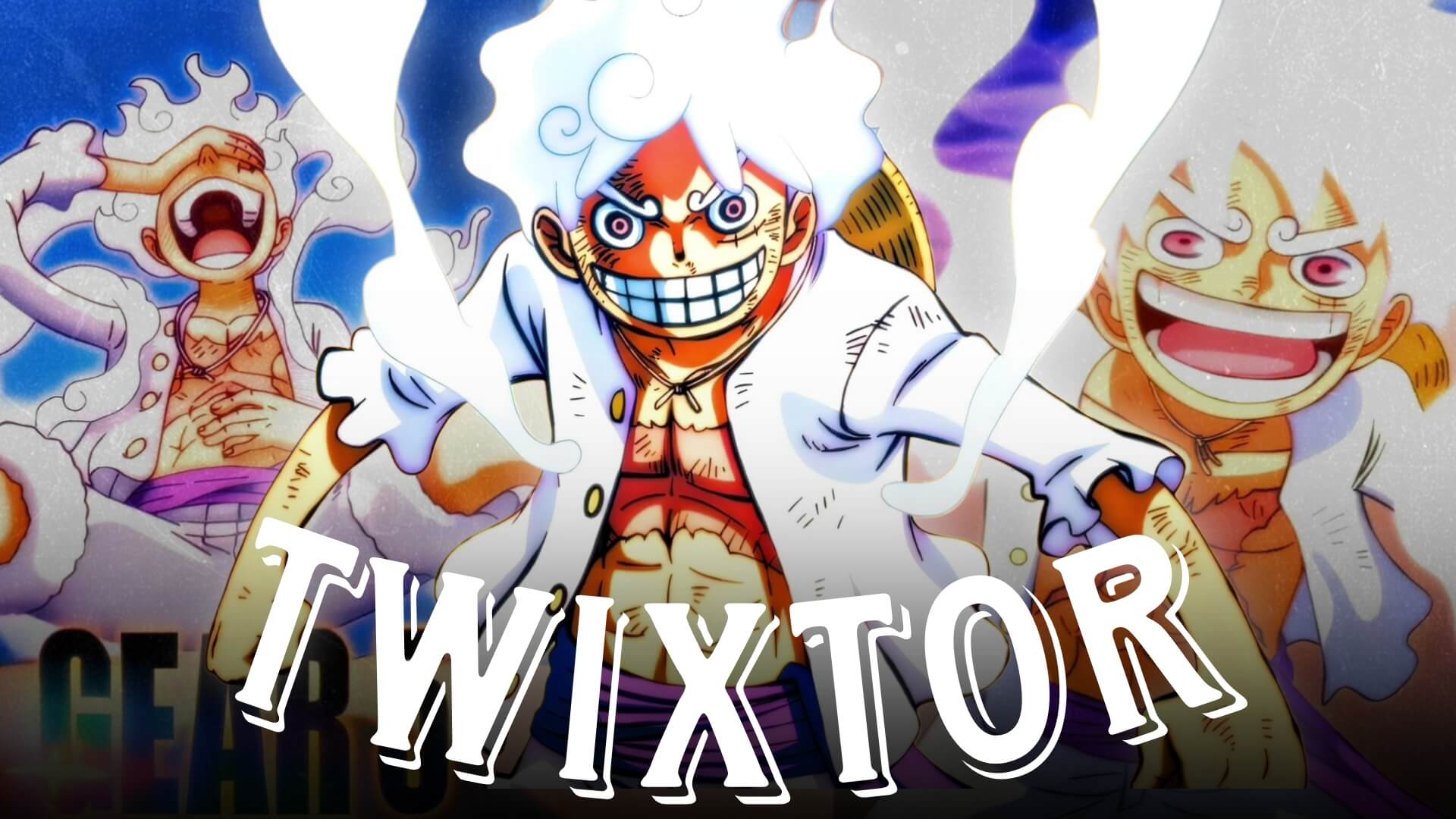
Luffy Gear 5 Twixtor: Best One Piece Scenes for Epic Edits
Luffy Gear 5 Twixtor edits have become some of the most popular creations in the anime editing community since Gear 5 debuted in One Piece. With its fluid animation, exaggerated movements, and vibrant visual effects, Gear 5 offers endless possibilities for cinematic slow-motion edits. Whether you’re making an AMV, TikTok edit, Instagram Reel, or YouTube Short, selecting the right Gear 5 moments can transform a simple edit into a visually stunning project.
In this guide, we’ll cover the best Gear 5 scenes for Twixtor editing, explain why they work so well, and share practical techniques to help you create smoother and more engaging anime edits.
Why Gear 5 Is Perfect for Twixtor Editing
Creating a high-quality Luffy Gear 5 Twixtor starts with understanding what makes Gear 5 unique. Unlike previous transformations, Gear 5 features cartoon-inspired movement, dynamic camera angles, expressive facial animations, and spectacular visual effects.
Editors love using Gear 5 because it includes:
- Smooth and fluid animation
- Unique squash-and-stretch movements
- Bright white transformation effects
- Fast-paced combat sequences
- Dramatic close-up shots
- Creative visual storytelling
These features make Gear 5 ideal for velocity edits, cinematic AMVs, and high-impact social media edits.
Best Luffy Gear 5 Scenes for Twixtor
Gear 5 Awakening
Luffy’s awakening is one of the most iconic moments in modern anime.
Best editing moments include:
- The heartbeat awakening
- White smoke effects
- The first transformation
- Close-up facial expressions
- Joyful laughter sequence
Editing Tip:
Slow down the awakening sequence before transitioning into the first action scene for maximum impact.
Luffy vs Kaido
The Gear 5 battle against Kaido contains some of the smoothest animation in One Piece.
Great scenes include:
- Punch combinations
- Giant form moments
- Lightning grabs
- Ground-bouncing attacks
- Final finishing moves
These sequences are excellent for cinematic Twixtor edits thanks to their clean animation and dramatic pacing.
Bajrang Gun
Bajrang Gun is one of the most visually impressive attacks in the series.
Highlight:
- Attack preparation
- Massive fist formation
- Energy effects
- Camera zoom-outs
- Final impact
Use slow motion during the attack buildup and return to normal speed at the moment of impact for a satisfying transition.
Gear 5 Funny Expressions
Unlike traditional anime transformations, Gear 5 embraces humor.
Popular moments include:
- Cartoon facial reactions
- Eye-popping expressions
- Laughing animations
- Stretching movements
- Comedic dodges
These scenes create unique edits that stand out from standard action-focused AMVs.
Editing Tips for a Smooth Luffy Gear 5 Twixtor
A polished Luffy Gear 5 Twixtor depends on careful editing rather than relying solely on slow motion.
Use High-Quality Source Footage
Sharp footage helps Twixtor interpolate frames more accurately and minimizes visual artifacts.
Slow Down Key Animations
Apply Twixtor selectively to:
- Transformations
- Punch impacts
- Lightning effects
- Character entrances
- Finishing attacks
Avoid slowing every scene, as it can reduce the overall impact.
Sync With Music
Music synchronization is one of the biggest factors in creating memorable edits.
Excellent sync points include:
- Heartbeat awakening
- Transformation reveal
- Punch impacts
- Bajrang Gun release
- Kaido collisions
Aligning these moments with beat drops or instrumental changes creates a more cinematic experience.
Use Motion Blur Sparingly
A subtle amount of motion blur helps blend interpolated frames while preserving the crisp animation style of Gear 5.
Color Grading Ideas
Gear 5’s bright visual style allows for several creative grading options.
Popular choices include:
- Bright cinematic whites
- High-contrast anime grading
- Blue-and-white highlights
- Soft bloom effects
- Slight film grain for dramatic scenes
Keep the grading consistent throughout your edit for a polished look.
Common Mistakes to Avoid
When creating a Luffy Gear 5 Twixtor, avoid these common errors:
- Overusing slow motion
- Excessive glow effects
- Poor synchronization with music
- Using low-quality footage
- Overloading the edit with transitions
A clean edit with strong pacing is often more impactful than one filled with unnecessary effects.
Why Gear 5 Is an Editor’s Dream
Gear 5 completely changed the visual style of One Piece with its imaginative animation and expressive character movement. Its mix of action, comedy, and cinematic presentation makes it one of the most versatile transformations for anime editing.
A well-crafted Luffy Gear 5 Twixtor combines smooth interpolation, thoughtful scene selection, and precise music synchronization to create edits that capture both the excitement and personality of Luffy’s strongest form.
FAQ
What are the best Luffy Gear 5 scenes for Twixtor edits?
The Gear 5 awakening, Luffy vs Kaido fight, Bajrang Gun attack, and humorous Gear 5 expressions are among the most popular scenes due to their fluid animation and creative visuals.
Why is Gear 5 popular for anime edits?
Gear 5 features highly expressive animation, unique movement, and cinematic action, making it ideal for slow-motion edits and AMVs.
How can I make my Luffy Gear 5 Twixtor smoother?
Use high-resolution footage, apply Twixtor to scenes with clean movement, synchronize major moments with your soundtrack, and keep visual effects balanced.
Final Thoughts
A successful Luffy Gear 5 Twixtor edit is more than just impressive slow motion—it’s about capturing the creativity, energy, and emotion that define Gear 5. By choosing iconic moments, pacing your edit carefully, and synchronizing key scenes with music, you can create videos that stand out across social media and showcase your editing skills.
For more anime editing inspiration, explore our guides on One Piece battles, transformation analyses, Twixtor workflows, and character-focused editing techniques.