LINKS
Get Exclusive CC & Quality Setting Here : https://payhip.com/QualityCCLab
GET EXCLUSIVE FREE TWIXTOR CLIPS
Get Anime Clips Raw For Free: https://twixtorclips.com/anime-raw-clips/
Exclusive Twixtor Clips For Free: https://twixtorclips.com
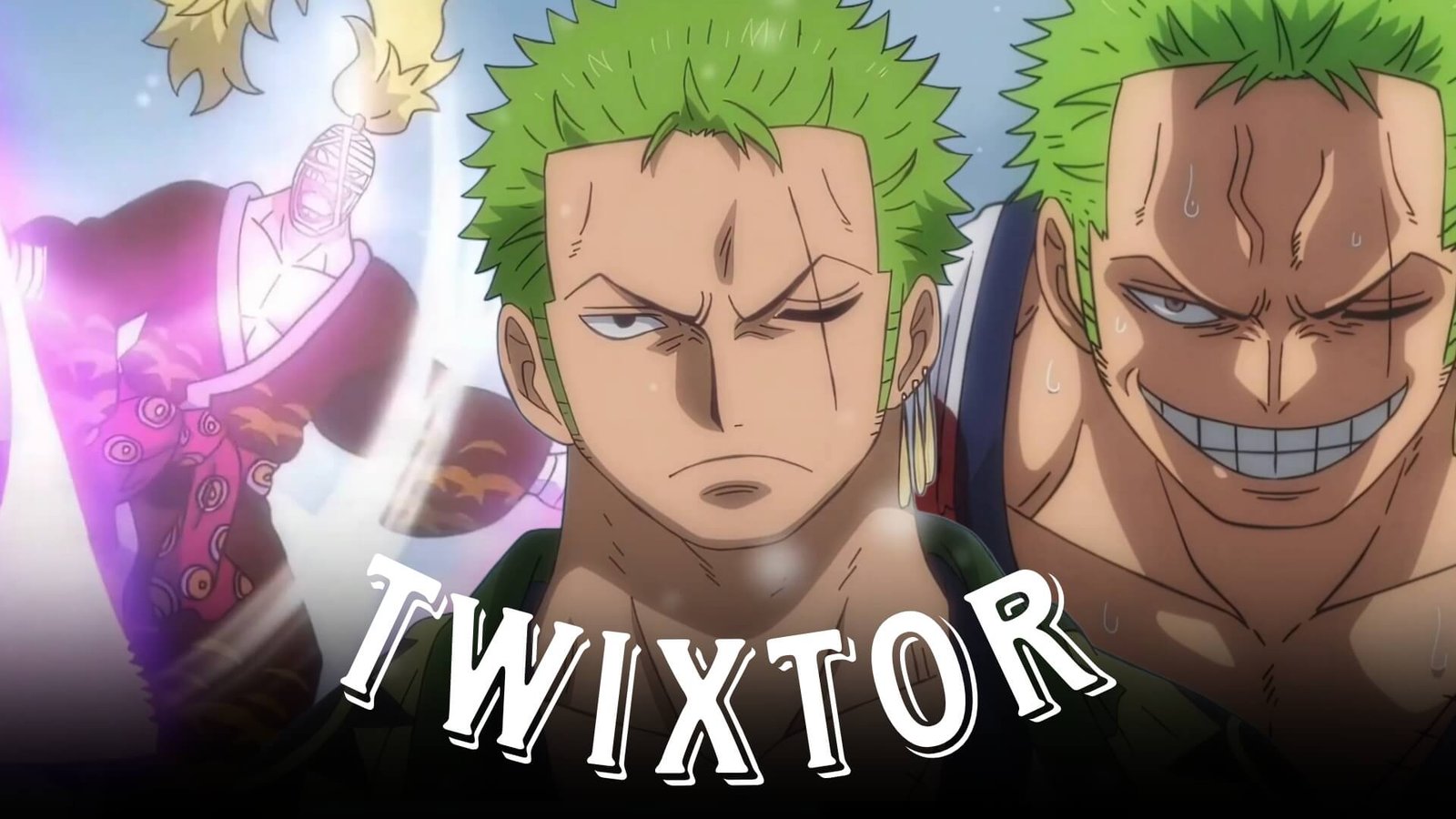
Zoro vs Killer Twixtor: Best One Piece Fight Moments for Cinematic Edits
The confrontation between Roronoa Zoro and Killer is one of the memorable combat sequences from the Wano storyline in One Piece. The battle combines fast weapon movements, close-range combat, dramatic camera angles, and powerful finishing moments, making it excellent material for anime editors.
Zoro vs Killer Twixtor edits can be used to create cinematic AMVs, velocity edits, YouTube Shorts, TikTok videos, and Instagram Reels. The fight’s fast movements provide natural opportunities for slow motion and speed-ramping effects.
Editorial Note: This article is created for editing education and scene analysis. It does not host or distribute copyrighted anime footage. Use legally obtained source material and follow applicable copyright and platform policies.
Why Zoro vs Killer Is Great for Twixtor
The fight contains several elements that work particularly well with motion interpolation and velocity editing:
- Zoro’s three-sword style
- Killer’s spinning weapons
- Rapid attacks
- Close-range exchanges
- Weapon clashes
- Dramatic character shots
- High-impact finishing moments
The contrast between Zoro’s heavy sword attacks and Killer’s fast movements also creates interesting opportunities for speed changes.
Best Zoro vs Killer Moments for Editing
Zoro’s Three-Sword Style
Zoro’s sword movements provide some of the strongest shots for a velocity edit.
Look for:
- Sword draws
- Attack preparation
- Rapid slashes
- Three-sword combinations
- Impact frames
Editing Tip: Slow down the moment immediately before a major slash, then accelerate as the sword movement reaches its peak. This can create a smooth and powerful velocity effect.
Killer’s Fast Weapon Movements
Killer’s fighting style is visually different from Zoro’s, making his sequences useful for creating contrast.
His spinning weapons and rapid movements can work well with:
- Speed ramps
- Beat synchronization
- Directional transitions
- Motion blur
- Quick cuts
Try alternating Killer’s fast movements with Zoro’s heavier attacks to create variation.
Zoro’s Finishing Moment
The final portion of the fight provides an excellent climax for an edit.
A simple structure could be:
Character close-up → weapon preparation → slow motion → attack → impact → beat drop
Keeping the final attack relatively clean can make the moment feel much more powerful.
Twixtor Editing Tips for Zoro vs Killer
Use High-Quality Footage
High-quality footage generally provides better information for interpolation, particularly during rapid sword and weapon movements.
Choose Suitable Frames
Twixtor works best when the movement is relatively clear. Avoid relying heavily on interpolation during:
- Heavy scene cuts
- Complex overlapping movements
- Extreme camera movement
- Rapid visual effects
Use Speed Ramping
Instead of keeping the entire fight slow, create a rhythm:
Normal speed → slow motion → acceleration → impact → normal speed
This preserves the energy of the original fight.
Synchronize With Music
Good synchronization points include:
- Sword clashes
- Weapon spins
- Attack releases
- Impact frames
- Finishing attacks
Color Grading Ideas
For a cinematic Zoro vs Killer Twixtor edit, a darker, high-contrast look can complement the intensity of the fight.
You can experiment with:
- Strong contrast
- Dark shadows
- Controlled saturation
- Subtle sharpening
- Light film grain
- Mild bloom
Avoid excessive grading that removes detail from the characters.
Common Editing Mistakes
Avoid:
- Applying Twixtor to every frame
- Excessive slow motion
- Too much camera shake
- Heavy motion blur
- Excessive flashing
- Overusing transitions
- Poor beat synchronization
The fight is already fast and visually dynamic, so controlled effects usually produce the best result.
Why Zoro vs Killer Is Popular for Anime Edits
The fight offers a strong combination of swordsmanship, speed, character intensity, and dramatic action. Zoro and Killer also have noticeably different fighting styles, allowing editors to create visual contrast throughout the sequence.
A well-made Zoro vs Killer Twixtor edit can combine slow-motion sword movements, rapid velocity changes, beat synchronization, and cinematic transitions to create a polished One Piece edit.
FAQ
What are the best Zoro vs Killer scenes for Twixtor?
Zoro’s three-sword attacks, Killer’s spinning weapon sequences, weapon clashes, close-ups, and the finishing portion of the battle are strong choices.
How can I make Zoro vs Killer Twixtor smoother?
Use high-quality footage, apply Twixtor selectively to clear movements, use speed ramps around attacks, and synchronize major impacts with the soundtrack.
What editing style suits this fight?
A fast-paced velocity edit works well, while a darker cinematic AMV style can emphasize the intensity of the confrontation.
Final Thoughts
Zoro vs Killer Twixtor is a strong topic for One Piece editors because the battle combines rapid weapon movements with powerful sword attacks and dramatic finishing moments. Selective slow motion, clean velocity changes, and precise music synchronization can turn these scenes into engaging cinematic edits.
For more One Piece editing content, explore Zoro Twixtor, Zoro vs Kuma Twixtor, Zoro vs King Twixtor, Luffy Gear 5 Twixtor, Sanji Twixtor, and Shanks Twixtor.