LINKS
Get Exclusive CC & Quality Setting Here : https://payhip.com/QualityCCLab
GET EXCLUSIVE FREE TWIXTOR CLIPS
Get Anime Clips Raw For Free: https://twixtorclips.com/anime-raw-clips/
Exclusive Twixtor Clips For Free: https://twixtorclips.com
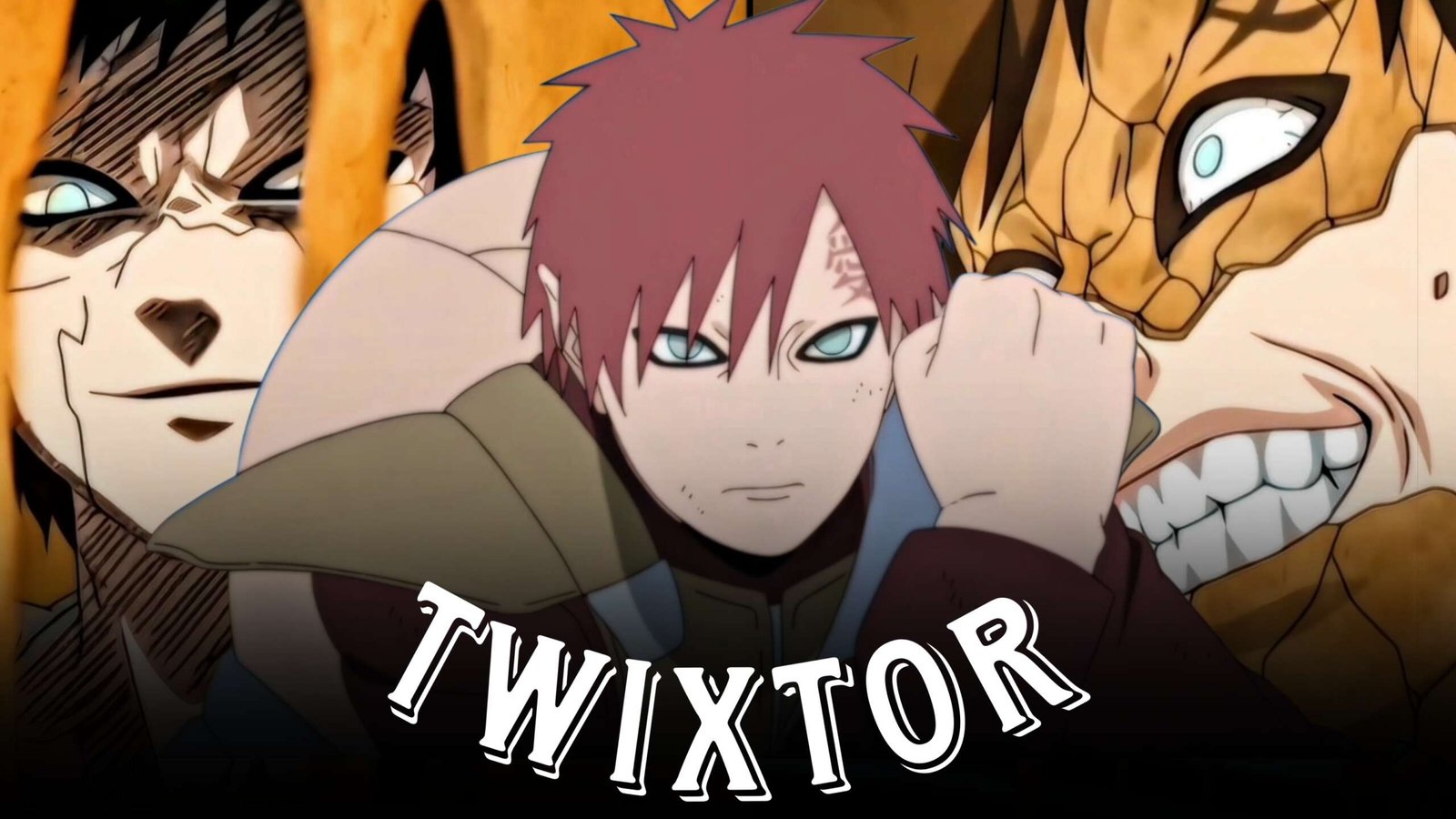
Gaara Twixtor: Best Gaara Naruto Clips for Edits
Gaara has one of the most recognizable visual styles in Naruto. His sand manipulation, automatic defense, giant sand attacks, dramatic expressions, and powerful transformations give editors plenty of material for creative anime edits.
A Gaara Twixtor edit can be built around more than just fighting. Sand movement itself can become part of the editing rhythm, while close-ups and atmospheric shots provide slower sections between major attacks.
Editorial Note: This article is focused on anime editing techniques and creative inspiration. It does not host or distribute copyrighted Naruto footage.
Why Gaara Clips Work So Well for Editing
Gaara’s abilities create movement even when the character himself remains relatively still.
This gives editors several different types of footage to work with:
- Sand attacks
- Sand shields
- Sand manipulation
- Character close-ups
- Battle scenes
- Defensive moments
- Shukaku-related scenes
- Desert environments
- Kazekage scenes
- Walking shots
- Reaction shots
- Large-scale attacks
The contrast between stillness and sudden sand movement can make a Gaara edit feel very different from a conventional speed montage.
Gaara’s Sand Defense
Gaara’s sand defense provides excellent moments for impact-based editing.
A possible sequence is:
Opponent attacks → sand reacts → shield forms → impact → counterattack
Rather than speeding up the entire sequence, use Twixtor around the moment of impact and return to normal speed afterward.
This keeps the attack readable while giving the edit additional momentum.
Gaara Sand Attack Clips
Sand-based attacks can create interesting visual transitions because the sand often moves across a large portion of the frame.
Look for:
- Sand waves
- Sand projectiles
- Sand hands
- Sand barriers
- Large-scale attacks
- Rapid sand movement
You can use a sand movement that fills the screen as a natural transition between two different clips.
Gaara vs Rock Lee Edit
Gaara’s battle with Rock Lee provides a useful combination of martial-arts movement and sand-based defense.
For a fight-focused edit, combine:
Lee’s movement → Gaara reaction → sand defense → counterattack → impact
This creates a back-and-forth rhythm rather than showing only Gaara’s attacks.
Use short velocity ramps around the fastest movements and keep the slower character moments intact.
Gaara vs Deidara Clips
Gaara’s confrontation with Deidara offers a completely different editing style.
The battle contains:
- Long-range attacks
- Sand manipulation
- Explosions
- Aerial movement
- Defensive sequences
- Large environmental shots
These scenes can work particularly well for cinematic edits because there is a noticeable difference between character close-ups and large-scale action.
Gaara Twixtor Close-Ups
Gaara’s facial expressions can provide useful pauses in an otherwise fast montage.
Try using close-ups:
- Before a major attack
- After an impact
- During a character reveal
- Between fight sections
- During dramatic story moments
A subtle zoom or slow push-in can be more effective here than aggressive Twixtor.
Kazekage Gaara Edit
For a more mature character-focused edit, combine scenes of Gaara as Kazekage with moments showing his leadership and combat abilities.
A possible sequence is:
Kazekage introduction → close-up → village shot → sand technique → battle → final character shot
Use cinematic music and slower transitions to create a more composed atmosphere.
Shukaku and Transformation Scenes
Large transformation and tailed-beast sequences can provide powerful finishing moments.
Instead of adding numerous effects, let the scale of the original animation create the impact.
Try:
Normal speed → gradual slowdown → transformation reveal → beat drop → attack
A carefully placed impact sound can further emphasize the transformation.
Music Ideas for Gaara Edits
Aggressive Fight Edit
Try:
- Phonk
- Trap
- Drum & bass
- Electronic
- Heavy hip-hop
These can work with rapid attacks and beat-synced cuts.
Cinematic Gaara Edit
For a more atmospheric approach, use:
- Orchestral tracks
- Dark instrumentals
- Ambient music
- Emotional cinematic tracks
This style can work particularly well with Gaara’s character-development scenes.
Color Grading Gaara Clips
Gaara’s footage can look particularly good with a cinematic grade that emphasizes the desert and sand-heavy visuals.
Experiment with:
- Moderate contrast
- Warm highlights
- Controlled saturation
- Detailed shadows
- Subtle sharpening
- Light film grain
Avoid making the grade excessively orange. The goal should be consistency rather than changing the original animation completely.
Using Sand as a Transition
One creative approach is to make the sand itself part of the edit.
For example:
Gaara raises his hand → sand enters frame → cut during the movement → next scene begins
This creates a transition that feels connected to the character instead of looking like a generic editing preset.
You can also match the direction of sand movement with the movement in the next clip.
Gaara Twixtor Workflow
A practical workflow is:
Choose clean clips → identify movement → create velocity points → apply Twixtor selectively → add motion blur → synchronize sound → color grade → export
For Twixtor, prioritize clearly visible movement. Fast sand effects involving multiple overlapping objects can sometimes be more difficult to interpolate cleanly.
Gaara Edit Ideas
Gaara Sand Edit
Build the entire montage around sand manipulation, shields, projectiles, and large-scale attacks.
Gaara vs Rock Lee Edit
Focus on the contrast between Lee’s physical speed and Gaara’s defensive sand techniques.
Gaara vs Deidara Edit
Use aerial shots, explosions, sand defenses, and cinematic battlefield footage.
Kazekage Gaara Edit
Create a character-focused montage featuring Gaara’s later appearances and leadership moments.
Dark Gaara Edit
Combine serious close-ups, atmospheric scenes, and darker music for a character-driven montage.
Gaara Transformation Edit
Build toward Shukaku-related footage and use the transformation as the climax.
Common Mistakes When Editing Gaara
Avoid:
- Applying Twixtor to every sand effect
- Excessive speed ramps
- Too much camera shake
- Overusing flashes
- Heavy glow
- Extreme orange grading
- Excessive sharpening
- Random transitions
- Making every clip slow motion
Gaara’s visual identity is already strong, so the edit should enhance the footage rather than hide it behind effects.
FAQ
What are Gaara Twixtor Clips?
Gaara Twixtor Clips are scenes featuring Gaara from Naruto that can be used for slow-motion, velocity, and anime editing projects.
Which Gaara Twixtor scenes are good for Twixtor?
Sand attacks, physical combat, dodges, hand movements, character movement, and clearly defined action sequences can work well with Twixtor.
Is Gaara good for cinematic edits?
Yes. His sand abilities, desert imagery, character close-ups, battles, and Kazekage scenes provide a strong combination of action and cinematic footage.
Which Gaara fights are useful for edits?
Gaara vs Rock Lee and Gaara vs Deidara provide different types of footage, from close-range combat to large-scale sand and explosive sequences.
What music works for a Gaara edit?
Phonk, trap, electronic, cinematic, orchestral, and atmospheric tracks can all work depending on the style of the montage.
Final Thoughts
Gaara Twixtor offers a distinctive editing style because his abilities create movement through sand, shields, projectiles, and large-scale attacks. His close-ups and quieter character moments also give editors opportunities to slow the pace before returning to action.
For a stronger result, use sand movement as transitions, velocity changes around major impacts, and Twixtor selectively on clean motion. Combining these techniques can create an edit that feels dynamic without relying on excessive effects.
Disclaimer
This article is for editing inspiration and informational purposes only. Naruto, Gaara, and related characters are the property of their respective copyright holders. Use footage you have the legal right or permission to edit and share.