LINKS
Get Exclusive CC & Quality Setting Here : https://payhip.com/QualityCCLab
GET EXCLUSIVE FREE TWIXTOR CLIPS
Get Anime Clips Raw For Free: https://twixtorclips.com/anime-raw-clips/
Exclusive Twixtor Clips For Free: https://twixtorclips.com
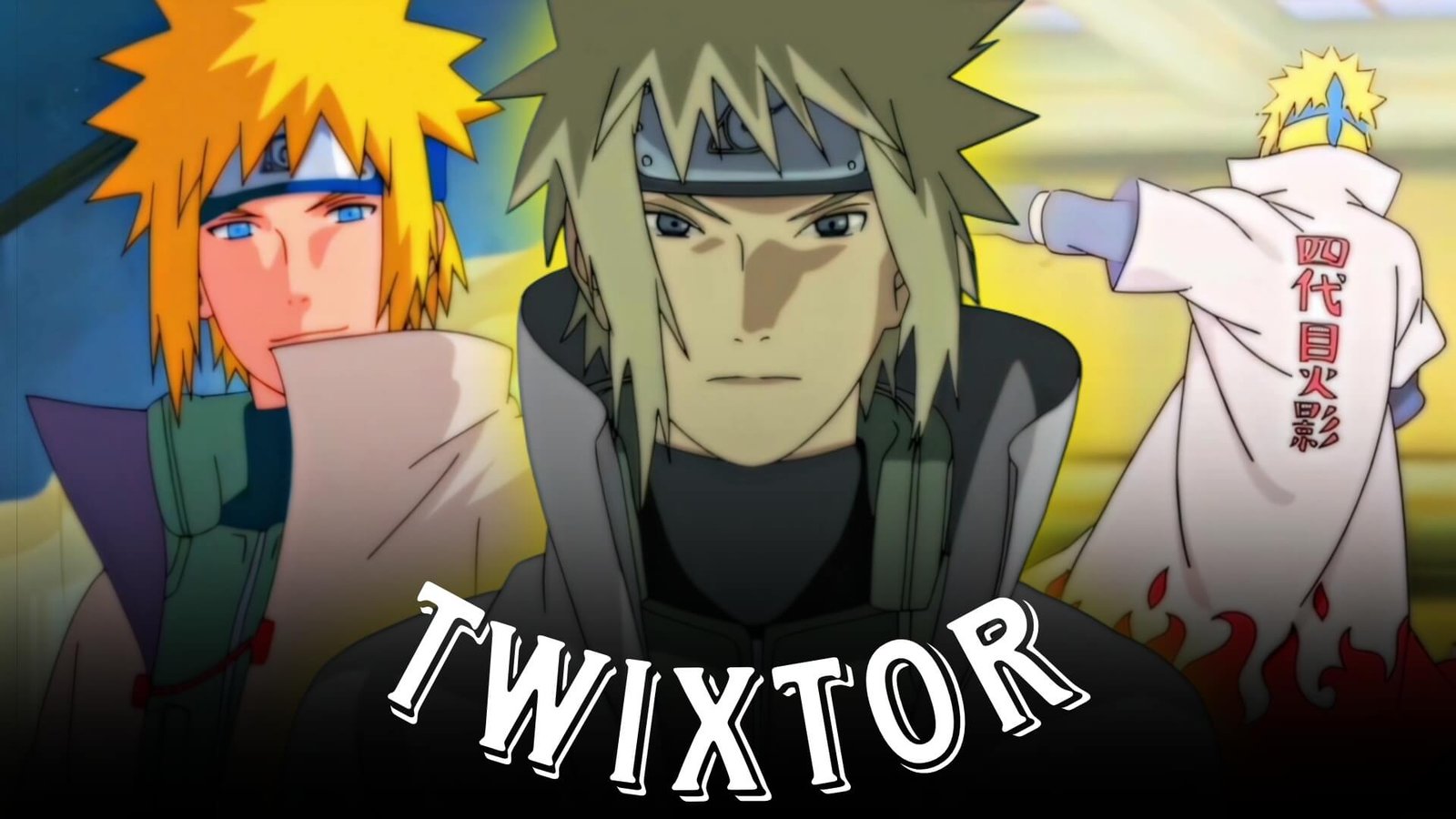
Minato Twixtor: Best Minato Namikaze Naruto Clips for Edits
Minato Namikaze, known as the Yellow Flash of the Leaf, is a natural fit for fast-paced anime edits. His teleportation techniques, rapid movement, kunai throws, Rasengan attacks, and calm battlefield presence create a strong combination of speed and cinematic character shots.
A Minato Twixtor edit does not have to be nonstop action. The contrast between his composed expressions and sudden bursts of movement can be used to create a smooth velocity edit with clear pacing.
Editorial Note: This article focuses on video-editing techniques and creative inspiration. It does not host or distribute copyrighted Naruto footage.
Why Minato Is Perfect for Speed Edits
Minato’s fighting style revolves heavily around movement and precise positioning, giving editors plenty of moments where speed manipulation can add emphasis.
Useful footage categories include:
- Flying Raijin movement
- Kunai throws
- Rasengan attacks
- Teleportation sequences
- Battle close-ups
- High-speed dodges
- Hand signs
- Character entrances
- Battlefield scenes
- Reaction shots
- Cinematic Naruto moments
These different types of footage can be combined instead of creating an edit entirely from fight clips.
Flying Raijin Clips
The Flying Raijin technique is one of the most recognizable elements to build a Minato edit around.
Teleportation scenes can be arranged into a rapid sequence:
Kunai placement → Minato disappears → teleportation → attack → impact
Velocity changes can emphasize the transition between locations.
For a cleaner result, let the original animation establish the movement before introducing Twixtor.
Minato Kunai Scenes
Minato’s kunai movements are particularly useful for short velocity sections.
Try using:
- Kunai throws
- Hand movements
- Kunai catches
- Rapid repositioning
- Attack preparations
A close-up of the kunai can also work as a transition into the next action shot.
For example:
Kunai close-up → fast transition → Minato appears → attack
Rasengan Edit Clips
Rasengan scenes provide strong impact moments for beat synchronization.
A simple sequence could be:
Character close-up → Rasengan formation → acceleration → attack → impact → slow motion
Keep the slow-motion section short so the attack retains its sense of power.
Adding excessive effects over the Rasengan can make the original animation harder to see, so subtle enhancements are often enough.
Minato Combat Velocity
Minato’s combat footage works well with alternating speeds rather than constant acceleration.
Try a structure such as:
Normal → slow → fast → impact → normal
Use the slower section to highlight a movement or facial expression and accelerate as Minato begins an attack.
This creates a more dynamic rhythm than applying the same speed effect to every scene.
Minato Close-Up Scenes
Not every Minato clip needs Twixtor.
Close-ups can act as pauses between high-speed sequences.
Good shots include:
- Minato’s face
- Eye close-ups
- Serious expressions
- Character entrances
- Standing shots
- Looking toward an opponent
Use subtle zooming, sharpening, or motion blur instead of excessive velocity manipulation.
The Yellow Flash Style
For a dedicated Yellow Flash edit, build the montage around Minato’s movement.
A possible structure is:
Minato introduction → kunai → Flying Raijin → rapid attacks → Rasengan → final close-up
Keep the first section relatively calm and progressively increase the editing speed.
This creates the feeling that the edit itself is accelerating alongside Minato.
Music Ideas for Minato Twixtor Edits
Fast-Paced Edit
Good options include:
- Phonk
- Trap
- Drum & bass
- Electronic
- Aggressive hip-hop
These genres work well with rapid teleportation and combat sequences.
Cinematic Minato Edit
For a more emotional or heroic montage, try:
- Orchestral music
- Cinematic instrumentals
- Piano-based tracks
- Atmospheric soundtracks
Use quieter sections for character moments and stronger musical peaks for combat.
Color Grading Minato Clips
A consistent grade can help different Naruto scenes look more cohesive.
Experiment with:
- Moderate contrast
- Controlled highlights
- Slight saturation adjustments
- Shadow detail
- Subtle sharpening
- Mild film grain
Avoid pushing the colors too far, especially on scenes containing bright chakra effects.
A clean grade allows Minato’s yellow hair, cloak, and attack effects to remain visually distinct.
Sound Design for Minato Twixtor
Sound effects can make speed changes feel much stronger.
Consider adding subtle:
- Whooshes
- Kunai sounds
- Impact sounds
- Bass hits
- Teleportation effects
- Reverse transitions
For example, place a short whoosh before a Flying Raijin transition and an impact sound when Minato reappears.
Minato Twixtor Workflow
A practical workflow is:
Select footage → trim movement → arrange the sequence → create velocity → apply Twixtor → add motion blur → sound design → color grade → final export
Twixtor should be applied selectively. Scenes with clean character movement generally provide better results than shots with complicated overlapping effects.
Minato Edit Ideas
Yellow Flash Speed Edit
Focus almost entirely on teleportation, kunai movement, and rapid attacks.
Minato Rasengan Edit
Build the montage around Rasengan preparation, movement, and impact shots.
Minato vs Opponents Edit
Use battle exchanges, dodges, teleportation, and counterattacks to create a combat-focused montage.
Young Minato Edit
Combine younger Minato’s character moments with training, combat, and early Naruto scenes.
Cinematic Minato Edit
Use close-ups, cloak shots, battlefield environments, and slower music for a more atmospheric presentation.
Flying Raijin Edit
Make teleportation the central visual concept and use kunai placement as recurring transitions.
Common Mistakes in Minato Edits
Avoid:
- Slowing every teleportation scene
- Excessive Twixtor
- Too many flashes
- Overusing camera shake
- Heavy motion blur
- Excessive glow
- Over-sharpening
- Random transitions
- Using only fight clips
A strong Minato edit should have moments of stillness as well as speed.
FAQ
What are Minato Twixtor Clips?
Minato Twixtor Clips are Naruto scenes featuring Minato Namikaze that can be used for slow-motion, velocity, and anime editing projects.
Which Minato scenes work best with Twixtor?
Teleportation, kunai throws, attacks, dodges, running, and other clearly defined movements can work well with Twixtor.
Is Minato Twixtor good for velocity edits?
Yes. His Flying Raijin technique and fast combat style provide many natural opportunities for speed ramps and slow-motion effects.
What music works for a Minato edit?
Phonk, trap, electronic, drum & bass, and cinematic music can all work depending on whether the edit focuses on speed, combat, or Minato’s character.
Can Minato close-ups be used in a Twixtor edit?
Yes. Close-ups can be used as slower sections between fast action sequences, giving the edit more pacing and visual variety.
Final Thoughts
Minato Twixtor gives anime editors a lot of creative possibilities because his scenes naturally combine speed, precision, and cinematic character moments. Flying Raijin, kunai movements, Rasengan, combat sequences, and close-ups can all be arranged into different editing styles.
For a polished result, don’t make the entire video fast. Let character shots establish the moment, use velocity to build momentum, and reserve Twixtor for movements that deserve extra emphasis.
Disclaimer
This article is provided for editing inspiration and informational purposes only. Naruto and its characters are owned by their respective copyright holders. Use footage you have the legal right or permission to edit and share.