LINKS
GET EXCLUSIVE FREE TWIXTOR CLIPS
Get Exclusive CC & Quality Setting Here : https://payhip.com/QualityCCLab
Get Anime Clips Raw For Free: https://twixtorclips.com/anime-raw-clips/
Exclusive Anime Twixtor Clips For Free: https://twixtorclips.com/anime-twixto
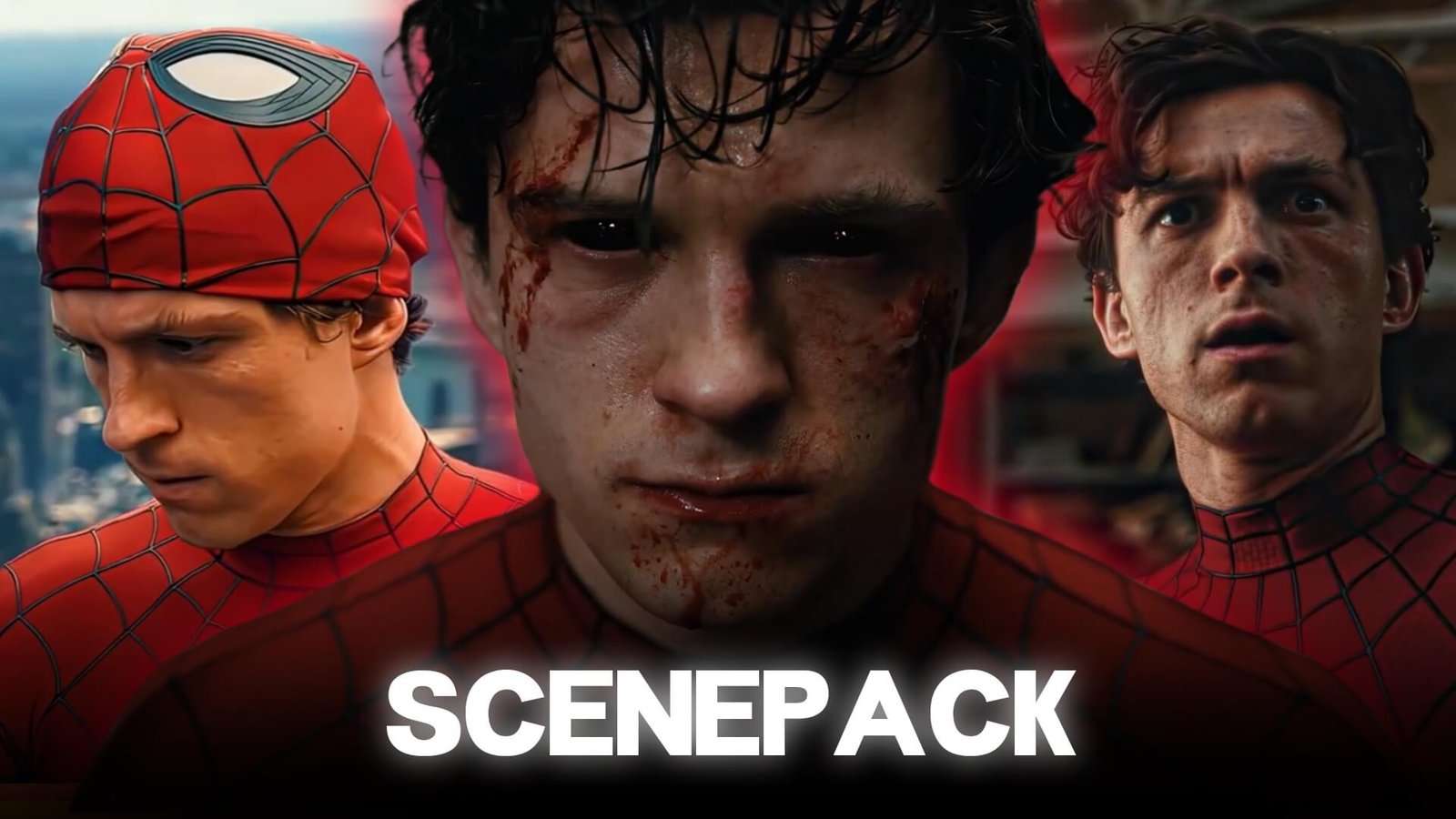
Spider-Man: Brand New Day Twixtor
Spider-Man: Brand New Day Twixtor is a strong topic for editors looking to create cinematic Spider-Man edits using slow-motion effects, velocity changes and dramatic transitions.
The 2026 movie continues Tom Holland’s Peter Parker story after Spider-Man: No Way Home. Sony’s official synopsis describes Peter as fighting crime full-time while living in a world that no longer remembers him, with a new threat putting pressure on him and the city.
The movie’s trailers also provide a variety of Spider-Man action, suit, character and cinematic shots that can inspire different editing styles.
Copyright & Editing Note: This article is intended for editing education and inspiration. It does not host or distribute copyrighted movie footage. Use footage you have the right to edit and follow the copyright rules of the platform where you publish your edit.
Why SSpider-Man Brand New Day Twixtor Works Well for Twixtor
Spider-Man footage can be particularly effective with Twixtor because many shots contain clear directional movement.
Good candidates include:
- Web-swinging
- Jumping
- Falling
- Fighting
- Suit reveals
- Running
- Landing shots
- Punches and kicks
- Camera movements
- Character close-ups
The key is selecting footage with relatively clear motion rather than applying slow motion randomly to every shot.
Best Spider-Man Brand New Day Twixtor for Twixtor
1. Web-Swinging Shots
Web-swinging sequences are among the most natural choices for slow-motion editing.
Try slowing down moments where Spider-Man:
- Swings through the city
- Changes direction
- Releases a web
- Moves toward the camera
- Lands after a swing
These moments can look especially effective when combined with velocity ramping.
2. Spider-Man Suit Shots
Suit-focused footage can work well for character edits.
Try using:
- Suit reveals
- Mask shots
- Close-ups
- Full-body shots
- Walking sequences
- Hero poses
A short slow-motion section followed by a beat drop can make a simple suit shot much more impactful.
3. Fight Scenes
Action footage gives editors plenty of opportunities for Twixtor.
Potential moments include:
- Punches
- Kicks
- Dodges
- Web attacks
- Jumps
- Landings
- Fast camera movements
Avoid slowing down extremely complicated frames where several objects overlap, as interpolation can produce unwanted artifacts.
Spider-Man Brand New Day Twixtor Editing Tips
Use Velocity Ramping
Instead of keeping the entire clip at one slow speed, combine different speeds.
For example:
Normal speed → fast → slow motion → fast → normal
This creates a stronger sense of impact and keeps the edit dynamic.
Slow Down the Right Moment
The best point to introduce slow motion is usually around a major movement.
For example:
Spider-Man jumps → speed increases → landing begins → Twixtor slow motion → beat hits → normal speed
This creates a much more controlled result than simply slowing an entire clip.
Match Twixtor With the Music
Music synchronization can make a major difference.
Try placing important movements on:
- Bass hits
- Drum hits
- Snare hits
- Beat drops
- Musical transitions
A punch, landing or suit reveal can become the visual emphasis of the beat.
Best Settings for Spider-Man Brand New Day Twixtor
There isn’t one universal Twixtor setting that works for every shot.
Your settings should depend on:
- Original FPS
- Output FPS
- Motion speed
- Camera movement
- Motion blur
- Resolution
For difficult action shots, test different settings rather than immediately applying extreme slow motion.
If the original footage is clean and high quality, the final result will generally be easier to work with.
Color Grading Spider-Man Edits
A cinematic grade can help give the edit a consistent appearance.
You can experiment with:
- Contrast
- Highlights
- Shadows
- Saturation
- Sharpening
- Film grain
- Glow
For darker Spider-Man edits, controlled contrast and deeper shadows can create a dramatic look without destroying detail.
Spider-Man Brand New Day 4K Edits
High-resolution footage gives editors more flexibility when creating vertical content.
For TikTok, Shorts and Reels, a common workflow is:
High-resolution source → 9:16 composition → crop/reframe → Twixtor → velocity → color grading → sound design
Try to keep Spider-Man’s face or main action centered when converting widescreen footage into a vertical format.
Common Twixtor Mistakes
Avoid applying extreme slow motion to every scene.
Common problems include:
- Warped limbs
- Distorted webs
- Ghosting
- Frame duplication
- Excessive motion blur
- Over-sharpening
- Too many effects
- Poor-quality source footage
Twixtor works best as part of an editing workflow rather than being treated as the only effect.
Spider-Man Brand New Day Edit Ideas
You can create several different types of edits using the available footage.
Cinematic Spider-Man Edit
Combine:
City shot → Peter close-up → suit shot → web movement → action → slow-motion hero shot
Aggressive Spider-Man Edit
Use:
Fast cuts → fight footage → velocity ramps → impact frames → bass drops
Emotional Peter Parker Edit
Use slower character shots, close-ups and atmospheric footage with a more emotional soundtrack.
Spider-Man Transformation Edit
Start with Peter Parker footage and gradually transition into Spider-Man action shots.
FAQ
What is Spider-Man Brand New Day Twixtor?
It refers to using Twixtor-based slow-motion and frame-interpolation techniques when editing footage from Spider-Man: Brand New Day.
Which Spider-Man scenes work best with Twixtor?
Web-swinging, jumps, landings, fighting, suit reveals and other shots with clear directional movement are good candidates.
Can I use Spider-Man Brand New Day clips in my edits?
You should use footage you have the rights or permission to edit and publish, and follow the copyright policies of the platform where you upload your work.
Is Twixtor good for Spider-Man edits?
Yes. Spider-Man’s fast movements, web-swinging, jumps and action sequences can work well with controlled slow motion and velocity ramping.
Final Thoughts
Spider-Man: Brand New Day Twixtor gives editors plenty of opportunities to experiment with slow motion, velocity ramps, cinematic transitions and music synchronization.
The most important part is choosing suitable footage. Rather than slowing every shot down, select moments with clear movement such as web swings, jumps, landings, fights and suit sequences. Combine Twixtor with good timing, sound design and color grading to create a polished Spider-Man edit.