LINKS
Get Exclusive CC & Quality Setting Here : https://payhip.com/QualityCCLab
GET EXCLUSIVE FREE TWIXTOR CLIPS
Get Anime Clips Raw For Free: https://twixtorclips.com/anime-raw-clips/
Exclusive Twixtor Clips For Free: https://twixtorclips.com
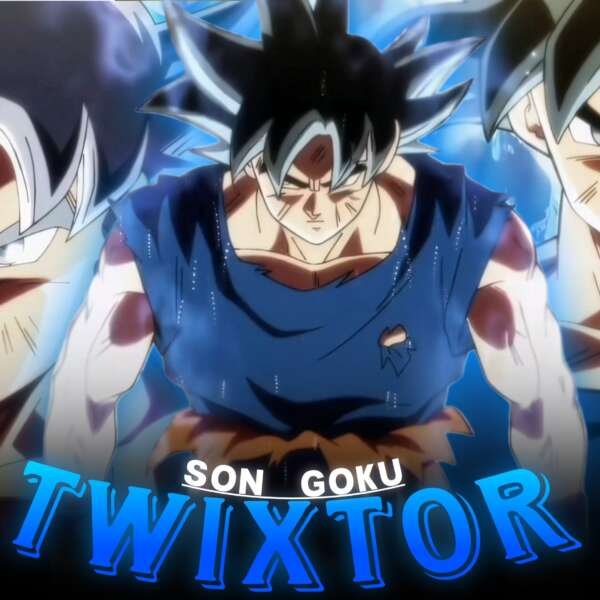
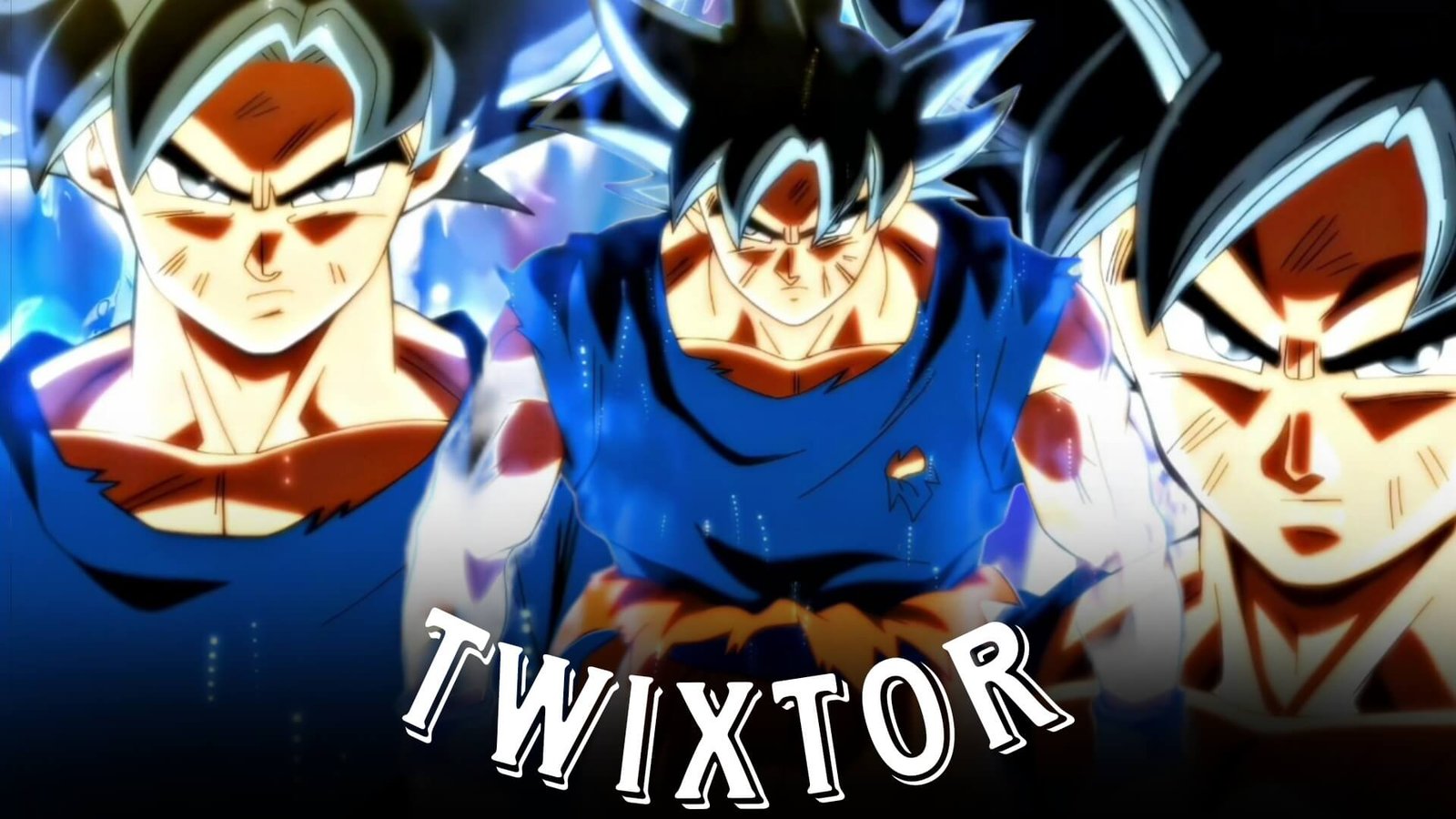
Goku Ultra Instinct Twixtor: Best Dragon Ball Scenes for Edits
Goku Ultra Instinct Twixtor is a strong choice for Dragon Ball editors who want to create high-energy, cinematic, and visually intense anime edits. Ultra Instinct scenes combine rapid movement, dramatic transformations, powerful attacks, glowing aura effects, and memorable battle moments.
The transformation into Ultra Instinct provides an obvious buildup and payoff, while the movement during Goku’s battles offers plenty of opportunities for velocity editing and slow-motion effects. With carefully selected Goku Ultra Instinct Twixtor clips, editors can create anything from short-form velocity edits to cinematic character montages.
Editorial Note: This article focuses on video-editing techniques and creative inspiration. It does not host or distribute copyrighted Dragon Ball footage.
Why Ultra Instinct Goku Is Great for Editing
Ultra Instinct has a distinctive visual identity. Goku’s silver-haired appearance, glowing aura, rapid movements, and powerful attacks make the footage immediately recognizable.
A Goku Ultra Instinct Twixtor edit can combine several types of scenes:
- Ultra Instinct transformation
- Silver-haired Goku close-ups
- Dodging sequences
- Punches and kicks
- Kamehameha moments
- Aura shots
- Power-up scenes
- Goku vs Jiren footage
- Battle reactions
- High-speed movement
- Cinematic wide shots
The contrast between calm close-ups and explosive action gives editors plenty of ways to control pacing.
Ultra Instinct Transformation
The transformation is one of the most useful sections for a Goku UI Twixtor edit.
Instead of immediately cutting to the final form, build anticipation with shorter shots. Start with Goku’s expression or surrounding energy, gradually increase the intensity, and reveal Ultra Instinct when the music reaches its main impact.
A possible sequence is:
Close-up → energy buildup → transformation → aura reveal → fast movement
Slowing selected parts of the transformation can emphasize important animation without making the entire sequence excessively slow.
Goku vs Jiren Footage
Goku vs Jiren provides some of the most movement-heavy material for Goku Ultra Instinct Twixtor projects.
Dodges, punches, kicks, aerial movement and rapid exchanges can be separated into individual clips. This makes it easier to build a velocity edit around the rhythm of the soundtrack.
For faster sections, use shorter clips and let the movement itself determine the cuts. For dramatic moments, hold a close-up for slightly longer before returning to the action.
Ultra Instinct Dodging Scenes
Dodging is particularly useful for Twixtor because the movement can create a strong visual contrast between slow and fast sections.
Try slowing the moment immediately before Goku moves, then accelerate into the dodge. Returning to normal speed afterward can make the movement feel more impactful.
For Goku Ultra Instinct Twixtor, this technique works especially well when the dodge lands directly on a beat or sound effect.
Goku’s Silver-Haired Close-Ups
Not every Ultra Instinct Goku Twixtor scene needs to be an attack.
Silver-haired Goku close-ups can work as introductions, transitions, or pauses between intense sequences. Eye shots, facial expressions and aura close-ups are especially useful for slower sections.
A simple cinematic structure could be:
Eye close-up → face reveal → aura shot → wide shot → battle
This gives the edit visual progression before the action begins.
Kamehameha and Energy Attacks
Energy attacks provide excellent opportunities for major beat drops.
When creating a Goku Ultra Instinct Twixtor video, build tension before the attack instead of immediately showing the impact. Use the charging sequence during the buildup and synchronize the release with the strongest part of the music.
You can also alternate between:
- Goku close-up
- Energy buildup
- Opponent reaction
- Attack release
- Wide shot
- Impact
This creates a more cinematic sequence than showing one long attack clip.
Aura and Energy Effects
Ultra Instinct’s aura can add another visual layer to an edit.
Aura shots work particularly well as transitions between combat clips. Slow down a brief energy shot, then cut into a faster movement sequence.
For Goku UI Twixtor, avoid covering the original aura with excessive overlays. The animation already provides strong visual effects.
Creating a High-Speed Velocity Edit
A velocity edit works best when speed changes follow the movement in the footage.
For Goku Ultra Instinct Twixtor clips, identify the main action in each shot before creating your speed curve.
A useful pattern is:
Slow buildup → acceleration → peak movement → brief slow motion → next cut
Use faster sections for punches, kicks, dodges and movement. Reserve slower sections for transformations, expressions and impact moments.
Music and Sound Design
The soundtrack can determine the entire pacing of a Goku edit.
High-Energy Edit
Use a track with strong percussion and noticeable drops for battle footage.
Cinematic Edit
A gradual orchestral build can work well with the transformation and aura scenes.
Aggressive Velocity Edit
Fast electronic, trap, or similar high-energy music can complement rapid movement.
Adding carefully timed sound effects can also make punches, kicks, transformations and energy attacks feel more impactful.
Color Grading Ultra Instinct Clips
Ultra Instinct footage often contains bright energy effects, so controlling highlights is important.
For a Goku Ultra Instinct Twixtor project, experiment with:
- Contrast
- Highlights
- Shadows
- Saturation
- Exposure
- Sharpness
- Temperature
Keep the silver hair and blue-white aura visible without pushing brightness so far that details disappear.
A consistent grade across different scenes will make the final montage feel more cohesive.
Twixtor Settings and Smooth Motion
The quality of the source footage matters significantly when using Twixtor.
For Goku Ultra Instinct Twixtor, scenes with clear movement are usually easier to interpolate than extremely crowded sequences with multiple characters crossing one another.
Pay attention to:
- Fast punches
- Overlapping characters
- Energy effects
- Rapid camera movement
- Complex transformations
- Multiple objects crossing the frame
If interpolation produces visible warping, reduce the slow-motion amount or choose another part of the scene.
Transition Ideas
Ultra Instinct footage offers several natural transition opportunities.
Eye Transition
Cut from Goku’s eye to another close-up or action scene.
Aura Transition
Use the bright aura as a visual bridge between two clips.
Impact Cut
Cut directly on a punch, kick, or energy impact.
Movement Match
End one clip with Goku moving in a particular direction and begin the next with similar movement.
Speed Ramp
Accelerate out of one scene and enter the next at a higher velocity.
These approaches can make Goku Ultra Instinct Twixtor clips feel connected rather than randomly assembled.
Building a Complete Ultra Instinct Edit
A longer Goku Ultra Instinct Twixtor edit can follow a simple progression:
Introduction → buildup → transformation → first action → rapid battle → major attack → final close-up
This structure gives the viewer a sense of progression.
The opening can remain slower while the middle section becomes increasingly fast. Save one of the strongest scenes for the final section rather than showing everything at the beginning.
Goku UI Edit Ideas
Ultra Instinct Transformation Edit
Focus on the buildup and transformation, finishing with powerful battle footage.
Goku vs Jiren Velocity Edit
Use dodges, punches, kicks and movement with fast speed changes.
Silver Goku Cinematic Edit
Focus on close-ups, aura shots and slower cinematic scenes.
Ultra Instinct Power Edit
Combine transformations, energy attacks and major battle moments.
Goku Motivation Edit
Mix training, determination, battle preparation and Ultra Instinct footage with motivational music.
Dark Dragon Ball Edit
Use darker grading, slower footage and atmospheric music for a different visual style.
Common Mistakes to Avoid
When creating Goku Ultra Instinct Twixtor, avoid relying entirely on effects.
Common problems include:
- Slowing every clip excessively
- Using Twixtor on unsuitable footage
- Overusing camera shake
- Excessive glow
- Heavy sharpening
- Too many flashes
- Random velocity changes
- Inconsistent color grading
- Cutting without following the music
The original animation should remain easy to see.
FAQ
What is Goku Ultra Instinct Twixtor?
Goku Ultra Instinct Twixtor refers to Ultra Instinct Goku footage edited with Twixtor or similar frame-interpolation techniques to create smoother slow motion and anime edits.
Which scenes are best for Goku Ultra Instinct edits?
Transformation scenes, dodges, punches, kicks, aura shots, close-ups, energy attacks and Goku vs Jiren footage can all work well.
Is Goku vs Jiren good for velocity edits?
Yes. The battle contains many movement-heavy sequences that can provide natural points for speed ramps and beat synchronization.
Can I use Twixtor on Ultra Instinct transformations?
Yes, but use it selectively. Transformation footage can contain complex effects, so extreme slow motion may produce interpolation artifacts.
What music works for Ultra Instinct Goku edits?
Cinematic, electronic, trap, phonk, orchestral and other energetic styles can work depending on the mood and pacing of the edit.
How do I make Goku UI clips smoother?
Start with clean source footage, use moderate speed changes, apply frame interpolation carefully, and add motion blur according to the movement in each scene.
Final Thoughts
Goku Ultra Instinct Twixtor provides editors with a combination of transformation footage, fast combat, powerful attacks, aura effects and cinematic close-ups. That variety makes it possible to create both aggressive velocity edits and slower character-focused videos.
The strongest edits usually come from controlling the contrast between slow and fast moments. Let the transformation breathe, accelerate during the action, and reserve your biggest visual moment for the strongest part of the soundtrack.
With well-selected Goku Ultra Instinct Twixtor clips, thoughtful pacing, clean transitions and consistent grading, you can build a Dragon Ball edit that feels energetic without becoming overloaded with effects.
Disclaimer
This article is for editing inspiration and informational purposes only. Dragon Ball, Goku, and related characters are the property of their respective copyright holders. Use footage you have the legal right or permission to edit and share, and follow applicable copyright and platform policies.