LINKS
Son Goku Twixtor: Best Dragon Ball Clips for Anime Edits
Why Goku Works So Well for Anime Edits
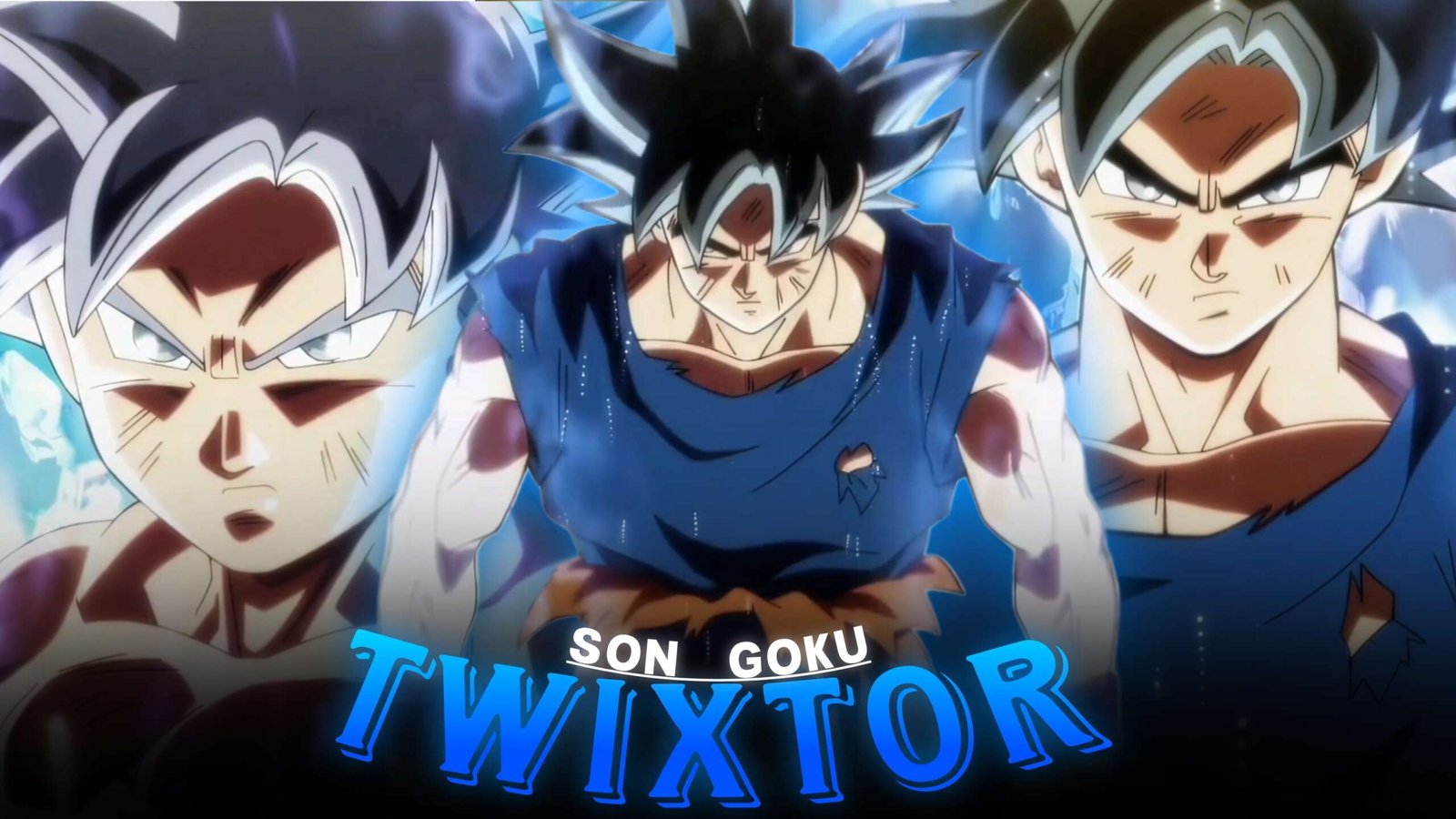
Son Goku has one of the most recognizable visual styles in anime editing. His transformations, fighting movements, energy attacks, facial expressions, and dramatic entrances provide plenty of material for editors working with velocity, slow motion, transitions, and beat synchronization.
For creators building a collection of anime twixtor footage, Goku is especially useful because his scenes range from calm character moments to extremely fast combat. That gives an edit room to change pace instead of relying on one visual style throughout.
TwixtorClips already has a dedicated Dragon Ball Twixtor category where related Goku and Dragon Ball editing material can be explored.
Choose Goku Footage by Movement
The most useful Son Goku Twixtor material is not necessarily the scene with the biggest attack. Look for footage with clear movement and strong subject separation.
Good choices include:
- Punches and kicks
- Dodging sequences
- Transformation moments
- Flying movements
- Energy attacks
- Character close-ups
- Power-up sequences
- Fast camera movements
Clean directional movement makes speed changes easier to control and can produce smoother results.
Transformation Shots Create Natural Transitions
Goku’s transformations can act as major turning points inside an edit.
Instead of immediately starting with a transformation, build toward it using close-ups, charging sequences, aura shots, and short combat clips. Then use the transformation as the visual payoff.
A simple structure could be:
Close-up → buildup → energy effect → transformation → beat drop → combat
This approach works particularly well for short-form edits because the transformation provides a recognizable moment for the main transition.
Use Ultra Instinct for Controlled Velocity
If you want a more advanced Son Goku Twixtor edit, Ultra Instinct footage offers plenty of movement-based material. The existing Goku Ultra Instinct Twixtor clips page can also provide a useful internal reference for this style.
Rather than slowing every frame, select specific dodges, attacks, and camera movements. Try moving from normal speed into slow motion for the middle of an action, then returning quickly to normal speed at the impact.
That contrast makes the velocity effect feel intentional.
Build Around Goku’s Different Moods
A strong Goku edit does not have to be nonstop fighting.
You can combine three different types of footage:
Calm: expressions, walking, standing, or character-focused shots.
Power: transformations, aura, charging, and energy attacks.
Combat: punches, kicks, dodges, and major impact moments.
Moving between these categories gives the edit a sense of progression and prevents every shot from feeling identical.
Connect Goku With Other Dragon Ball Edits
Internal linking can also help viewers discover related content while keeping the article useful. For example, editors interested in rivalry-based footage can continue to Goku vs Vegeta and Flashbacks Twixtor or explore Goku vs Majin Vegeta Twixtor.
For a character-focused comparison, the Vegeta Twixtor collection is another relevant destination.
Make the Edit Feel Faster Without Overediting
When using Son Goku Twixtor, effects should support the movement rather than cover it.
Keep camera shake for major impacts, use motion blur around fast directional changes, and avoid stacking too many flashes or overlays on top of detailed Dragon Ball animation.
For twixtor clips, clean timing is often more important than adding numerous effects.
You can also mix normal-speed footage with slower sections to create a stronger rhythm.
A Simple Goku Edit Formula
For a short vertical edit, try:
Opening: Goku close-up
Build: charging or aura shot
First beat: quick attack
Middle: controlled Twixtor slow motion
Drop: transformation or major attack
Final section: rapid combat montage
Ending: strong character close-up
This gives the video a beginning, buildup, climax, and finish.
Final Thoughts
Son Goku Twixtor works across many editing styles because Goku’s footage combines character moments, transformations, movement, and high-energy battles. Choose clips according to the story you want the edit to tell instead of applying the same effect to every scene.
For editors searching for twixtor clips or anime raw clips, combining clean source footage with selective velocity, controlled transitions, and consistent grading can produce a much more polished result.
Disclaimer
This article is intended for anime editing, creative inspiration, and commentary. TwixtorClips does not claim ownership of the underlying anime footage. Use source material you have the right to edit and follow applicable copyright and platform policies.

Get Exclusive CC & Quality Setting Here : https://payhip.com/QualityCCLab