LINKS
Yuno Twixtor: Best Black Clover Clips for Anime Edits
Yuno’s Visual Style Is Made for Velocity Editing
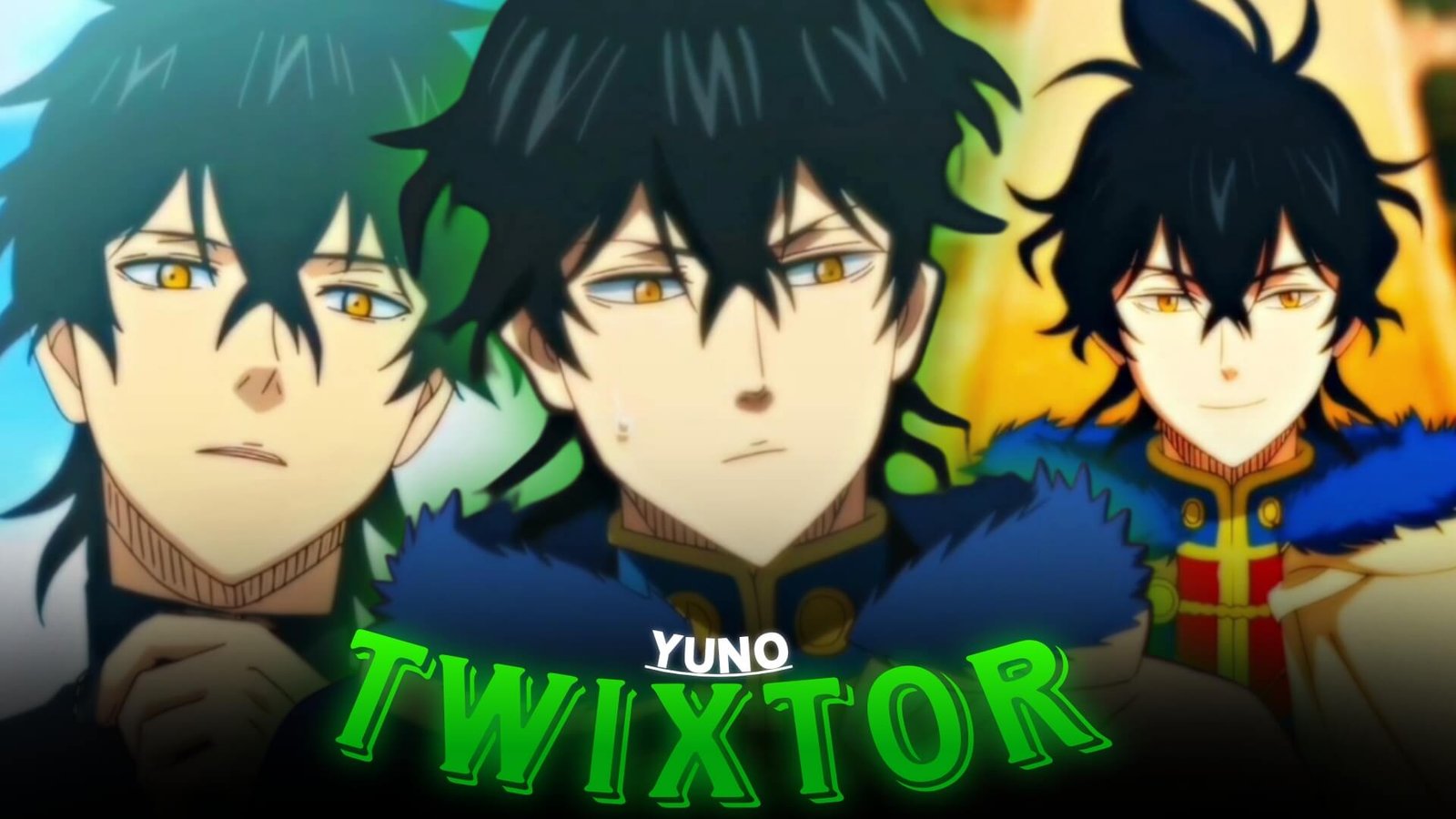
Yuno brings a completely different visual identity to Black Clover edits. His Wind Magic, Spirit Dive, aerial movement, sharp expressions, and fast attacks create footage that naturally fits velocity-based editing.
For editors building a collection of anime Twixtor material, Yuno is useful because his scenes combine smooth movement with bright magical effects. His attacks can provide the fast sections of an edit, while his quieter expressions and transformation moments give you opportunities to slow the pacing down.
TwixtorClips also has a dedicated Black Clover Twixtor section where editors can find related character material.
Start With Yuno’s Calm Moments
A strong edit doesn’t need to begin with an attack.
Open with Yuno standing, looking toward an opponent, preparing his magic, or showing a confident expression. Keep these opening shots relatively slow before introducing the first beat.
A simple progression can be:
Close-up → magic buildup → movement → beat drop → attack
This gives the edit a clear introduction and makes the first fast sequence feel more impactful.
Wind Magic Creates Natural Motion
Yuno’s Wind Magic provides plenty of movement for Yuno Twixtor edits. Wind effects, aerial attacks, magical projectiles, and rapid directional changes can all become useful points for velocity adjustments.
Look for footage featuring:
- Wind Magic activation
- Spirit Dive sequences
- Fast aerial movement
- Sword attacks
- Magical projectiles
- Opponent encounters
- Close-up reactions
Rather than slowing every scene, select moments where the movement has a clear beginning and ending.
Spirit Dive as the Main Transition
Spirit Dive can work particularly well as the central moment of an edit.
Build anticipation with normal-speed footage, gradually increase the pace, and then use the transformation as the main visual transition.
You could structure it like this:
Yuno close-up → magic activation → Spirit Dive → flash transition → fast combat
This makes the transformation feel like a payoff rather than simply another clip.
Mix Yuno With Other Black Clover Characters
A character-focused edit can also benefit from related footage. For example, TwixtorClips has an existing Asta Twixtor Clips page with Anti-Magic and sword-combat material.
You can use the contrast between Yuno’s Wind Magic and Asta’s Anti-Magic to create a rivalry-style sequence:
Yuno → Asta → Yuno → Asta → combined climax
For darker Black Clover footage, the verified Yami Sukehiro Twixtor page is another relevant internal resource.
Make Twixtor Follow the Movement
When working with Yuno Twixtor, avoid applying extreme slow motion to every magical effect.
Use Twixtor around clear movements such as a sword swing, aerial dash, attack release, or camera movement. Keep complicated effect-heavy frames closer to their original speed if interpolation starts producing unwanted distortion.
A useful pattern is:
Normal speed → slow motion → impact → fast cut
That change in pacing creates more energy than keeping the entire video slowed down.
Color and Effects
Yuno’s Wind Magic already gives the footage strong visual effects, so additional effects should remain controlled.
Try using:
- Clean contrast
- Cool highlights
- Subtle glow
- Light motion blur
- Controlled sharpening
- Soft atmospheric overlays
Avoid covering Wind Magic with excessive particles, flashes, or camera shake.
Build a Competitive Black Clover Edit
For a short vertical video, try this structure:
0–2 sec: Yuno close-up
2–4 sec: Wind Magic buildup
4–6 sec: first attack
6–9 sec: Spirit Dive sequence
9–12 sec: Twixtor velocity section
12–15 sec: rapid combat
15–18 sec: strongest attack and final close-up
If you want a different Black Clover mood, Julius Novachrono also has an existing Twixtor page focused on Time Magic and cinematic editing.
Final Thoughts
Yuno Twixtor works especially well when the edit emphasizes movement rather than relying on excessive effects. Wind Magic, Spirit Dive, aerial combat, expressions, and fast attacks give editors enough visual variety to create a complete sequence with natural pacing.
For creators building around twixtor clips and anime raw clips, Yuno can also fit into larger Black Clover or anime-focused edits. The key is to let the original animation provide the movement, then use Twixtor, velocity, transitions, and sound design to emphasize selected moments.
Disclaimer
This article is intended for anime editing, creative inspiration, and commentary. TwixtorClips does not claim ownership of the underlying anime footage. Use source material you have the right to edit and follow applicable copyright and platform policies.

Get Exclusive CC & Quality Setting Here : https://payhip.com/QualityCCLab