LINKS
Shinobu Twixtor Clips: Best Demon Slayer Scenes for Edits
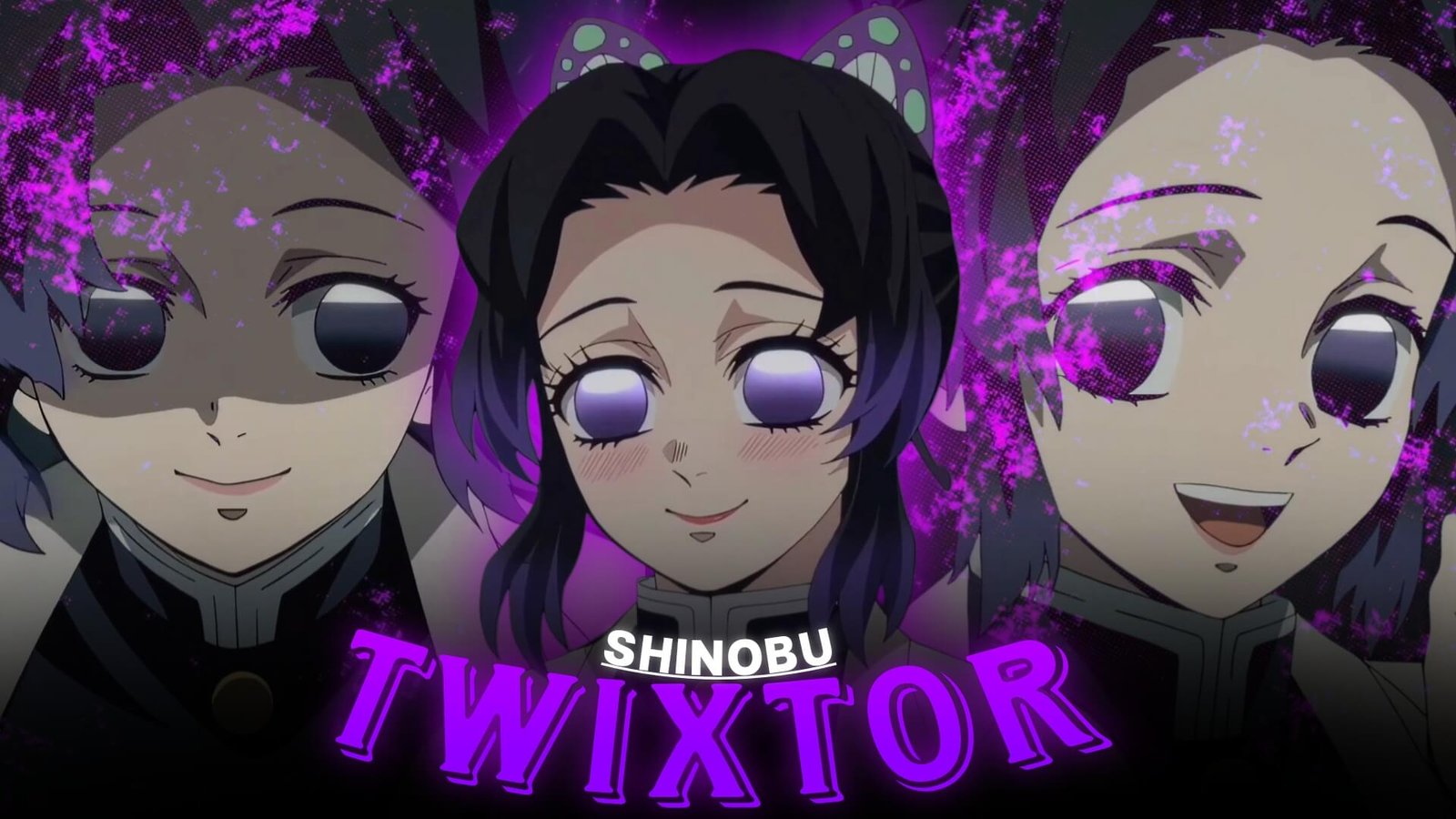
Shinobu Kocho has a visual style that feels different from many other Demon Slayer characters. Her small movements, rapid attacks, butterfly imagery, distinctive expressions, and elegant fighting style can create edits that feel delicate one moment and extremely intense the next.
That contrast makes Shinobu Twixtor Clips useful for editors who want something more refined than a conventional high-speed battle montage.
Why Shinobu Footage Works So Well
Shinobu Twixtor Clips : Shinobu’s scenes often combine three things that editors can take advantage of: movement, atmosphere, and character expression.
Her Insect Breathing attacks are particularly interesting because they rely on quick directional movement rather than large sword swings. This gives editors opportunities to emphasize acceleration and short bursts of motion.
Her visual identity also makes it easy to build a consistent aesthetic around purple tones, butterflies, nighttime scenes, and delicate but sharp transitions.
Start With Her Personality
A Shinobu edit does not have to begin with combat.
Consider opening with a calm close-up, smile, walking shot, or subtle expression. A quiet beginning can make the first action sequence feel much more impactful.
A possible opening sequence is:
Close-up → expression → butterfly visual → music buildup → attack
This creates a character-focused introduction before the edit becomes faster.
Insect Breathing and Motion
Shinobu’s fighting style provides excellent material for short velocity sequences.
Look for moments involving:
- Rapid sword thrusts
- Sudden directional changes
- Forward movement
- Dodging
- Mid-air attacks
- Fast camera movement
- Insect Breathing techniques
Because many of these shots are brief, they can work particularly well with beat-synced editing.
Instead of slowing everything down, choose only a few frames where the movement is visually clear.
A Different Approach to Twixtor
The strongest Shinobu Twixtor Clips do not necessarily need extreme slow motion.
Try using Twixtor as a contrast tool.
For example, keep the beginning of an attack close to normal speed, slow the central movement, and then return to full speed immediately after the impact.
This creates a rhythm such as:
Normal speed → slow motion → impact → fast cut
The effect becomes more noticeable because the surrounding footage remains relatively natural.
Make Purple the Visual Thread
Shinobu’s design gives editors an easy visual theme to build around.
Rather than applying a completely different color grade to every scene, create a consistent palette using subtle adjustments to:
- Purple highlights
- Cool shadows
- Skin tones
- Contrast
- Glow
- Exposure
A restrained purple atmosphere can connect clips from different scenes while keeping the animation’s original appearance recognizable.
Use Butterfly Imagery as Transitions
Butterflies can become more than a decorative effect.
If your source footage includes butterfly imagery or similar visual elements, use it to connect different sections of the edit.
For example:
Butterfly shot → close-up → sword movement → attack
You can also use a butterfly-inspired particle overlay briefly before a major beat. Keeping the effect short prevents it from covering the actual animation.
Shinobu Twixtor Clips Expressions Are Important
One common mistake with character edits is focusing exclusively on action footage.
Shinobu’s facial expressions can provide useful pauses between fast sequences. Her calm smile and more serious expressions create visual contrast that can make the following action feel stronger.
Try alternating between:
Expression → action → reaction → close-up → action
This also gives the viewer a moment to follow the character instead of watching continuous effects.
Build an Edit Around Contrast
One effective concept is to divide the edit into two moods.
The Calm Side
Use:
- Smiles
- Close-ups
- Walking shots
- Butterfly imagery
- Quiet expressions
- Slow camera movements
Keep transitions simple and let the music breathe.
The Combat Side
Then introduce:
- Insect Breathing
- Fast sword movements
- Demon encounters
- Rapid cuts
- Impact frames
- Stronger velocity
The contrast between these sections can become the main storytelling device.
Music and Sound Design
Shinobu edits can work with both atmospheric and aggressive music.
For a cinematic approach, begin with a softer instrumental and gradually introduce percussion. For a faster edit, synchronize sword thrusts and movement changes with individual beats.
Sound effects can also make short attacks feel heavier. A subtle whoosh followed by an impact sound can reinforce a movement without requiring excessive visual effects.
A Simple Editing Blueprint
If you’re building a short vertical edit, try this structure:
0–2 seconds: Shinobu close-up
2–4 seconds: calm character moment
4–6 seconds: music buildup
6–9 seconds: Insect Breathing movement
9–12 seconds: Twixtor sequence
12–15 seconds: rapid combat montage
15–18 seconds: strongest close-up or attack
Final beat: quick fade or character shot
This format works particularly well for short-form anime edits because it gives the viewer a clear visual progression.
Where to Use Motion Blur and Shake
Effects should follow the movement rather than hide it.
Use subtle motion blur during rapid directional changes. Camera shake can be reserved for impacts, attacks, or major beat drops.
If every sword movement receives heavy shake, the animation can quickly become difficult to follow. A cleaner approach is to keep most shots stable and use stronger effects only on selected moments.
Organizing Shinobu Twixtor Clips Footage
Create separate folders for different visual purposes:
- Close-ups
- Expressions
- Insect Breathing
- Sword movement
- Butterfly visuals
- Combat
- Atmospheric shots
- Reaction shots
This makes it easier to build an edit around a specific mood instead of searching through every clip individually.
Three Shinobu Edit Styles
Elegant Cinematic Edit
Focus on expressions, butterfly imagery, slow camera movements, soft transitions, and carefully selected Twixtor moments.
Fast Insect Breathing Edit
Use short clips, aggressive beat synchronization, velocity changes, and rapid cuts around Shinobu’s attacks.
Dark Character Edit
Combine serious expressions, darker scenes, restrained color grading, atmospheric music, and selective combat footage for a more dramatic presentation.
Mistakes to Avoid
When working with Shinobu Twixtor Clips, avoid slowing footage simply because it looks impressive in theory.
Other common problems include:
- Overusing purple overlays
- Excessive glow
- Heavy camera shake on every impact
- Applying Twixtor to unsuitable movement
- Cutting away before an attack can register
- Using too many transitions
- Ignoring Shinobu’s character expressions
- Making every section equally fast
The best effects should emphasize the animation rather than replace it.
Frequently Asked Questions
What makes Shinobu Twixtor Clips useful for anime edits?
They provide a combination of elegant movement, fast attacks, expressive close-ups, and distinctive Demon Slayer visuals that can support several editing styles.
Can Shinobu footage work with slow-motion edits?
Yes. Her quick movements can create interesting speed contrasts when slow motion is applied selectively rather than continuously.
What colors work well for a Shinobu edit?
Purple, violet, cool blue, and darker neutral tones can complement her character design while maintaining a cinematic appearance.
Should every Shinobu attack be slowed with Twixtor?
No. Selective slow motion usually creates more contrast and keeps the edit from feeling visually repetitive.
Can Shinobu clips be used for short-form videos?
Yes. Close-ups, attack shots, expressions, and short velocity sequences can work well in vertical edits for platforms such as Shorts and Reels.
Final Thoughts
Shinobu offers editors an unusual combination of elegance and speed. Her calm expressions can establish one mood, while her Insect Breathing techniques can instantly shift the edit into rapid action.
Use Shinobu Twixtor Clips with a clear visual concept rather than relying on effects alone. Pair carefully selected movement with controlled velocity, a consistent color treatment, and music that matches the character’s atmosphere. The result can feel polished without becoming overloaded with transitions and overlays.
Disclaimer
This article is created for anime editing, creative inspiration, and commentary purposes. It does not host or distribute copyrighted footage. Use source material you have the right to edit and follow applicable copyright and platform policies.

Get Exclusive CC & Quality Setting Here : https://payhip.com/QualityCCLab