LINKS
Black Clover Season 2 Twixtor: Best Black Clover Scenes for Edits
Why Season 2 Material Works So Well for Anime Editing
Black Clover Season 2 provides a strong mixture of character development, magical combat, team battles, emotional reactions, and fast-moving action. That variety makes the season useful for editors who want more than a simple collection of attack shots.
A Black Clover Season 2 Twixtor edit can move between calm character moments and explosive magical sequences, giving the final video a natural rhythm. Instead of slowing every scene, editors can use interpolation only where movement or impact benefits from it.
Editorial Note: This article focuses on editing techniques and scene analysis. It does not host or distribute copyrighted anime footage. Use source material you have the right to edit and follow applicable copyright and platform policies.
Start With Story, Not Just Action
One effective approach is to organize Season 2 footage around a small story.
For example:
character introduction → tension → magical preparation → battle → strongest attack → reaction
This structure makes even a short edit feel intentional.
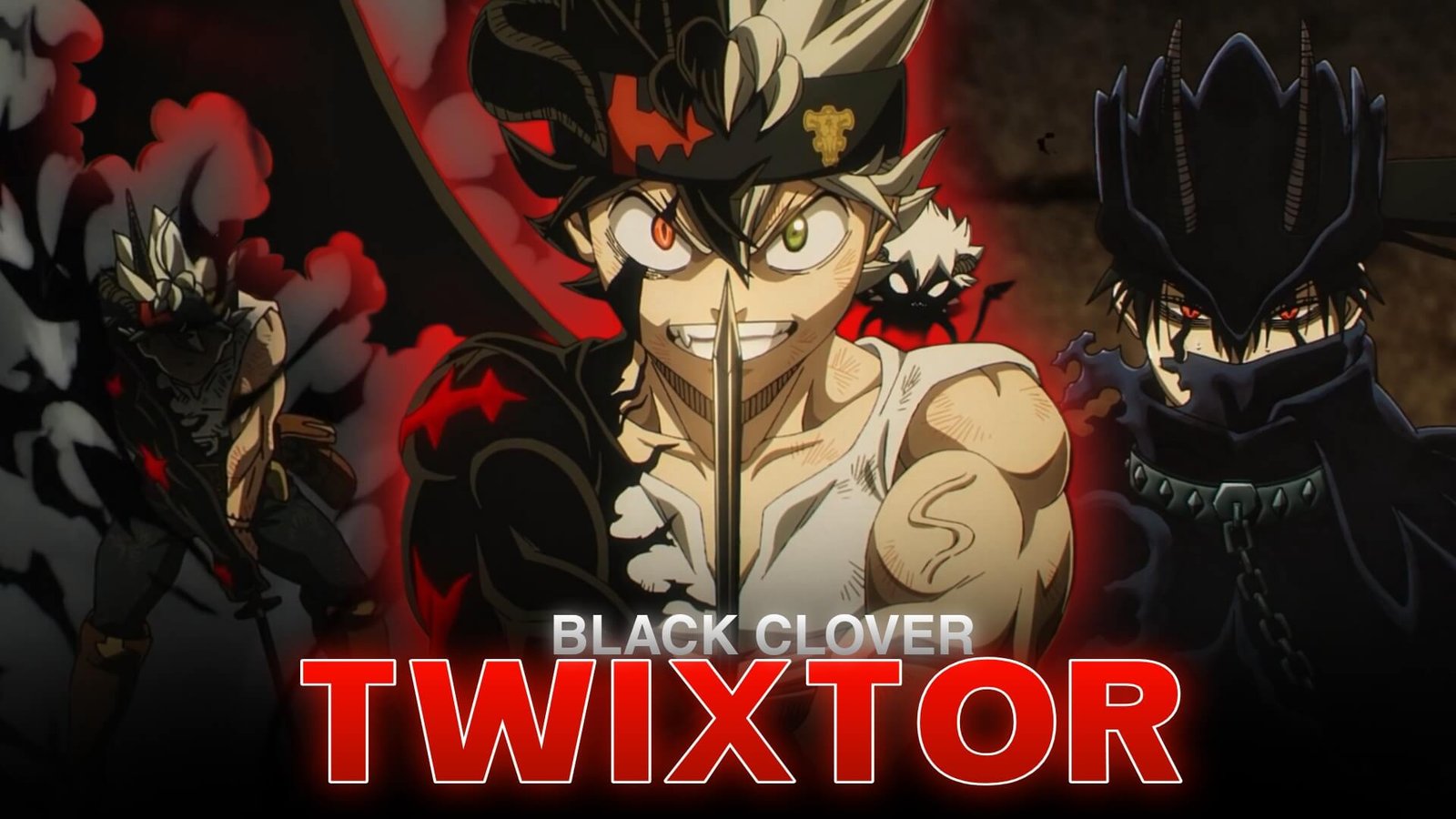
Asta is particularly useful for this approach because his scenes can combine emotional determination with Anti-Magic combat. You can see a similar character-focused editing approach in the existing Asta Twixtor Clips article.
Magic Effects Give You Natural Beat Points
Black Clover’s magic systems provide plenty of visual moments that can line up with music.
Look for:
- Spell activation
- Magic projectiles
- Sword swings
- Character entrances
- Impact frames
- Transformations
- Large-scale attacks
- Sudden camera movements
Instead of adding a transition to every beat, let these existing animation moments become your transitions.
For instance, a spell activation can land on a bass hit, while a sword impact can coincide with a harder drum strike.
Make Twixtor Follow the Motion
The biggest mistake with a Black Clover Season 2 Twixtor edit is treating every frame as equally important.
Twixtor is more useful when applied around noticeable movement.
Try this pattern:
normal speed → brief slowdown → peak movement → fast return
This works especially well around sword attacks, jumps, magical impacts, and rapid character movements.
Avoid stretching footage too aggressively. Extremely slow settings can create unwanted interpolation artifacts, particularly around complex effects, overlapping characters, or fast camera movement.
Mix Fast Battles With Quiet Close-Ups
A good Black Clover edit does not need to remain at maximum intensity.
A close-up of a character’s eyes or expression can provide a short pause before the next action sequence. These moments also give you opportunities to introduce lyrics, subtitles, or a musical buildup without covering the screen with effects.
For darker and more aggressive material, Yami Sukehiro Twixtor offers another Black Clover editing reference, particularly for Dark Magic and sword-based movement.
Use Color to Separate Different Sections
Rather than applying one heavy preset to the entire video, divide the edit into visual sections.
You could use:
- Cleaner tones for character introductions
- Higher contrast during battles
- Slightly darker grading for dramatic moments
- Controlled highlights around magical effects
The goal is consistency. Black Clover already contains strong colors and visual effects, so excessive saturation or glow can quickly make the edit look crowded.
A Practical 30-Second Edit Structure
For a short-form video, try building the timeline like this:
0–4 sec: character close-up or atmospheric opening
4–9 sec: movement with subtle speed ramp
9–15 sec: first major attack
15–20 sec: rapid combat sequence
20–26 sec: strongest magical moment
26–30 sec: final impact or dramatic reaction
This gives the video progression instead of making every clip compete for attention.
Effects That Usually Work Best
For Black Clover Season 2 Twixtor, restraint is important.
Useful additions can include:
- Directional motion blur
- Small camera movement
- Controlled sharpening
- Subtle glow
- Beat-synced flashes
- Light film grain
Avoid stacking multiple effects over every shot. The animation should remain recognizable.
FAQ
What makes Black Clover Season 2 good for Twixtor edits?
The season combines magical attacks, sword combat, character reactions, transformations, and fast movement, giving editors many different types of footage to work with.
Should every Black Clover clip be slowed down?
No. Keep normal-speed sections between slow-motion moments so the important movements feel more impactful.
What type of music works for Black Clover edits?
Aggressive tracks work well for battles, while cinematic or atmospheric music can create a stronger character-focused edit.
Where can I find more Black Clover editing inspiration?
TwixtorClips has a dedicated Anime Twixtor collection containing Black Clover material alongside other anime categories.
Final Thoughts
Black Clover Season 2 Twixtor gives editors enough variety to create videos that feel like short visual stories rather than simple action compilations. The strongest results usually come from combining character expressions, magical effects, movement, and carefully timed speed changes.
Choose the most visually important moments, let the soundtrack control your pacing, and use Twixtor where it genuinely enhances movement. With clean grading and restrained effects, Season 2 footage can become a polished Black Clover anime edit.
Disclaimer: Black Clover and its characters belong to their respective copyright holders. This article is provided for editing education and creative inspiration. Use copyrighted material responsibly and follow applicable copyright and platform policies.