LINKS
Asta Clips for Edit: Best Black Clover Scenes for Anime Edits
Build the Edit Around Asta’s Movement
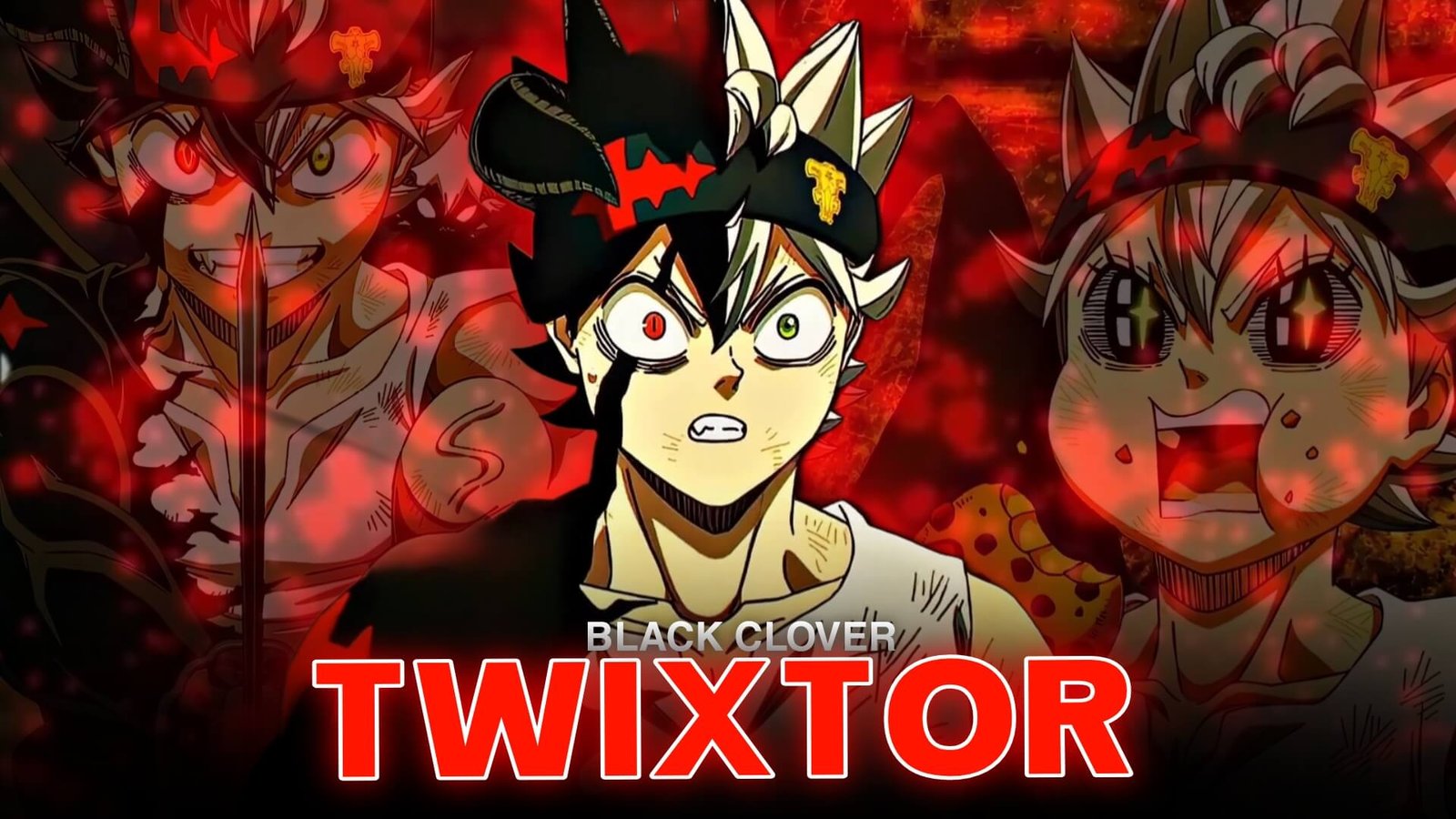
Asta Clips for Edit work particularly well when the timeline is built around movement instead of simply collecting every impressive fight scene. Asta’s sword swings, sudden attacks, Anti-Magic effects, transformations, and determined expressions give editors several different types of footage to combine.
For a short AMV, start with a calmer character shot before introducing faster action. This creates room for the edit to build instead of reaching maximum intensity immediately.
The existing Asta Twixtor Clips 4K page already focuses on Asta’s Anti-Magic, Devil Union, sword combat, and training scenes, making it a useful related resource.
Editorial Note: This article focuses on anime editing techniques and creative scene selection. It does not host or distribute copyrighted anime footage. Use footage you have the right to edit and follow applicable copyright and platform policies.
Choose Clips by Visual Purpose
When collecting Asta Clips for Edit, divide your footage into different groups rather than keeping everything in one folder.
Close-ups: useful for introductions, lyrics, emotional sections, and endings.
Sword movements: ideal for beat cuts, speed ramps, and impact moments.
Anti-Magic: useful as a visual transition between quieter and more aggressive sections.
Transformations: strong choices for the climax of a short edit.
Battle movement: works well when the music becomes faster.
This organization makes it easier to build a coherent timeline later.
Sword Attacks Are Perfect Beat Markers
Asta’s swords create clear movement points that can be synchronized with music. A sword draw can introduce a beat, while a large swing can land directly on a bass hit.
For Asta Clips for Edit, try matching the direction of the sword movement with your cuts. If Asta moves from left to right in one shot, a following clip with similar movement can create a smoother visual connection.
You don’t always need a flashy transition. Motion matching can be enough.
Make Anti-Magic the Visual Turning Point
Anti-Magic provides a natural way to divide an edit into sections.
You could begin with normal Asta footage, gradually increase the music, and then introduce an Anti-Magic sequence exactly when the track reaches its first major impact.
This gives Asta Clips for Edit a stronger sense of progression:
calm → buildup → Anti-Magic → combat → final attack
That structure is especially useful for 15–30 second Shorts, Reels, and AMVs.
Use Devil Union for the Climax
Devil Union footage can serve as the biggest visual payoff in an Asta edit. The transformation itself can be slowed slightly before the action becomes faster.
For Asta Clips for Edit, avoid putting Devil Union at the beginning unless the purpose of the video is specifically a transformation edit. Saving it for the later part of the timeline creates anticipation.
A simple sequence could be:
Asta close-up → sword preparation → Anti-Magic → Devil Union → rapid attack → final impact
Twixtor Should Follow the Action
When turning Asta Clips for Edit into a Twixtor project, choose footage with clear movement.
Good candidates include:
- Sword swings
- Jumping attacks
- Fast approaches
- Transformations
- Direction changes
- Impact frames
Don’t slow every shot. Normal-speed footage between slow sections creates contrast and makes the important moments stand out.
The broader TwixtorClips anime collection also lists Black Clover among its major anime categories.
Keep the Visual Effects Clean
Asta Clips for Edit already contain strong animation effects, so excessive overlays can hide the original choreography.
Try using:
- Subtle motion blur
- Controlled sharpening
- Small camera movement
- Light glow
- Beat-synced flashes
- Moderate contrast
Avoid placing heavy shake, glow, and flashes on every attack. A clean frame often looks more professional.
Four Styles You Can Create
With Asta Clips for Edit, you can build several different types of videos.
Velocity edit: focus on sword movement and rapid attacks.
Transformation edit: build toward Anti-Magic and Devil Union.
Character edit: combine expressions, dialogue, determination, and battle scenes.
Cinematic edit: use slower pacing, atmospheric music, close-ups, and carefully selected action.
Changing the editing style prevents every Asta video from looking identical.
A Simple Timeline Formula
For Asta Clips for Edit, a 25-second timeline could follow this structure:
0–4 sec: close-up
4–8 sec: sword movement
8–12 sec: buildup
12–17 sec: Anti-Magic
17–22 sec: Devil Union or major attack
22–25 sec: final impact and expression
The exact timing can change according to the soundtrack, but the principle is to increase intensity gradually.
FAQ
What are the best Asta Clips for Edit?
The strongest choices include sword attacks, Anti-Magic sequences, Devil Union moments, close-ups, transformations, and major battle movements.
Are Asta Clips for Edit good for velocity edits?
Yes. Asta’s sword combat and fast directional movements provide clear points for speed ramps and Twixtor.
How many effects should I use?
Keep effects controlled. The animation already provides strong movement, so excessive shake, glow, and flashes can make the footage harder to follow.
Where can I find more Asta editing material?
The dedicated Asta Twixtor Clips 4K page is the most directly relevant existing page on TwixtorClips.
Final Thoughts
Asta Clips for Edit give editors enough variety to create aggressive velocity videos, cinematic AMVs, transformation edits, and character-focused Shorts. The key is selecting footage according to its purpose instead of simply choosing the most powerful scenes.
Use close-ups to establish emotion, sword movements for rhythm, Anti-Magic for transitions, and Devil Union for the climax. With precise timing and restrained effects, Asta Clips for Edit can produce a much cleaner and more memorable Black Clover edit.
Disclaimer: Black Clover and Asta are copyrighted properties of their respective rights holders. This article is provided for editing education and creative inspiration. Use source footage responsibly and follow applicable copyright and platform policies.