LINKS
How Reverse Motion Makes Spider-Man Edits More Dynamic
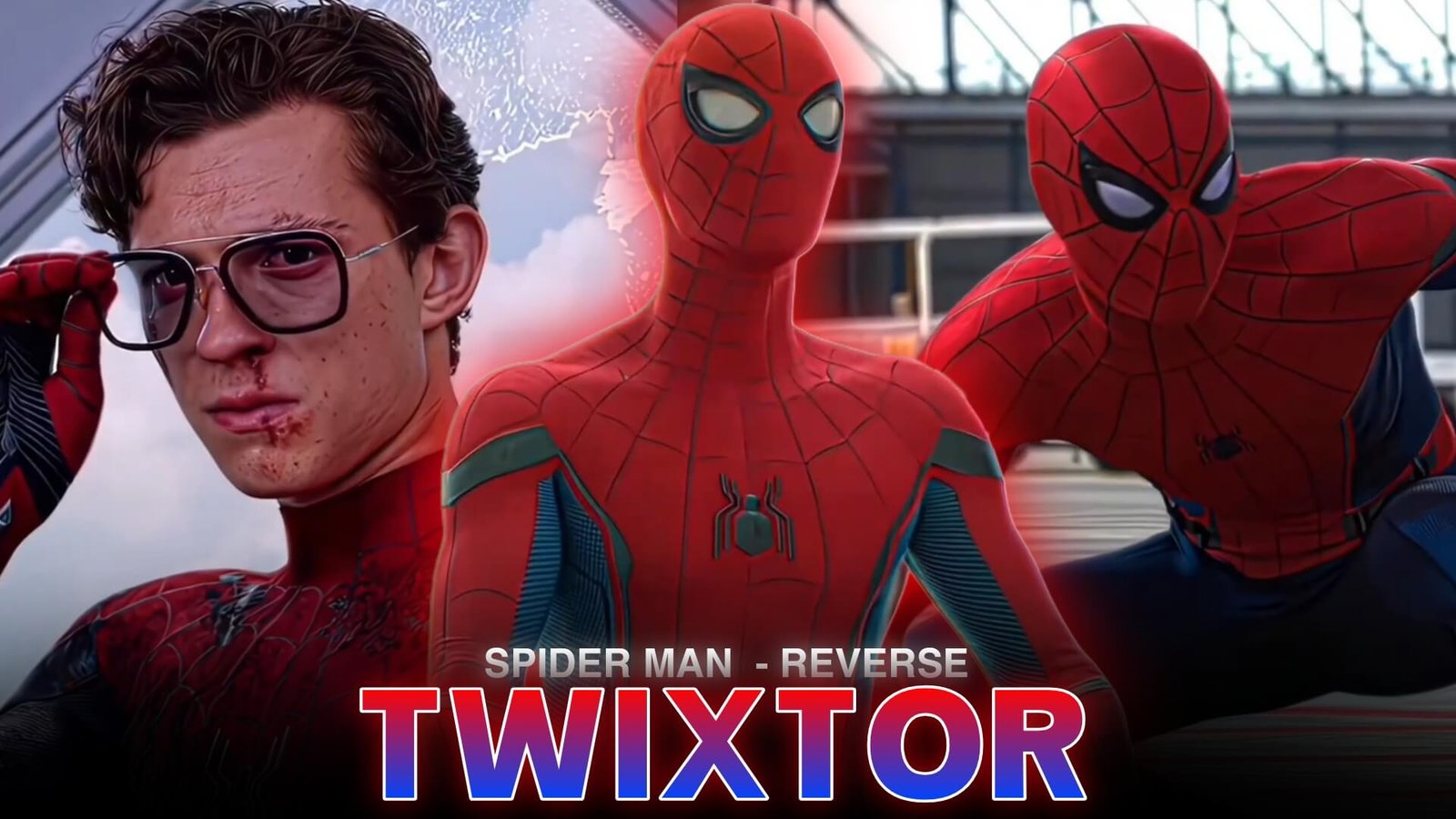
Spider Man Reverse Twixtor is a useful editing concept for creators who want to combine superhero action with reverse playback, speed changes, and smooth slow-motion effects. Instead of presenting a scene from beginning to end, editors can briefly reverse a movement to create a rhythmic transition or a dramatic visual accent.
Spider-Man is particularly suitable for this style because his movements often include web swings, flips, sudden turns, and acrobatic landings. These actions provide natural points where reverse motion can complement a beat or transition.
What Is Spider Man Reverse Twixtor?
The idea behind Spider Man Reverse Twixtor is to combine reverse playback with frame interpolation and speed adjustments. Twixtor is a plugin designed to generate intermediate frames for slow-motion footage, while reversing a clip changes the direction in which the action plays.
For example, a forward-moving jump can transition into a short reverse segment before the next shot begins. When timed with music, this effect creates a visual rewind that feels intentional rather than accidental.
Reverse playback and Twixtor are separate techniques, so applying both does not automatically guarantee smooth results. The original footage, motion direction, frame rate, and speed settings all affect the final appearance.
Spider-Man Scenes That Work Well With Reverse Motion
Not every action shot benefits from being reversed. Look for footage with clear movement and a recognizable beginning or ending.
- Web-swinging: Reverse a short section of a swing to create a rewind-style transition between two shots.
- Mid-air flips: Use a brief reverse segment before returning to forward playback on the music beat.
- Landing movements: Reverse a portion of the landing to build anticipation before the next scene.
- Hand and web-shooting gestures: Try a quick rewind effect before a cut, keeping the movement short enough to remain readable.
These ideas can help make Spider Man Reverse Twixtor edits more expressive without covering every scene in effects.
How to Create the Reverse Twixtor Effect
1. Choose a Clean Source Clip
Start with footage that has visible movement, limited motion blur, and enough frames to support speed changes. High-quality source material can make interpolation artifacts easier to identify and correct.
2. Split the Action Into Sections
Place the clip on your editing timeline and isolate the movement you want to reverse. Keep the reverse section relatively short, especially when the subject changes direction quickly.
3. Apply Reverse Playback
Use your editing software’s reverse or reverse-speed function on the selected segment. Check that the action flows naturally into the surrounding shots. Reversing an entire scene can look confusing when objects, lighting, or character movements suddenly behave unnaturally.
4. Adjust Twixtor and Playback Speed
Apply Twixtor where smoother slow motion is needed, then experiment with speed settings. Avoid extreme slowdowns if the source footage cannot support them. Watch the character’s outline, hands, web strands, and background edges for warping.
For a broader workflow, read this beginner’s guide to making Twixtor clips.
5. Sync the Effect With Music
Use a beat, snare hit, or sound effect to mark the transition between reverse and forward playback. A brief pause or subtle zoom can make the rewind feel more deliberate. This is often more effective than adding multiple shakes and flashes at the same time.
Common Mistakes to Avoid
A frequent problem with Spider Man Reverse Twixtor edits is reversing too much footage. Long reverse sections can make physical actions look unnatural, especially when the original scene includes debris, smoke, moving crowds, or complex camera motion.
Another issue is excessive frame interpolation. If hands, webs, or suit edges become distorted, reduce the slowdown, try a different section, or use a regular speed ramp instead.
Avoid stacking strong motion blur, camera shakes, and glow effects over every transition. Give the main action enough visual space to remain clear.
Make Your Spider-Man Edit Stand Out
The strongest Spider Man Reverse Twixtor edits use reverse playback as a storytelling tool rather than a constant effect. Build the sequence around one memorable movement, then use timing, speed changes, and restrained effects to emphasize it.
If you edit in CapCut, this guide to making smooth Twixtor clips in CapCut can help you refine your slow-motion workflow. Experiment with different reverse lengths and compare the results before choosing the final version.
Frequently Asked Questions
What is Spider Man Reverse Twixtor used for?
It describes an editing style that combines Spider-Man footage, reverse playback, and smooth slow-motion techniques to create rewind transitions and rhythmic action edits.
Does reversing a clip require Twixtor?
No. A standard reverse-playback feature can reverse footage without Twixtor. The plugin is useful when you also need interpolated slow motion.
How can I make reverse motion look smoother?
Use clear source footage, keep reverse sections short, avoid excessive speed reduction, and inspect fast-moving edges for interpolation artifacts.
Disclaimer: Spider-Man and related characters are the property of their respective rights holders. This article is for educational video-editing purposes and does not claim ownership of copyrighted material.