LINKS
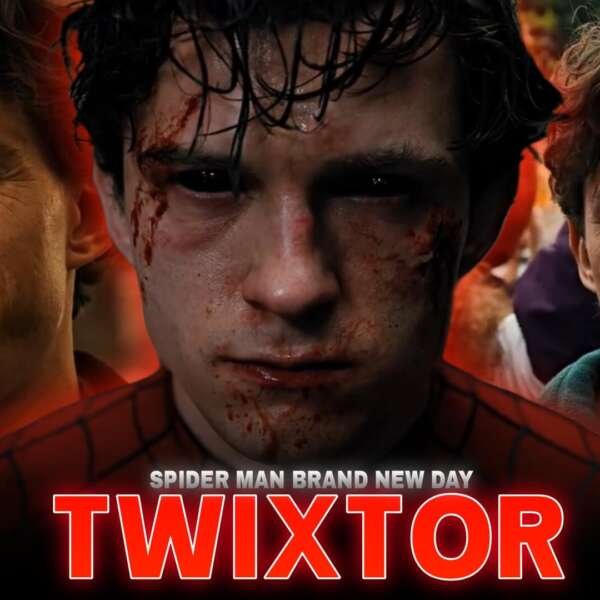
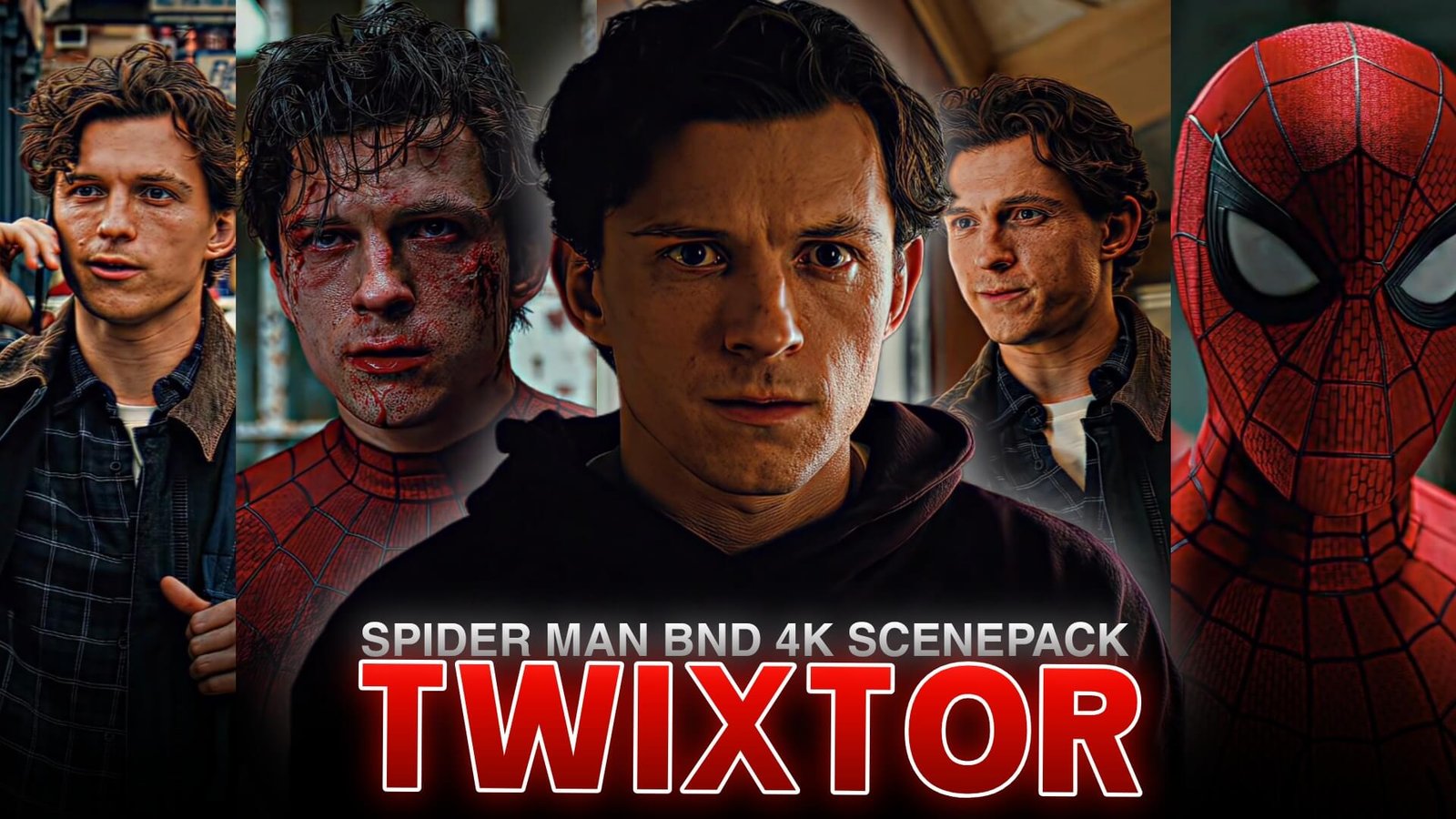
Spider Man BND Twixtor 4K | Brand New Day Action Scenes for Edits
Peter Parker returns with a different kind of challenge in Spider-Man: Brand New Day. Living without the people who once knew his identity, Peter dedicates himself to protecting New York City as Spider-Man. The film’s action, character moments, and evolving abilities give editors plenty of inspiration for cinematic superhero montages.
Spider Man BND Twixtor 4K is a useful editing theme for creators who want to highlight Spider-Man’s agility, web-slinging movement, and dramatic close-ups. With carefully timed slow motion, smooth velocity changes, and clean color grading, you can build an edit that feels energetic while keeping the original action easy to follow.
For official film information, visit the Spider-Man: Brand New Day website.
Why Brand New Day Scenes Suit Twixtor Edits
Spider-Man’s fighting style combines fast dodges, acrobatic movements, web attacks, and sudden changes of direction. These movements create natural opportunities for speed ramps and brief slow-motion moments.
When planning Spider Man BND Twixtor 4K, think about the rhythm of each scene. A fast sequence can build energy, while a short pause on Peter’s expression can add emotion before the next action beat.
The film also follows Peter as he handles responsibility and isolation. That contrast makes it possible to create both high-energy action edits and character-focused montages rather than relying on fight scenes alone.
Best Moments to Highlight
Web-Swinging and City Movement
Spider-Man’s movement through the city offers opportunities for smooth transitions. Start at normal speed, accelerate through a swing, and briefly slow down as Peter changes direction or approaches a landing.
For Spider Man BND Twixtor 4K, choose shots where the character remains clearly visible against the background. This helps the motion feel fluid instead of confusing.
Close-Combat Sequences
Dodges, punches, and rapid changes of direction work well with velocity editing. Keep the action readable by cutting between shots that maintain a clear sense of movement.
A short slowdown at the peak of a dodge or punch can emphasize the moment without making the entire fight feel sluggish.
Character Close-Ups
Close-ups can give your edit a more cinematic feeling. Use a subtle zoom, controlled sharpening, and a short musical pause to emphasize Peter’s emotions before transitioning back into action.
Combining quiet moments with fast movement helps Spider Man BND Twixtor 4K edits feel like a story rather than a random collection of effects.
How to Create Smooth Spider-Man Twixtor 4K Edits
1. Start With High-Quality Source Footage
Choose footage with clear details and defined edges. The final result depends on the source material, so exporting at 4K will not automatically restore detail missing from a lower-resolution clip.
2. Apply Twixtor to Selected Moments
Import your chosen shots into your editing software and isolate the movements that benefit from slow motion. Apply Twixtor or another frame-interpolation effect, then inspect the result for ghosting around the hands, suit, and moving background.
For the basic workflow, follow this beginner’s guide to making Twixtor clips.
3. Build Dynamic Velocity Changes
A useful Spider Man BND Twixtor 4K technique is to accelerate during the buildup to a movement, slow down briefly at its peak, and return to normal speed as the action continues.
Avoid applying the same speed curve to every shot. Varying the rhythm makes the edit feel more natural and gives important moments greater impact.
4. Refine Color and Sharpness
Use moderate contrast and sharpening to retain detail in Spider-Man’s suit. Keep highlights under control, especially in bright outdoor scenes, and apply a consistent grade across shots.
Excessive glow, saturation, and motion blur can hide details instead of improving the image.
5. Synchronize the Edit With Music
Choose a soundtrack with clear beats or dramatic changes in intensity. Align major transitions with those beats, but leave enough time for complex action to remain visible.
The strongest Spider Man BND Twixtor 4K edits balance music, movement, and storytelling rather than cutting on every beat.
Common Mistakes to Avoid
One common mistake is slowing every shot excessively. Frame interpolation can struggle with rapid camera movement, motion blur, and overlapping objects. If you see warped edges or duplicated details, reduce the slowdown or use a standard speed ramp.
Another mistake is assuming that a 4K export guarantees true 4K detail. Start with the best-quality source available and use export settings that preserve the footage’s original clarity.
When refining Spider Man BND Twixtor 4K, prioritize clean movement, readable action, and consistent pacing over excessive effects.
Final Thoughts
Spider-Man’s agility and emotional journey make Brand New Day an appealing subject for superhero edits. Spider Man BND Twixtor 4K works best when smooth slow motion, carefully controlled velocity changes, and cinematic grading enhance the action without obscuring it.
Whether you’re creating a short vertical edit or a longer character montage, build the sequence around a clear theme and use effects to emphasize the strongest moments. For more editing techniques, explore this guide on making smooth Twixtor clips in CapCut.
Frequently Asked Questions
What is Spider Man BND Twixtor 4K?
It refers to creating Spider-Man: Brand New Day-inspired edits using slow motion, frame interpolation, and a high-resolution editing workflow.
Which scenes work best for Spider-Man edits?
Web-swinging, acrobatic movements, close-combat sequences, and dramatic character close-ups can all work well when timed to music.
Does exporting at 4K guarantee a high-quality edit?
No. The source footage needs sufficient detail, and the editing and export settings must preserve that detail. Upscaling alone cannot recreate information absent from the source.
Disclaimer: Spider-Man and related characters are owned by their respective rights holders. This article is an independent educational resource about video editing and is not affiliated with or endorsed by Marvel Studios or Sony Pictures.