LINKS
Get Exclusive CC & Quality Setting Here : https://payhip.com/QualityCCLab
GET EXCLUSIVE FREE TWIXTOR CLIPS
Get Anime Clips Raw For Free: https://twixtorclips.com/anime-raw-clips/
Exclusive Twixtor Clips For Free: https://twixtorclips.com
Zoro Twixtor: Best One Piece Fight Scenes for Edits
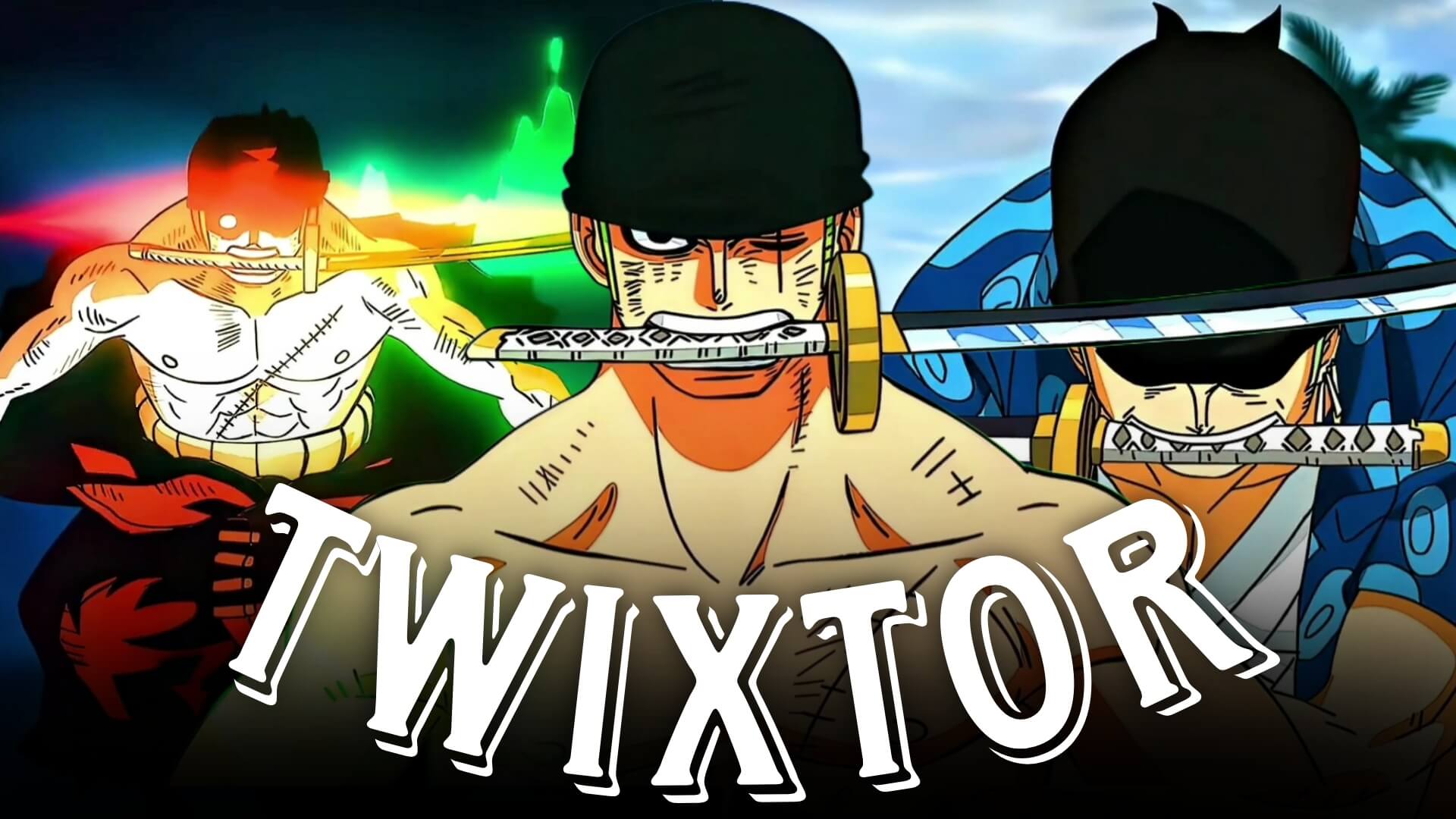
Zoro Twixtor edits are among the most popular in the One Piece editing community, thanks to Roronoa Zoro’s legendary swordsmanship, breathtaking fight choreography, and cinematic animation. Whether he’s unleashing his Three Sword Style techniques, awakening Conqueror’s Haki, or taking on powerful opponents, Zoro delivers countless scenes that are perfect for Twixtor edits, AMVs, TikTok videos, Instagram Reels, and YouTube Shorts.
From classic battles to the spectacular animation of the Wano Arc and Egghead Arc, Zoro Twixtor edits allow creators to showcase fluid sword combat, dramatic camera work, and explosive finishing attacks. This guide highlights the best scenes and shares editing techniques to help you create smooth, professional-quality anime edits.
Why Zoro Is Perfect for Twixtor Edits
A great Zoro Twixtor edit starts with scenes that feature clean animation, fast movement, and impactful sword techniques. Zoro’s fighting style combines speed, precision, and cinematic visuals, making his battles ideal for slow-motion editing.
Editors choose Zoro because of his:
- Three Sword Style techniques
- King of Hell attacks
- Conqueror’s Haki effects
- Fast sword choreography
- Powerful finishing moves
- Movie-quality animation
These qualities make Zoro one of the best One Piece characters for cinematic edits.
Best Zoro Scenes for Twixtor Editing
Zoro vs King
The battle against King features some of the best animation in One Piece.
Best editing moments include:
- Conqueror’s Haki awakening
- King of Hell activation
- High-speed sword clashes
- Aerial combat
- Final finishing attack
Editing Tip:
Apply Twixtor during Zoro’s sword draw and Haki activation before accelerating into the finishing strike for a cinematic velocity edit.
Zoro vs Kaido
Zoro’s confrontation with Kaido contains several unforgettable moments.
Perfect clips include:
- Dragon Twister attack
- Ashura technique
- Haki aura
- Powerful slash effects
- Kaido’s reactions
These scenes are ideal for dramatic slow-motion edits.
Zoro vs Mihawk
One of the most iconic battles in the series remains a favorite among editors.
Highlight scenes include:
- Sword clashes
- Determined expressions
- Close-up reactions
- Emotional moments
- Final defeat sequence
These clips work well for story-driven AMVs.
Zoro’s Wano Arc Moments
The Wano Arc delivers some of Zoro’s most visually impressive scenes.
Focus on:
- Enma usage
- Haki aura
- Sword techniques
- Character close-ups
- Cinematic finishing attacks
These sequences showcase modern One Piece animation at its finest.
Editing Tips for a Smooth Zoro Twixtor
Creating a professional Zoro Twixtor edit requires thoughtful pacing and careful scene selection.
Use High-Quality Source Footage
High-resolution footage helps Twixtor generate cleaner slow motion while preserving detailed sword effects and Haki animation.
Apply Twixtor to Key Moments
Reserve slow motion for:
- Sword draws
- Conqueror’s Haki activation
- Ashura scenes
- King of Hell attacks
- Final finishing slashes
Selective slow motion creates stronger visual impact.
Synchronize With Music
Excellent synchronization points include:
- Sword clashes
- Beat drops during finishing attacks
- Haki activation
- Character reveals
- Final slash sequences
Strong music synchronization greatly improves the cinematic feel of your edit.
Keep Effects Balanced
Zoro’s battles already feature dramatic lighting and visual effects. Avoid excessive glow, unnecessary camera shakes, or heavy overlays that reduce the clarity of the original animation.
Color Grading Ideas
A cohesive color grade enhances your Zoro Twixtor.
Popular styles include:
- Dark cinematic contrast
- Emerald green highlights
- Purple Haki tones
- High-contrast battle grading
- Soft film grain
Maintaining a consistent look helps create a polished final edit.
Common Mistakes to Avoid
When creating a Zoro Twixtor, avoid:
- Overusing slow motion
- Too many transition effects
- Excessive camera shake
- Poor beat synchronization
- Low-resolution source footage
Clean timing often creates more impactful edits than excessive visual effects.
Why Zoro Is One of the Most Popular Anime Characters for Editing
Roronoa Zoro’s combination of incredible swordsmanship, unwavering determination, and visually spectacular battles has made him a favorite among anime editors worldwide. His Three Sword Style techniques, Conqueror’s Haki, and cinematic action sequences provide endless opportunities for creating high-quality Twixtor edits.
Whether you’re producing a fast-paced action edit or an emotional tribute, a well-crafted Zoro Twixtor can showcase both his incredible combat skills and the inspiring journey that has made him one of One Piece‘s most beloved characters.
FAQ
What are the best Zoro scenes for Twixtor edits?
The most popular choices include Zoro vs King, Zoro vs Kaido, Zoro vs Mihawk, and Zoro’s Wano Arc battles because they feature exceptional animation and cinematic sword combat.
Why is Zoro popular for anime edits?
His Three Sword Style, powerful Haki techniques, fluid choreography, and modern One Piece animation make him one of the best characters for Twixtor edits and AMVs.
How can I make my Zoro Twixtor smoother?
Use high-quality footage, apply Twixtor to scenes with clean movement, synchronize important attacks with your soundtrack, and avoid excessive visual effects.
Final Thoughts
A memorable Zoro Twixtor edit combines smooth slow motion, cinematic pacing, and carefully synchronized music to highlight one of One Piece‘s greatest swordsmen. By focusing on impactful sword techniques, maintaining clean transitions, and emphasizing Zoro’s iconic moments, you can create edits that captivate viewers across every platform.
For more One Piece editing inspiration, explore our guides on Luffy Gear 5 Twixtor, Shanks Twixtor, Aokiji Twixtor, and Whitebeard Twixtor.