LINKS
Yuji Twixtor Clips: Best Scenes for Anime Edits
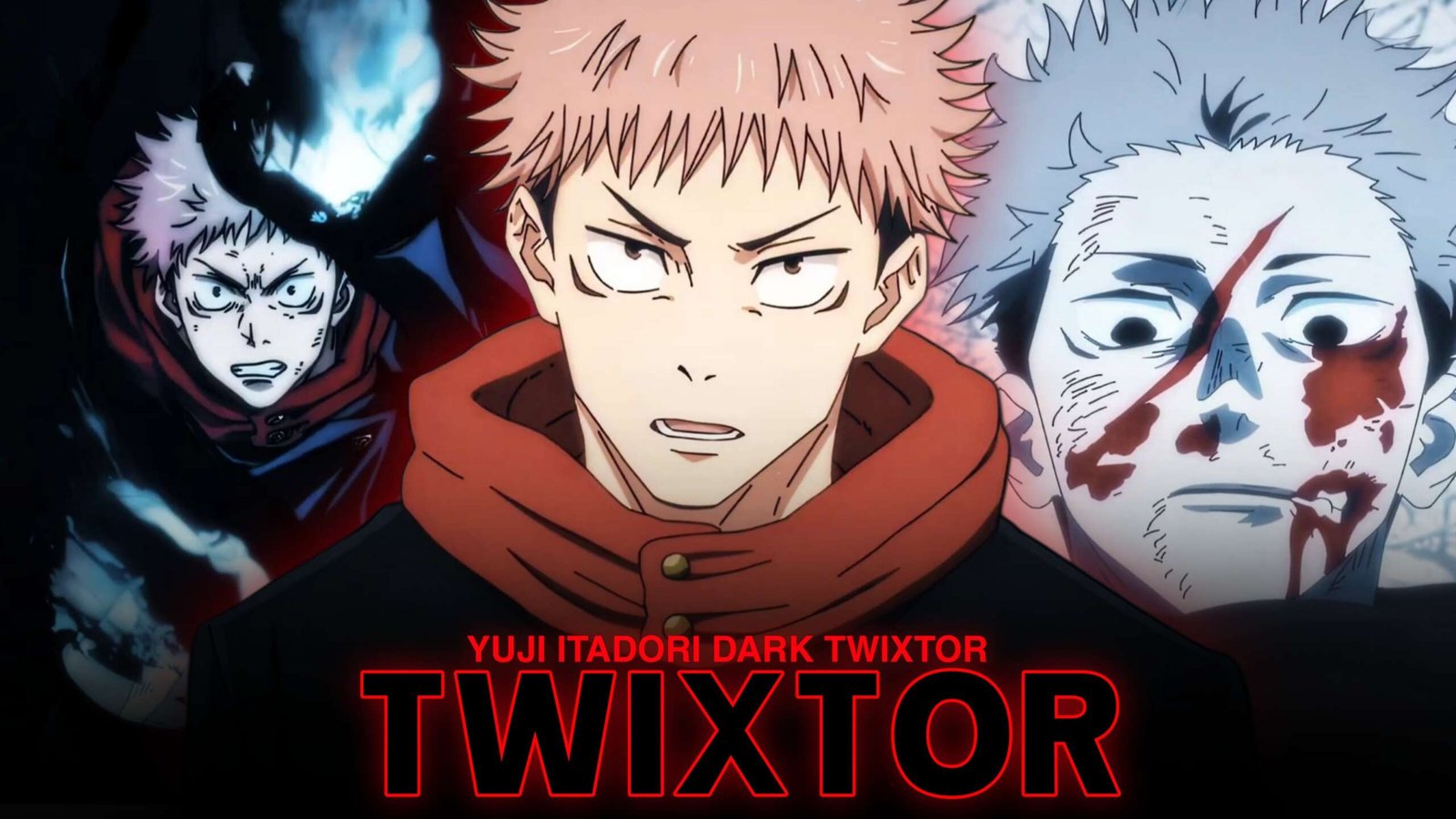
Yuji Itadori brings a unique mix of raw physical power, fast martial arts, and emotional intensity to Jujutsu Kaisen. His punches feel direct and powerful, while his expressions add meaning to even the shortest action sequence. These qualities make Yuji Twixtor Clips a strong choice for AMVs, velocity edits, Instagram Reels, TikTok videos, and YouTube Shorts.
The best edits do more than slow down every punch. They build anticipation, highlight a character’s movement, and return to full speed at the right moment. When planning a Yuji edit, I’d focus on the rhythm of each attack and the emotion behind it rather than adding effects to every frame.
Why Yuji Itadori Works So Well for Twixtor
Yuji relies heavily on physical combat, quick reactions, and close-range attacks. This gives editors plenty of movement to work with without needing every scene to feature a large explosion or complicated visual effect.
Yuji Twixtor Clips are especially useful for:
- Black Flash: Emphasize the instant before a powerful hit connects.
- Hand-to-hand combat: Create sharp velocity changes around punches and kicks.
- Dodge sequences: Slow the movement briefly before accelerating into a counterattack.
- Character close-ups: Build anticipation with focused expressions and dramatic timing.
- Emotional scenes: Add a slower, story-driven moment between energetic fight sequences.
For a related battle-focused example, check out Yuji Itadori vs Higuruma Twixtor 4K.
Best Yuji Scenes to Use in an Edit
1. Black Flash and Impact Frames
Black Flash is one of Yuji’s most recognizable combat moments. The brief build-up, sudden strike, and visual impact give editors a natural place to create a speed ramp. Start with a short slowdown before contact, then return to normal speed as the punch lands.
For Yuji Twixtor Clips, avoid stretching the actual impact for too long. A brief pause followed by a sharp beat drop often makes the hit feel stronger.
2. Yuji’s Fight Against Hanami
Yuji’s battle alongside Aoi Todo against Hanami features fast exchanges and coordinated attacks. These scenes suit edits that alternate between close-up shots, movement, and powerful punches. Try using quick cuts during the combination attacks and slower motion for a key reaction.
3. Yuji vs Mahito
This confrontation combines intense combat with a major emotional turning point for Yuji. Use facial expressions and brief pauses to create tension before returning to the action. The contrast between emotional shots and rapid movement can make Yuji Twixtor Clips more engaging than a nonstop montage.
4. Yuji vs Higuruma
This battle offers a different atmosphere, mixing courtroom tension with close-range combat. It works particularly well for edits that begin quietly and gradually build toward faster action. You can also explore Yuji Itadori Twixtor 4K Quality for another Yuji-focused editing reference.
How to Make Smooth Yuji Twixtor Clips
Use this workflow in After Effects or another compatible editing setup:
- Choose a clear shot: Look for visible movement, minimal obstruction, and a well-defined subject.
- Trim the sequence: Keep the clip focused on one punch, dodge, or reaction instead of processing an unnecessarily long scene.
- Apply Twixtor: Begin with a moderate slowdown and check for distorted hands, faces, and limbs.
- Create a velocity ramp: Ease into slow motion before the action, then accelerate as the movement reaches its peak.
- Sync to the soundtrack: Place the strongest impact on a beat or musical accent.
- Polish the final result: Adjust contrast, sharpening, and motion blur carefully so the original animation remains clear.
When working with Yuji Twixtor Clips, inspect the interpolated frames around fast punches. If the movement bends unnaturally, use a smaller speed reduction or shorten that section.
Color Grading and Effects
Yuji’s scenes often feature dark backgrounds, bright cursed-energy effects, and dramatic lighting. Keep skin tones and costume details visible instead of pushing contrast too far.
- Glow: Apply selectively to energy effects and impact highlights.
- Sharpening: Use a moderate amount to preserve line detail.
- Motion blur: Add it where it improves the sense of speed.
- Camera shake: Reserve it for major impacts rather than every punch.
- Transitions: Use clean cuts, subtle zooms, or brief flashes when they fit the rhythm.
Good Yuji Twixtor Clips editing depends on readable movement. Too many effects can hide the choreography that makes the scene appealing.
Common Mistakes to Avoid
- Slowing every frame instead of emphasizing selected moments.
- Applying extreme speed changes that create visible artifacts.
- Overusing glow and shake effects.
- Ignoring the emotional flow between scenes.
- Making every transition identical.
For a stronger result, build the edit around a clear beginning, rising intensity, and a memorable final shot. This approach gives Yuji Twixtor Clips a sense of progression instead of making the video feel like a random collection of attacks.
Frequently Asked Questions
Which Yuji scenes are best for Twixtor edits?
Black Flash, the Hanami battle, the Mahito confrontation, and the Higuruma fight all offer useful combinations of movement and dramatic expression.
How do I make Yuji slow motion look smoother?
Use clean source footage, avoid excessive slowdown, and inspect frames where the body moves quickly. Small adjustments often look better than extreme speed changes.
Can I use Yuji clips for AMVs and Reels?
These scenes can inspire AMVs, Reels, Shorts, and other fan edits. Make sure your source material and final upload comply with applicable copyright rules and each platform’s policies.
Final Thoughts
Yuji Twixtor Clips offer plenty of possibilities for editors who enjoy energetic combat and emotional storytelling. Choose scenes with clear movement, use speed ramps selectively, and let the music guide your timing. For more inspiration, browse the Yuji Itadori vs Higuruma edit reference and other Jujutsu Kaisen editing articles on TwixtorClips.
Disclaimer: All anime/movie footage referenced belongs to its original creators, animation studios, and copyright holders. This content is provided for editing and educational fan-use purposes only, under fair use principles. No copyright infringement is intended. All rights remain with the original owners.