LINKS
Gojo Satoru 4K Twixtor: Best Jujutsu Kaisen Scenes for Edits
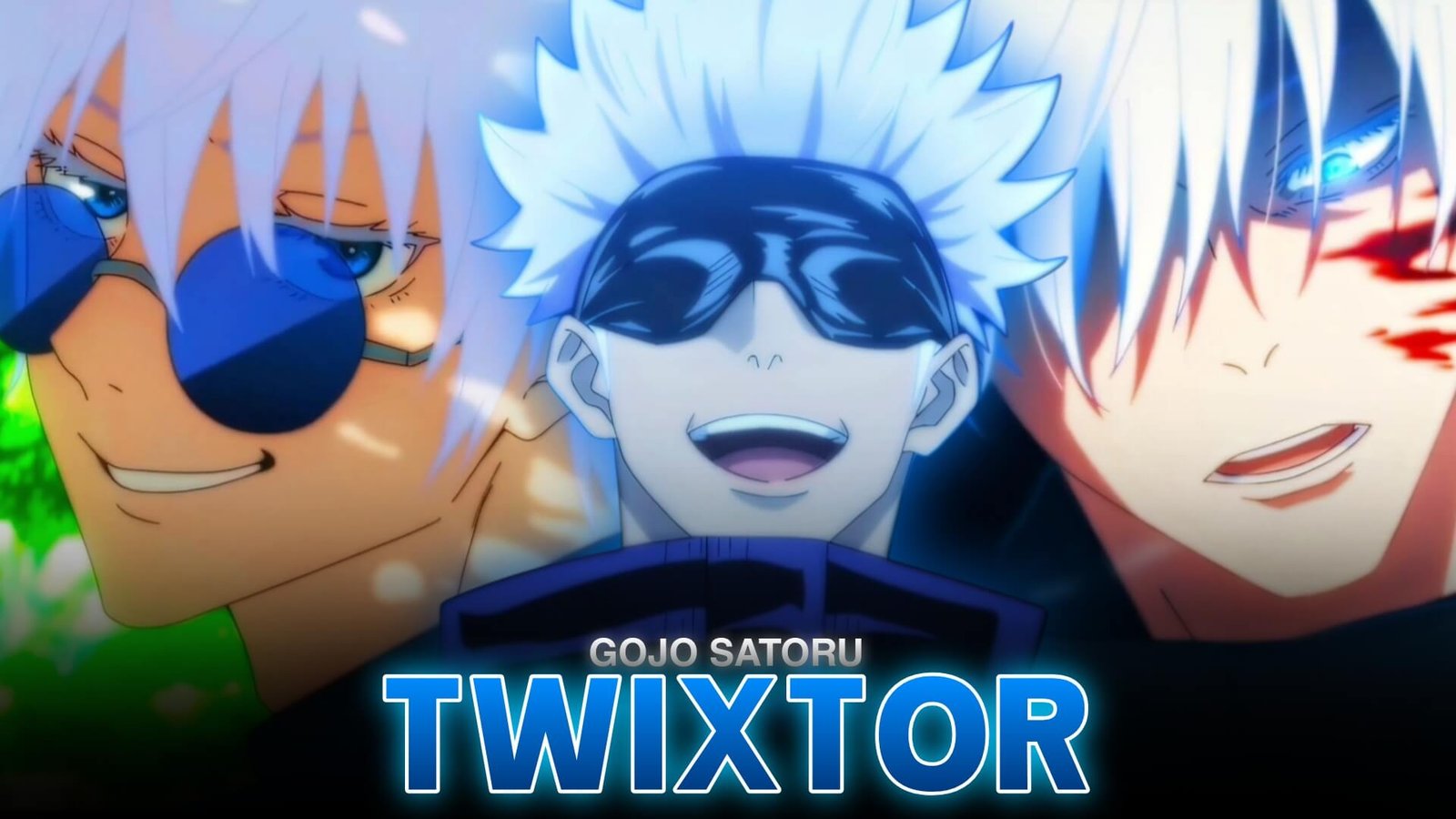
Satoru Gojo is one of the most recognizable characters in Jujutsu Kaisen, thanks to his confident personality, striking appearance, and extraordinary cursed techniques. His fights combine fast movement, dramatic camera angles, and vibrant energy effects that can make anime edits look cinematic when the timing is right.
Gojo Satoru 4K Twixtor is a useful focus for editors who want to emphasize these moments with smooth slow motion, speed ramps, and carefully timed transitions. Whether you’re creating an AMV, a short-form velocity edit, or a character montage, selecting the right scene matters just as much as applying effects.
What Makes Gojo Footage Suitable for Twixtor?
Gojo’s animation features a mixture of precise hand movements, fast combat, expressive close-ups, and powerful visual effects. These different elements give editors several ways to build a sequence with changing energy and pace.
High-resolution source footage can preserve more visible detail in Gojo’s hair, eyes, clothing, and cursed energy effects. However, 4K resolution alone does not guarantee smooth slow motion; the source frame rate and the complexity of the movement also affect the result.
When planning a Gojo Satoru 4K Twixtor edit, prioritize clear movement and shots with enough visual continuity for frame interpolation.
Gojo Scenes Worth Highlighting
Hollow Purple
Hollow Purple is a strong choice for a dramatic edit because its buildup and release provide natural points for speed changes. Slow down the hand gestures or energy formation, then return to normal speed as the attack reaches its impact.
A subtle purple glow can complement the scene, but avoid obscuring the original animation with excessive effects.
Gojo vs Toji
The Hidden Inventory confrontation offers fast attacks, changing camera angles, and a dramatic shift in Gojo’s power. These moments work well for alternating slow motion with sharp, full-speed cuts.
For more scene-specific inspiration, visit Satoru Gojo vs Toji Fushiguro Twixtor.
Infinity and Domain Expansion
Gojo’s Infinity demonstrations and Domain Expansion sequences provide opportunities for atmospheric edits. Use slower pacing during the reveal, then synchronize the next transition with a sound effect or music beat.
These scenes are particularly suitable for edits that emphasize mood rather than nonstop action.
How to Create a Smooth Gojo Twixtor Edit
1. Select Clear Source Footage
Choose a shot with readable movement and minimal compression artifacts. Fast cuts, overlapping effects, and sudden camera changes can make interpolation less predictable.
2. Apply Slow Motion Selectively
Use Twixtor to generate intermediate frames where smoother motion is needed. Begin with a moderate speed reduction and preview the result before trying more extreme settings.
For a detailed workflow, follow this beginner’s guide to making Twixtor clips.
3. Build a Velocity Curve
A velocity edit combines slower moments with faster sections. Hold the buildup briefly, accelerate through the movement, and slow down again at the most visually important moment. This creates contrast without making the entire edit feel sluggish.
4. Match the Music
Use a clear beat to mark Hollow Purple’s release, a punch, or a character reveal. Precise timing often creates more impact than adding extra transitions.
5. Keep the Color Grade Consistent
Blue and purple highlights can complement Gojo’s visual effects. Adjust contrast carefully so darker areas retain detail, and avoid excessive sharpening that makes outlines look harsh.
Mistakes to Avoid
Even Gojo Satoru 4K Twixtor edits can look rough if the source material contains too much motion blur or if the slowdown is too aggressive. Watch for distorted hands, flickering edges, and unnatural movement around energy effects.
Avoid using camera shake, glow, and motion blur at maximum intensity simultaneously. Gojo’s original animation already has strong visual direction, so a restrained approach can produce a cleaner result.
Make Your Gojo Edit Stand Out
A polished Gojo Satoru 4K Twixtor edit should highlight the character’s most memorable movements instead of slowing every frame. Combine selective interpolation, music synchronization, and a consistent color grade to give the sequence a clear visual rhythm.
If you’re exploring more Jujutsu Kaisen edits, the Anime Twixtor collection is a useful starting point for discovering other characters and editing inspiration.
Frequently Asked Questions
What is Gojo Satoru 4K Twixtor?
It refers to Gojo-focused anime editing that combines high-resolution footage with Twixtor-assisted slow motion and other visual effects.
Which Gojo scenes work well for slow-motion edits?
Hollow Purple, Gojo vs Toji, Infinity demonstrations, and Domain Expansion are strong options because they feature clear action or dramatic visual reveals.
Does 4K footage always produce smoother Twixtor results?
No. Resolution affects image detail, but frame rate, motion clarity, and the amount of movement between frames also influence interpolation quality.
Disclaimer: Satoru Gojo and Jujutsu Kaisen belong to their respective rights holders. This article is an independent educational guide to video-editing techniques and is not affiliated with the official creators.