LINKS
Yuno Twixtor 4K | Best Black Clover Wind Magic Scenes for Edits
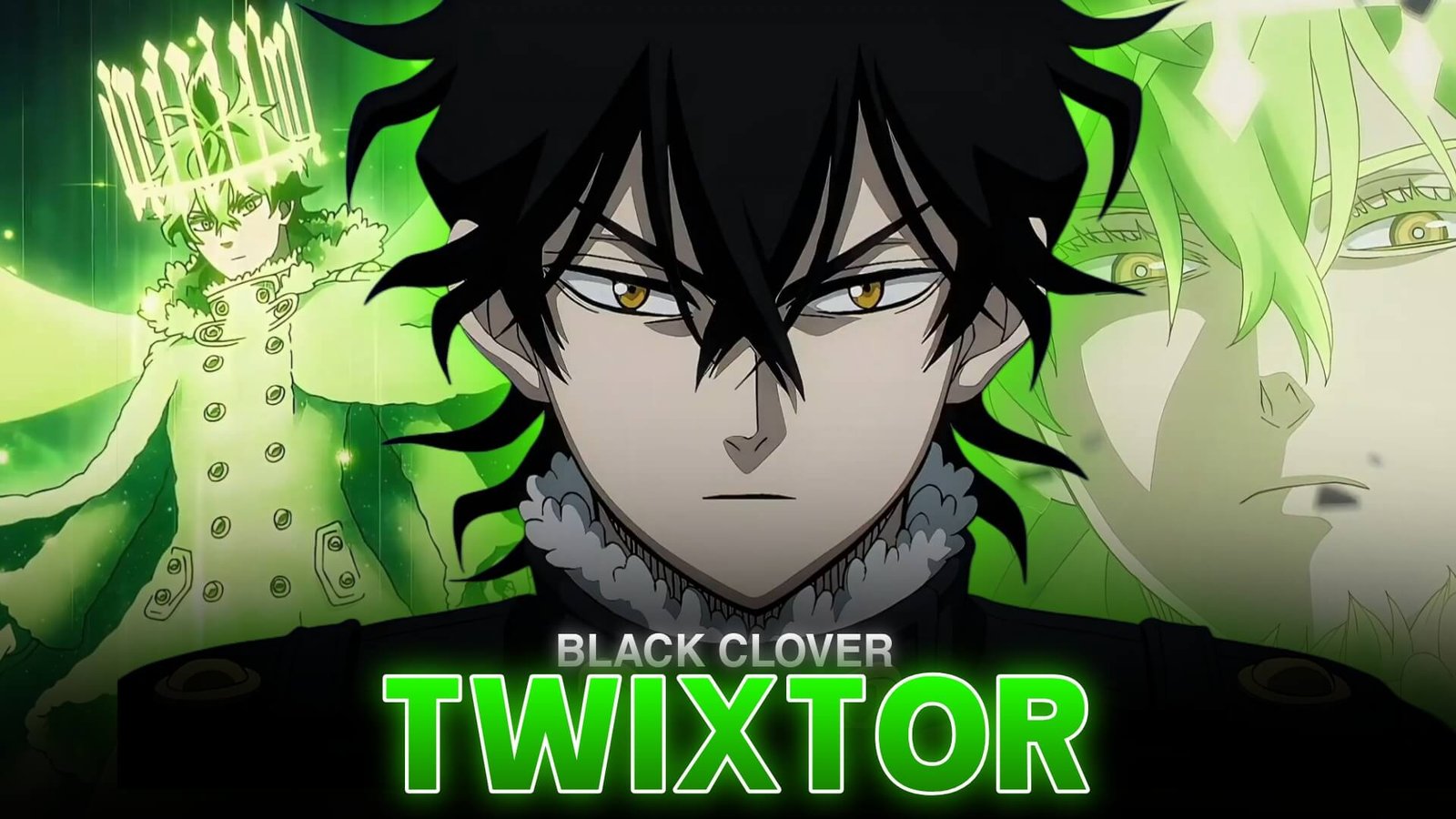
Yuno is one of the most talented young mages in Black Clover. Known for his calm personality, four-leaf clover grimoire, and mastery of wind magic, he delivers some of the series’ most visually striking battle moments. His elegant movements and powerful transformations make him an excellent subject for anime edits.
Yuno Twixtor 4K is a useful focus for editors aiming to create crisp-looking character montages, smooth velocity changes, and cinematic slow-motion sequences. Whether you prefer his wind-based attacks or his more advanced magical forms, the key is to combine strong scene selection with effects that preserve the original animation.
What Makes Yuno’s Scenes Stand Out?
Yuno’s fighting style combines precision, speed, and control. His wind magic creates flowing movement, while his finishing attacks provide natural moments for dramatic transitions and music synchronization.
When editing Yuno Twixtor 4K, look for scenes with clear character movement and visible magical effects. Wide shots establish the action, while close-ups capture his confidence and determination.
His connection with Sylph, the wind spirit, also creates opportunities for transformation-focused edits. For more character information, visit the official Black Clover character profile.
Best Yuno Scenes for 4K-Style Edits
Wind Magic Attacks
Yuno’s wind spells are ideal for velocity edits because their movement can flow naturally across the frame. Build speed during the spell’s preparation, then introduce a brief slowdown when the attack reaches its most dramatic point.
A Yuno Twixtor 4K edit looks more effective when the magic remains visible rather than being covered by excessive glow, blur, or camera shake.
Spirit Dive Transformation
Spirit Dive offers a distinctive look for a character-focused montage. Use a close-up or buildup shot before revealing the enhanced form. A subtle zoom and a well-timed musical accent can make the transition feel powerful without unnecessary effects.
Major Battle Moments
Battle scenes provide a mix of movement, reactions, and powerful finishing spells. Select shots that connect visually instead of cutting randomly between attacks. This helps maintain continuity and gives the montage a more professional rhythm.
For Yuno Twixtor 4K, alternating action shots with short character close-ups can also prevent the edit from feeling repetitive.
How to Create Smooth Yuno Twixtor 4K Edits
1. Start With Clear Footage
Choose source footage with defined edges and enough detail to preserve Yuno’s hair, clothing, and magical effects. The final result depends on the source quality; an edit exported at 4K cannot restore detail missing from a low-resolution source.
2. Apply Twixtor Selectively
Import your footage into your editing software and isolate the moments that benefit from slow motion. Apply Twixtor or another frame-interpolation tool, then inspect the result for ghosting and distorted edges.
For the basic process, follow this beginner’s guide to making Twixtor clips.
3. Create Dynamic Velocity Changes
A useful Yuno Twixtor 4K technique is to accelerate into an attack, slow down briefly at its peak, and return to normal speed as the movement finishes. This creates contrast without making the entire sequence feel sluggish.
4. Improve Sharpness and Color
Use moderate sharpening and contrast adjustments to maintain a crisp appearance. Keep highlights under control so wind effects remain visible, and avoid oversaturating the colors.
For a consistent result, apply similar grading across shots from the same scene instead of changing the look with every cut.
5. Sync the Edit With Music
Choose a soundtrack with clear beats or dramatic changes in intensity. Match important transitions to the music, but leave room for visually complex attacks to play out.
A strong Yuno Twixtor 4K montage balances the soundtrack with the movement on screen instead of cutting on every beat.
Common Mistakes to Avoid
One frequent mistake is using extreme slow motion on every shot. Frame interpolation can struggle with fast movement, overlapping effects, and motion blur. Reduce the slowdown when you notice unnatural edges or duplicated details.
Another mistake is confusing export resolution with source quality. Exporting at 4K is most useful when your source and editing workflow can preserve enough detail. Upscaling a lower-resolution clip may improve its presentation size, but it does not recreate original detail.
When refining Yuno Twixtor 4K, prioritize smooth movement, clean timing, and consistent color grading over stacking too many effects.
Final Thoughts
Yuno’s wind magic, composed personality, and Spirit Dive moments offer plenty of creative possibilities for Black Clover editors. Yuno Twixtor 4K works best when clear source footage is combined with selective slow motion, controlled velocity changes, and effects that enhance rather than obscure the animation.
For more anime editing inspiration, explore the Black Clover Twixtor category and experiment with different pacing styles in your next character edit.
Frequently Asked Questions
What is Yuno Twixtor 4K?
It refers to creating Yuno-focused Black Clover edits using slow motion, frame interpolation, and a high-resolution editing or export workflow.
Which Yuno scenes are best for Twixtor edits?
Wind magic attacks, Spirit Dive sequences, and major battle moments are strong choices because they feature distinctive movement and dramatic visual effects.
Does exporting in 4K make a clip true 4K quality?
Not necessarily. The source footage must contain sufficient detail for a genuine 4K-quality result. Upscaling can increase resolution dimensions without restoring missing detail.
Disclaimer: Yuno and Black Clover belong to their respective rights holders. This article is an independent educational resource about video editing and is not affiliated with or endorsed by the series’ creators or distributors.