LINKS
Mereoleona Twixtor: Best Black Clover Flame Magic Edits
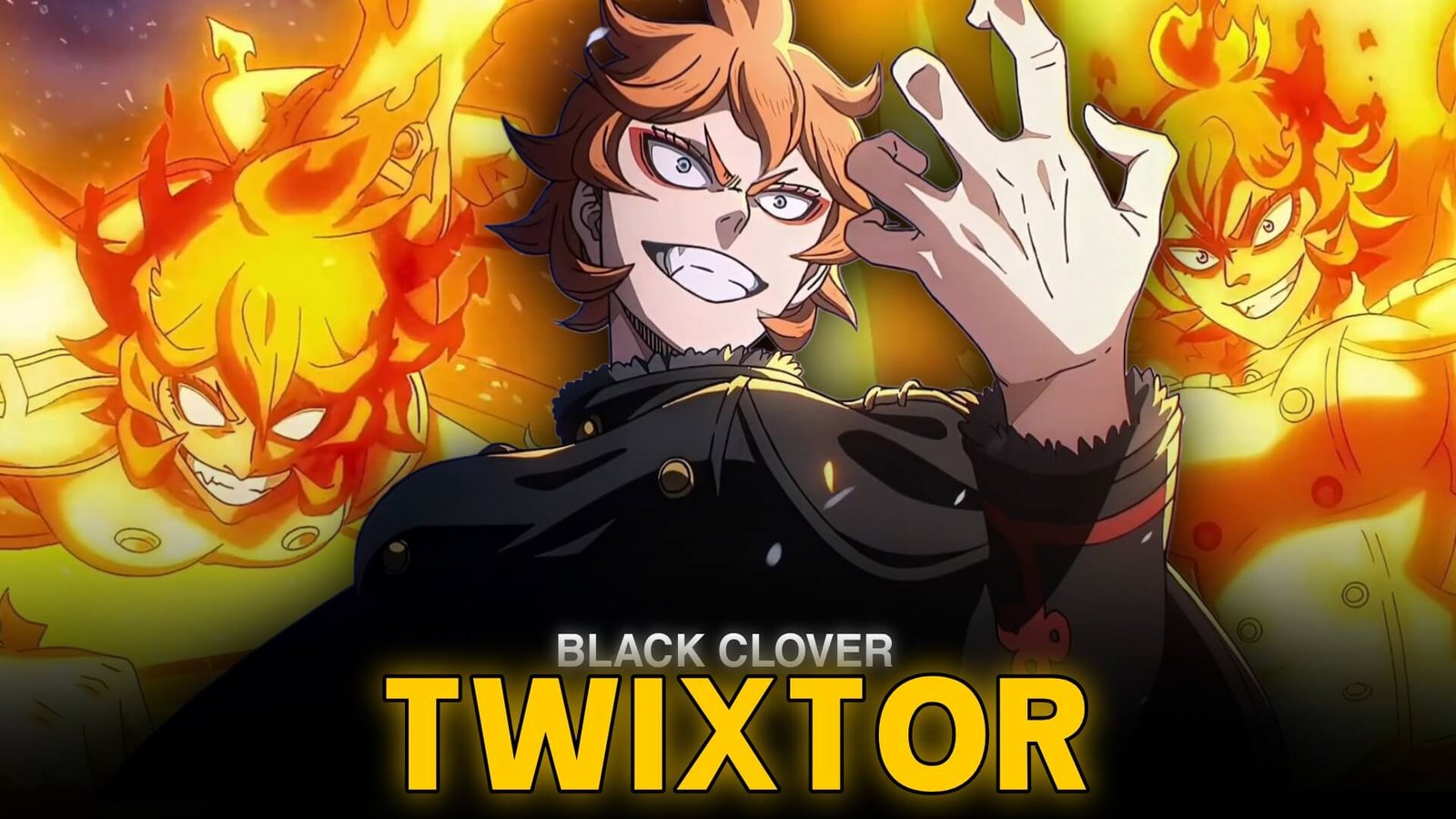
Mereoleona Vermillion is known for her fearless personality, overwhelming strength, and mastery of Flame Magic in Black Clover. As a fierce Magic Knight associated with the Crimson Lion Kings, she stands out through relentless close-combat attacks and an intense approach to training. Her powerful presence makes her an excellent subject for energetic anime edits.
Mereoleona Twixtor is an editing theme for creators who want to emphasize her explosive attacks, dramatic expressions, and fast movements through smooth slow motion and music-synchronized transitions. With carefully chosen footage, you can create a character edit that feels powerful without overwhelming the original animation.
Why Mereoleona Works So Well in Anime Edits
Unlike characters whose abilities rely mainly on long-range attacks, Mereoleona combines physical combat with fiery magic. Her movements feel aggressive and direct, giving editors plenty of opportunities to contrast fast action with short, dramatic slow-motion moments.
Her flame effects also create a distinctive visual palette. Red and orange highlights, deep shadows, and controlled contrast can complement the original scenes without hiding character details.
A good Mereoleona Twixtor edit should emphasize her fighting style rather than rely on constant visual effects.
Best Scenes to Use for Mereoleona Edits
Flame Magic Attacks
Mereoleona’s fire-based attacks offer natural points for speed changes. Slow down the buildup, then return to full speed as the attack reaches its peak. This makes the impact feel more powerful while preserving the pace of the fight.
Close-Combat Sequences
Her punches, dodges, and rapid advances work well in velocity edits. Try accelerating through a movement before briefly slowing down at a key frame. Clear, readable movements generally produce better results than shots with too many overlapping effects.
Mana Zone Moments
Mereoleona’s ability to control surrounding mana gives her battle scenes an intense atmosphere. Use subtle zooms and restrained motion blur to emphasize her presence, especially when transitioning from a calm moment to an explosive attack.
These approaches give Mereoleona Twixtor edits variety, whether you prefer aggressive action montages or cinematic character showcases.
How to Create a Smooth Mereoleona Twixtor Edit
1. Select Clear Footage
Choose a source with visible movement and minimal compression artifacts. Flame effects can overlap with character outlines, so inspect the clip before applying frame interpolation.
2. Apply Twixtor Selectively
Import the clip into your editing software and isolate the movements you want to emphasize. Apply Twixtor to sections that benefit from smoother slow motion, then begin with a moderate speed reduction.
For more detailed instructions, use this beginner’s guide to making Twixtor clips.
3. Create a Dynamic Velocity Curve
Start at normal speed, accelerate through a punch or dash, and slow down briefly at the most important moment. Returning to normal playback helps maintain the intensity of the action.
This technique makes Mereoleona Twixtor edits more engaging because each speed change has a clear purpose.
4. Enhance the Fire Without Hiding It
Use restrained glow and contrast adjustments to emphasize the flames. Avoid excessive saturation or sharpening, which can flatten the image and make the original animation look harsh.
5. Synchronize With the Soundtrack
Choose a track with strong beats or dramatic changes in intensity. Align major attacks with those moments, but leave quieter sections between impacts so the sequence has room to breathe.
Editing Mistakes to Avoid
One common issue with Mereoleona Twixtor is applying extreme slow motion to every attack. Constantly reduced speed can make her fighting style feel less aggressive.
Another problem is interpolation distortion around hands, hair, and flames. Twixtor estimates intermediate frames, so complex movements may still produce warping or ghosting. If a shot looks unnatural, reduce the slowdown or use a standard speed ramp.
Keep camera shake and glow effects under control. The original animation already delivers strong visual energy, so effects should support the movement rather than cover it.
Create a Powerful Black Clover Character Edit
A memorable Mereoleona Twixtor edit captures her fierce personality through purposeful timing, strong action choices, and consistent color grading. Focus on a few standout movements, use slow motion sparingly, and let the soundtrack guide the transitions.
For more editing inspiration, explore the Black Clover Twixtor category and Asta Twixtor Clips in 4K. These related character themes can help you plan a broader Black Clover montage.
Ultimately, Mereoleona Twixtor works best when every effect supports the action: fast movement, explosive flames, and carefully timed moments of emphasis.
Frequently Asked Questions
Who is Mereoleona in Black Clover?
Mereoleona Vermillion is a powerful Flame Magic user from the Vermillion royal family, known for her fierce personality and formidable combat skills.
Which effects suit Mereoleona edits?
Velocity ramps, selective slow motion, restrained motion blur, and controlled red-orange color grading can complement her fighting style.
How can I make Mereoleona Twixtor edits smoother?
Use clear source footage, avoid extreme speed reductions, and check the edges of fast-moving characters and flames for interpolation artifacts.
Disclaimer: Mereoleona Vermillion and Black Clover belong to their respective rights holders. This article is an independent educational guide to video-editing techniques and is not affiliated with the official creators.