LINKS
GET EXCLUSIVE FREE TWIXTOR CLIPS
Exclusive Anime Twixtor Clips For Free: https://twixtorclips.com/anime-twixtor/
Tutorial’s Guide : https://twixtorclips.com/category/tutorials/
Exclusive Gaming Scenepack For Editors : https://twixtorclips.com/category/gaming-scenepack/
Get Exclusive CC & Quality Setting Here : https://payhip.com/QualityCCLab
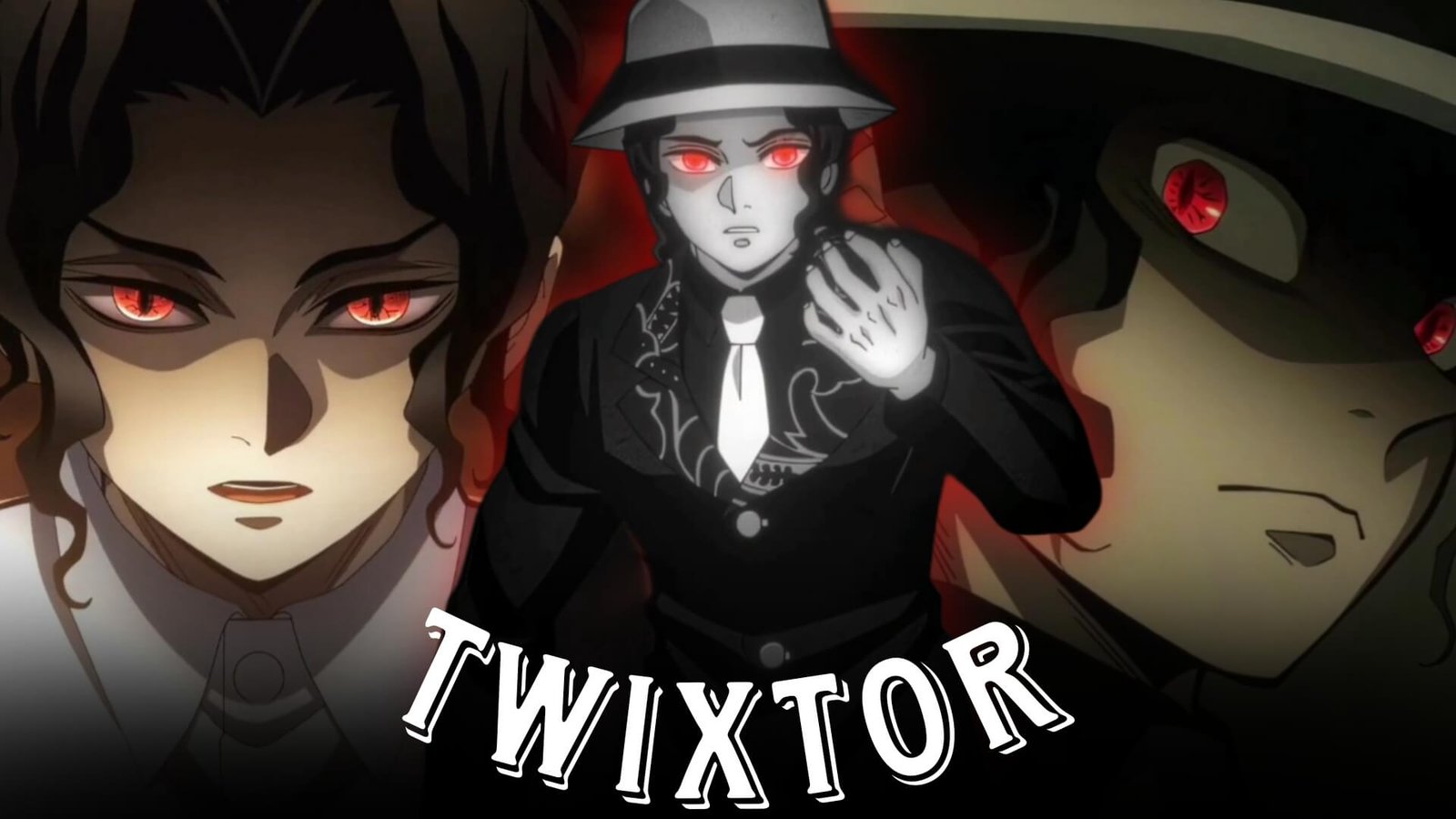
Muzan Kibutsuji Twixtor: Best Demon Slayer Moments for Cinematic Edits
Muzan Kibutsuji is the primary antagonist of Demon Slayer: Kimetsu no Yaiba and the origin of the demons in the series. His intimidating presence, supernatural abilities, distinctive transformations, and powerful combat sequences make him an excellent subject for anime editors.
Muzan Kibutsuji Twixtor edits can highlight his Blood Demon Art, tentacle-like attacks, rapid movements, transformations, intimidating expressions, and major battle moments. These scenes can work well for AMVs, velocity edits, YouTube Shorts, TikTok videos, and Instagram Reels.
Editorial Note: This article focuses on anime editing education and scene analysis. It does not host or distribute copyrighted anime footage. Use footage you have the right to use and follow applicable copyright and platform policies.
Why Muzan Is Great for Twixtor Edits
Muzan’s combat animation contains extremely fast attacks, sudden movements, and dramatic visual effects that provide natural opportunities for velocity editing.
Popular editing elements include:
- Blood Demon Art
- Rapid attacks
- Tentacle-like attacks
- Transformations
- High-speed movements
- Character close-ups
- Intimidating expressions
- Major battle sequences
Best Muzan Kibutsuji Moments for Editing
Muzan’s Blood Demon Art
Muzan’s Blood Demon Art provides visually dynamic material for cinematic edits.
A possible sequence is:
Muzan close-up → technique activation → slow motion → attack release → acceleration → impact
Use the technique activation as a beat-drop or transition point.
Muzan’s Combat Sequences
Muzan’s rapid attacks are particularly suitable for Twixtor.
Focus on:
- Fast attacks
- Dodges
- Movement changes
- Weapon-like appendage attacks
- Impact frames
Editing Tip: Slow down immediately before a major attack, then accelerate into the impact.
Muzan’s Transformations
Muzan’s transformation scenes can serve as strong transition points.
Try:
Normal appearance → close-up → transformation → slow motion → attack → beat drop
Keep additional effects subtle because the original animation already provides strong visual movement.
Twixtor Editing Tips for Muzan
Use High-Quality Footage
High-quality footage generally provides more visual information for interpolation, especially during fast attacks.
Apply Twixtor Selectively
Good moments include:
- Attack preparation
- Rapid movements
- Transformations
- Technique activation
- Character close-ups
- Impact frames
Avoid applying interpolation across hard cuts or highly complex overlapping animation.
Use Velocity Ramping
A useful pattern is:
100% → slow motion → acceleration → impact → 100%
This keeps the edit energetic while emphasizing Muzan’s movements.
Synchronize With Music
Muzan’s intimidating presence works well with:
- Dark phonk
- Cinematic music
- Orchestral tracks
- Electronic beats
- Atmospheric music
Use technique activations and major attacks as beat-synchronization points.
Color Grading Ideas
For a cinematic Muzan Kibutsuji Twixtor edit, experiment with:
- High contrast
- Deep shadows
- Controlled saturation
- Subtle sharpening
- Mild bloom
- Light film grain
A darker grade can complement Muzan’s villainous atmosphere while keeping important character details visible.
Common Editing Mistakes
Avoid:
- Extreme slow motion
- Excessive camera shake
- Heavy motion blur
- Too many transitions
- Excessive flashing
- Over-sharpening
- Excessive glow
Muzan’s animation already contains intense visual effects, so a controlled editing style can produce a cleaner result.
Why Editors Love Muzan Kibutsuji
Muzan has a distinctive visual identity and one of the most powerful abilities in Demon Slayer. His rapid attacks, transformations, Blood Demon Art, and intimidating expressions provide material for both aggressive velocity edits and darker cinematic AMVs.
A well-made Muzan Kibutsuji Twixtor edit can begin with a calm close-up and gradually build toward his most intense attacks.
FAQ
What are the best Muzan scenes for Twixtor?
Muzan’s combat sequences, Blood Demon Art, transformations, rapid attacks, close-ups, and major battle moments are excellent choices.
Why is Muzan popular for anime edits?
His intimidating character design, supernatural abilities, fast attacks, and dramatic animation make him highly suitable for cinematic edits.
How can I make Muzan Twixtor clips smoother?
Use high-quality footage, apply Twixtor selectively to clear movements, avoid hard cuts, and synchronize velocity changes with your soundtrack.
Final Thoughts
Muzan Kibutsuji Twixtor is a strong topic for Demon Slayer editors. His Blood Demon Art, transformations, rapid attacks, and dramatic battle scenes provide plenty of opportunities for slow motion, velocity ramps, and cinematic transitions.
For more Demon Slayer editing content, explore Akaza Twixtor, Doma Twixtor, Kokushibo Twixtor, Rengoku Twixtor, Obanai Iguro Twixtor, Inosuke Twixtor, and Nezuko Kamado Twixtor.