LINKS
More Post Like This:
Anime Twixtor Clips Available: https://twixtorclips.com/anime-twixtor/
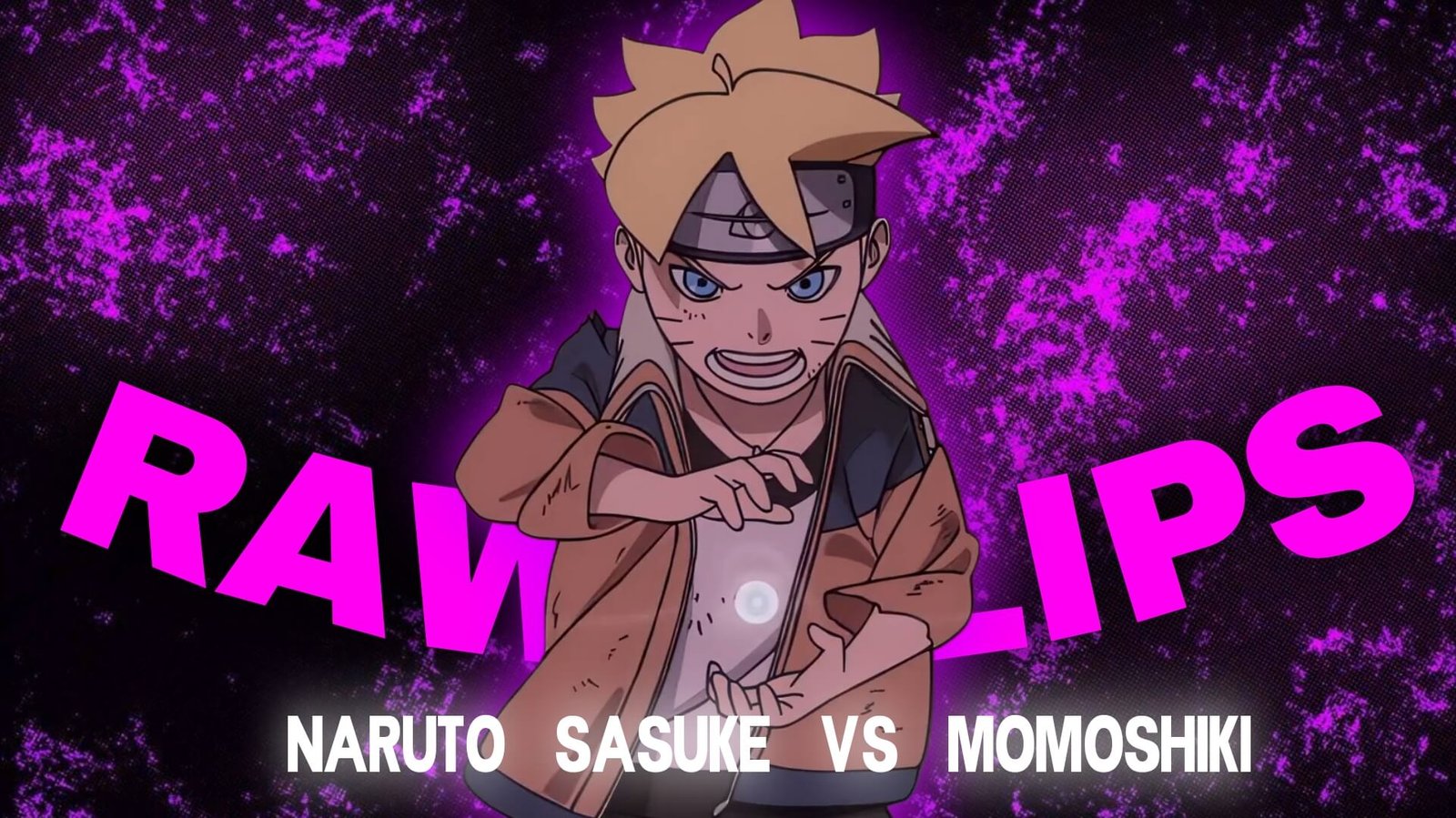
Naruto and Sasuke vs Momoshiki Clips: Best Boruto Fight Scenes
Naruto and Sasuke vs Momoshiki Clips are packed with some of the most visually dynamic combat moments in the Boruto: Naruto Next Generations anime. The battle combines Naruto’s Kurama-powered abilities, Sasuke’s Rinnegan and sword techniques, Momoshiki’s powerful attacks, rapid hand-to-hand combat, and large-scale chakra effects.
For editors, the fight offers something different from a typical character montage. Naruto and Sasuke can be presented as a coordinated duo, while Momoshiki provides a powerful opposing presence. This makes the footage useful for cinematic edits, duo edits, velocity videos, and beat-synced fight montages.
Editorial Note: This article focuses on editing techniques, scene selection, and creative use of anime footage. It does not host or distribute copyrighted Boruto footage.
What Makes This Fight Different for Editors?
One of the biggest strengths of the battle is the changing rhythm.
Some moments are built around hand-to-hand combat and fast movements, while others expand into huge chakra attacks and transformations.
Useful Naruto and Sasuke vs Momoshiki Clips can include:
- Naruto and Sasuke entrances
- Naruto close-ups
- Sasuke close-ups
- Momoshiki transformations
- Taijutsu sequences
- Kurama visuals
- Susanoo scenes
- Rasengan attacks
- Sword movements
- Chakra attacks
- Impact frames
- Wide battlefield shots
This gives you enough variety to create an edit with several distinct sections instead of repeating the same type of shot.
Start With the Duo
Rather than immediately showing the biggest attack, begin by establishing Naruto and Sasuke together.
A cinematic opening could use:
Naruto close-up → Sasuke close-up → eye shots → battlefield → Momoshiki reveal
Keep these opening shots relatively slow.
The purpose is to establish the characters and create anticipation before the action begins.
This approach works particularly well when the music starts quietly and gradually builds toward the first major beat.
Naruto’s Kurama Moments
Naruto’s Kurama-powered sequences provide some of the most visually recognizable material in the fight.
The large-scale chakra visuals can be used as the centerpiece of an edit.
Try separating the sequence into:
Chakra buildup → transformation → movement → attack → impact
You can slow down the transformation or buildup before returning to normal speed during the attack.
For Naruto and Sasuke vs Momoshiki Clips, Kurama footage can also act as a natural transition into larger-scale combat.
Sasuke’s Rinnegan and Sword Combat
Sasuke brings a different visual style to the battle.
His sword movements, Rinnegan close-ups, teleportation-style movement, and precise attacks can provide shorter, sharper clips between Naruto’s larger sequences.
A useful edit pattern is:
Sasuke close-up → Rinnegan → sword movement → attack → Momoshiki reaction
This creates a contrast between Sasuke’s precision and Naruto’s more explosive visual style.
Naruto and Sasuke’s Teamwork
One of the most important editing opportunities is the interaction between the two characters.
Instead of treating them as separate characters, build sections around their coordination.
For example:
Naruto attacks → Momoshiki blocks → Sasuke enters → sword strike → Naruto follows
This can be edited almost like a conversation between the characters, where each movement leads into the next.
For a duo edit, this approach can be more effective than simply placing several Naruto shots followed by several Sasuke shots.
Momoshiki’s Attacks
Momoshiki’s attacks provide the opposing side of the edit.
Use his close-ups and techniques to create short interruptions between Naruto and Sasuke’s sequences.
A possible structure is:
Naruto attack → Momoshiki counter → Sasuke attack → Momoshiki reaction
This creates a back-and-forth rhythm.
You can also use Momoshiki’s larger attacks as visual peaks before switching back to the protagonists.
Building a Velocity Edit
The fight contains plenty of movement for velocity editing, but the key is to choose the right moments.
Slow Down
Use slow motion for:
- Character close-ups
- Transformation moments
- Rinnegan shots
- Chakra buildup
- Attack preparation
Normal Speed
Use normal speed for:
- Dialogue
- Character positioning
- Approach shots
- Longer combat movements
Accelerate
Use speed ramps for:
- Dashes
- Taijutsu
- Sword attacks
- Teleportation-style movements
- Impact sequences
A useful pattern is:
Slow → accelerate → fast attack → impact → brief slowdown
This gives the viewer time to recognize the important moment before the next movement begins.
Twixtor Tips
Twixtor can help create smooth slow-motion sections when the source footage contains suitable movement.
However, the fight contains complex animation, overlapping chakra effects, and fast character movement.
Watch carefully around:
- Hair
- Hands
- Swords
- Chakra effects
- Kurama
- Susanoo
- Fast camera movement
- Character overlaps
If interpolation artifacts appear, shorten the slow-motion section.
Don’t force every action shot into extreme slow motion. A short, clean slowdown is often more effective.
Music and Beat Synchronization
The fight can work with several different music styles.
Cinematic
Useful for a story-driven Naruto and Sasuke edit.
Aggressive
Works well with fast combat and impact frames.
Phonk
Can fit short-form velocity edits.
Electronic
Useful for rapid beat synchronization.
Orchestral
Works well for large-scale chakra sequences.
Try matching the strongest beats with major visual moments rather than cutting every clip to the music.
For example:
Beat → Sasuke sword strike
Beat → Naruto attack
Beat → Momoshiki counter
Drop → major combined sequence
Color Grading the Fight
The footage already contains strong lighting and chakra effects, so heavy grading isn’t always necessary.
You can experiment with:
- Contrast
- Curves
- Exposure
- Highlights
- Shadows
- Saturation
- Sharpening
Keep bright chakra effects under control.
If the highlights become too bright, details in the attack can disappear.
A slightly darker cinematic grade can also make bright chakra and transformation sequences stand out more strongly.
Transition Ideas
Eye Match Cut
Move from Naruto’s eyes to Sasuke’s Rinnegan before entering the next action shot.
Sword-to-Attack Cut
Use Sasuke’s sword movement to transition into Naruto’s attack.
Chakra Flash
Use a bright chakra effect to hide a cut between two scenes.
Impact Transition
Cut directly on an attack connection.
Character Switch
End Naruto’s movement and immediately continue with Sasuke moving in the same direction.
These transitions can make Naruto and Sasuke vs Momoshiki Clips feel like one continuous battle.
Creating a Naruto vs Momoshiki Edit
For a Naruto-focused edit, keep the story centered on Naruto’s power progression.
A possible sequence is:
Naruto close-up → Kurama → chakra buildup → attack → taijutsu → major impact → final pose
Use Sasuke and Momoshiki mainly as supporting shots.
This works well when the music is focused on Naruto’s character.
Creating a Sasuke vs Momoshiki Edit
A Sasuke-focused version can emphasize precision and movement.
Use:
Sasuke close-up → Rinnegan → sword → movement → attack → Momoshiki reaction → final shot
Faster cuts can complement Sasuke’s more technical fighting style.
Creating a Naruto & Sasuke Duo Edit
For a duo-focused edit, alternate between the two characters throughout the video.
For example:
Naruto → Sasuke → Naruto → Sasuke → teamwork → Momoshiki → combined climax
This keeps both characters present and makes the edit feel like a partnership rather than two separate character montages.
Organizing Your Clips
If you are organizing footage you have the legal right to use, separate your clips before starting the edit.
Naruto
- Close-ups
- Kurama
- Rasengan
- Taijutsu
- Chakra attacks
- Reactions
Sasuke
- Rinnegan
- Sword
- Movement
- Attacks
- Close-ups
- Reactions
Momoshiki
- Close-ups
- Attacks
- Transformations
- Reactions
- Counterattacks
Battle
- Teamwork
- Clashes
- Wide shots
- Impact frames
- Environmental footage
This organization makes it easier to build different versions of the same edit.
Common Editing Mistakes
When using Naruto and Sasuke vs Momoshiki Clips, avoid turning every shot into a maximum-intensity effect.
Common problems include:
- Excessive Twixtor
- Too many flashes
- Heavy camera shake
- Over-sharpening
- Excessive glow
- Over-saturated chakra
- Random transitions
- Making every clip extremely fast
- Slowing complex effects too aggressively
- Cutting important attacks too early
The animation already provides large visual moments. Your editing should emphasize those moments rather than hide them.
FAQ
What are Naruto and Sasuke vs Momoshiki Clips?
Naruto and Sasuke vs Momoshiki Clips refers to footage from their battle with Momoshiki in Boruto, used as source material for creative video edits when the editor has the appropriate rights to use the footage.
Is this fight good for velocity edits?
Yes. The battle contains fast taijutsu, sword movement, chakra attacks, dashes, and impact moments that can work well with controlled speed ramps.
Can I use Twixtor on Naruto and Sasuke footage?
Yes. Twixtor can be useful for suitable movement, but complex chakra effects and overlapping animation should be checked for interpolation artifacts.
Which character works best for a duo edit?
Rather than separating the characters, combine Naruto and Sasuke’s movements and use their coordinated attacks as the main visual theme.
What music works for this fight?
Cinematic, orchestral, electronic, aggressive, and phonk-style tracks can all work depending on the editing style.
What software can I use?
You can create the edit using After Effects, Premiere Pro, DaVinci Resolve, CapCut, or another editor that supports speed manipulation and visual effects.
Final Thoughts
Naruto and Sasuke vs Momoshiki Clips provide a strong combination of teamwork, taijutsu, sword combat, chakra effects, transformations, and dramatic character moments.
The biggest editing opportunity is the contrast between Naruto and Sasuke. Naruto brings large-scale power and Kurama visuals, while Sasuke contributes precision, sword movement, and Rinnegan-focused shots. Momoshiki then provides the opposing force that connects the different sections.
For a strong velocity edit, use controlled speed ramps and carefully selected Twixtor sections rather than slowing everything down. Combine those techniques with clean transitions, balanced color grading, and well-timed music to create a polished Boruto fight edit.
Disclaimer
This article is for editing inspiration and informational purposes only. Naruto, Boruto, Naruto Uzumaki, Sasuke Uchiha, Momoshiki Ōtsutsuki, and related anime footage are protected by their respective copyright holders. This site does not host or distribute copyrighted footage. Use footage you have the legal right or permission to edit and follow applicable copyright and platform policies.

Get Exclusive CC & Quality Setting Here : https://payhip.com/QualityCCLab