LINKS
More Post Like This: https://twixtorclips.com/akaza-vs-rengoku-raw-clips-4k/
Anime Twixtor Clips Available: https://twixtorclips.com/anime-twixtor/
Tanjiro vs Rui Clips: Best Demon Slayer Fight Scenes
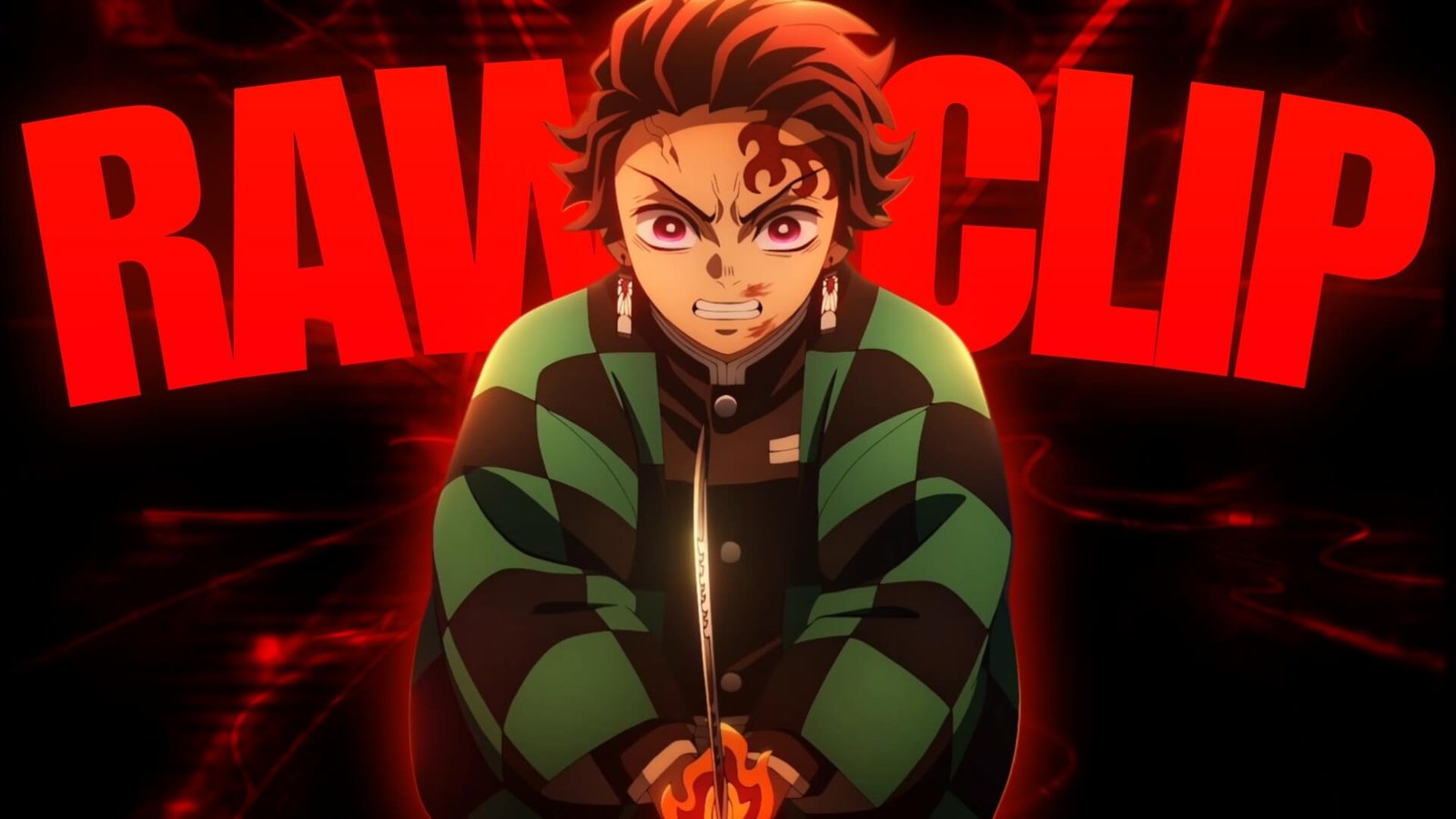
Tanjiro vs Rui Clips are some of the most recognizable source material for Demon Slayer edits, combining sword choreography, Water Breathing, Hinokami Kagura, Rui’s thread-based Blood Demon Art, Nezuko’s Blood Demon Art, emotional close-ups, and dramatic visual effects.
The battle on Mount Natagumo offers a useful mix of slow emotional moments and explosive action. This makes the footage suitable for cinematic edits, velocity videos, character montages, and short-form anime edits.
Editorial Note: This article focuses on editing techniques, scene selection, and creative use of anime footage. It does not host or distribute copyrighted Demon Slayer footage.
Why Tanjiro vs Rui Is Great Editing Material
The fight has a natural progression that makes it easy to turn into an edit.
It begins with tension and dialogue before gradually developing into a much more intense confrontation.
Useful Tanjiro vs Rui Clips can include:
- Tanjiro close-ups
- Rui close-ups
- Water Breathing techniques
- Hinokami Kagura
- Nezuko’s Blood Demon Art
- Spider threads
- Sword clashes
- Forest movement
- Impact shots
- Emotional reactions
- Final attack sequences
This gives editors enough variety to create different moods without relying on one type of shot.
Mount Natagumo Atmosphere
Before focusing on the fight itself, consider using the forest environment.
The dark forest, spider webs, moonlight, and surrounding trees can create an atmospheric opening.
A cinematic introduction could be:
Forest → spider threads → Rui reveal → Tanjiro close-up → sword movement
This slower beginning makes the later action feel more dramatic.
For Tanjiro vs Rui Clips, environmental footage is especially useful as a transition between intense combat sections.
Rui’s Spider Threads
Rui’s Blood Demon Art provides some of the most recognizable visual elements in the fight.
The threads create sharp lines across the frame and can be used as natural transition points.
Try cutting when a thread crosses the screen or when Rui launches an attack.
A simple sequence could be:
Rui close-up → thread movement → Tanjiro reaction → sword block → impact
This creates a sense of movement without requiring excessive editing effects.
Tanjiro’s Water Breathing
Tanjiro’s Water Breathing sequences provide smooth sword movements that work well for velocity edits.
Slow down the beginning of a sword movement and return to normal speed as the attack reaches its target.
For example:
Sword preparation → slow motion → acceleration → slash → impact
This technique can make the animation feel more rhythmic while keeping the original choreography visible.
The Hinokami Kagura Moment
The transition to Hinokami Kagura is one of the biggest visual peaks in the battle.
It provides a natural place for the edit to change its pacing, color treatment, and soundtrack.
For a Tanjiro vs Rui Clips edit, build toward the moment rather than revealing it immediately.
Try:
- Tanjiro struggling
- Close-up
- Memory or emotional moment
- Sword preparation
- Hinokami Kagura
- Acceleration
- Major attack
- Aftermath
This creates a stronger narrative than simply placing the technique at the beginning.
Nezuko’s Blood Demon Art
Nezuko’s intervention adds another visual layer to the battle.
Her Blood Demon Art creates bright flame-like effects that contrast with Rui’s white threads and the dark forest environment.
This makes her footage useful for a visual transition.
You can move from:
Rui threads → Nezuko flames → Tanjiro attack
The color contrast can make the transition feel natural without requiring a heavy preset.
Tanjiro and Rui Close-Ups
Close-ups can help control the pacing of the edit.
Use Tanjiro’s expressions to show determination and Rui’s expressions to create tension.
A close-up can also be placed immediately before a major attack.
For example:
Face → eyes → hand/sword → movement → attack
These shorter clips work especially well in music-synced edits.
Creating a Velocity Edit
The battle contains plenty of movement for controlled speed ramps.
For Tanjiro vs Rui Clips, divide the footage into three categories.
Slow Sections
Use for:
- Close-ups
- Emotional moments
- Sword preparation
- Rui’s reveal
Normal Sections
Use for:
- Character movement
- Dialogue
- Positioning
- Environmental shots
Fast Sections
Use for:
- Sword attacks
- Thread attacks
- Dashes
- Explosions
- Major impacts
Switching between these speeds creates more visual variety than keeping the entire video slow.
Twixtor Tips
Twixtor can be useful for smooth slow-motion sections, but the complex thread effects require careful treatment.
Watch for artifacts around:
- Sword blades
- Spider threads
- Hair
- Hands
- Flame effects
- Fast camera movement
Keep interpolation sections relatively short when several effects overlap.
A practical workflow is:
Normal speed → controlled slowdown → Twixtor → impact → normal speed
Always preview the final result before exporting.
Music Choices
Different parts of the battle can support different music styles.
Emotional
Useful for Tanjiro’s memories and determination.
Cinematic
Works well for the buildup to Hinokami Kagura.
Aggressive
Fits the sword exchanges and Rui’s attacks.
Orchestral
Can emphasize the scale of the final sequence.
Electronic
Useful for short-form velocity edits.
A good soundtrack should follow the story of the scene rather than simply match its speed.
Color Grading Tanjiro vs Rui
The forest setting gives you naturally dark footage with bright visual effects.
Keep enough contrast to preserve details in the shadows.
Useful adjustments include:
- Contrast
- Exposure
- Highlights
- Shadows
- Saturation
- Sharpness
You can keep Rui’s sections cooler and darker while allowing Tanjiro’s Hinokami Kagura and Nezuko’s flames to stand out.
Avoid excessive saturation because the fire effects can quickly become overexposed.
Transition Ideas
Thread Wipe
Use Rui’s thread crossing the screen as a natural visual wipe.
Flame Cut
Use Nezuko’s flames to transition into Tanjiro’s next shot.
Sword Match Cut
Match one sword movement with another directional movement.
Impact Cut
Cut immediately after a strong attack connects.
Forest Reset
Use a wide forest shot between two intense action sections.
These techniques make Tanjiro vs Rui Clips easier to connect without relying on random transition presets.
Edit Concepts
Hinokami Kagura Edit
Build the entire video around Tanjiro’s transition into Hinokami Kagura.
Tanjiro Power Edit
Combine Water Breathing, Hinokami Kagura, sword movements, and close-ups.
Rui Dark Edit
Focus on Rui’s threads, expressions, Blood Demon Art, and darker forest imagery.
Tanjiro & Nezuko Edit
Emphasize their teamwork and the emotional side of the battle.
Cinematic Mugen-Style Anime Edit
Use environmental shots, dialogue, buildup, combat, and the final sequence to create a story-driven video.
Organizing Your Clips
If you’re organizing footage you have the legal right to use, divide it into simple categories.
Tanjiro
- Close-ups
- Water Breathing
- Sword attacks
- Hinokami Kagura
- Reactions
- Final sequence
Rui
- Close-ups
- Spider threads
- Blood Demon Art
- Attacks
- Reactions
Nezuko
- Appearance
- Blood Demon Art
- Flame effects
- Reactions
Environment
- Forest
- Moonlight
- Spider webs
- Wide shots
- Aftermath
This makes it easier to build multiple edit styles from the same source footage.
Common Editing Mistakes
When using Tanjiro vs Rui Clips, avoid covering the animation with too many effects.
Common problems include:
- Excessive camera shake
- Too many flashes
- Overusing slow motion
- Heavy sharpening
- Excessive glow
- Over-saturated flames
- Random transitions
- Too many overlays
- Slowing complex thread animation too aggressively
- Cutting away before important sword movements finish
The fight already contains strong visual effects, so clean editing often works better than excessive effects.
FAQ
What are Tanjiro vs Rui Clips?
Tanjiro vs Rui Clips refers to footage from Tanjiro Kamado’s battle against Rui in Demon Slayer, used as source material for creative video edits when the editor has the appropriate rights.
What makes the fight good for edits?
The battle combines Water Breathing, Hinokami Kagura, spider threads, Nezuko’s Blood Demon Art, sword combat, emotional scenes, and strong visual effects.
What is the best Tanjiro scene for an edit?
The Hinokami Kagura sequence is one of the most recognizable sections, but the earlier Water Breathing and emotional buildup can help create a more complete edit.
Are Rui’s thread attacks good for velocity edits?
Yes. The fast-moving threads create clear directional movement, although complex overlapping threads should be checked carefully when using frame interpolation.
Can I use Twixtor on Tanjiro’s sword movements?
Yes. Sword swings and other clear movements can work well with Twixtor when the slowdown is controlled and the source footage is suitable.
What software can I use?
You can create these edits in After Effects, Premiere Pro, DaVinci Resolve, CapCut, or another editor that supports speed changes and visual effects.
Final Thoughts
Tanjiro vs Rui Clips offer a strong combination of atmosphere, sword combat, supernatural effects, emotional storytelling, and one of Tanjiro’s most recognizable techniques.
For a velocity edit, focus on sword movements, thread attacks, dashes, and impact frames. For a cinematic edit, give more time to the forest atmosphere, character close-ups, emotional buildup, and Hinokami Kagura reveal.
The strongest approach is to build toward the major visual moments instead of showing everything immediately. Controlled Twixtor, clean speed ramps, balanced grading, and precise music synchronization can turn Tanjiro vs Rui Clips into a polished Demon Slayer edit.
Disclaimer
This article is for editing inspiration and informational purposes only. Demon Slayer: Kimetsu no Yaiba, Tanjiro Kamado, Rui, Nezuko, and related anime footage are protected by their respective copyright holders. This site does not host or distribute copyrighted footage. Use footage you have the legal right or permission to edit and follow applicable copyright and platform policies.

Get Exclusive CC & Quality Setting Here : https://payhip.com/QualityCCLab