LINKS
More Post Like This: https://twixtorclips.com/garp-galaxy-impact-raw-clips-4k/
Anime Twixtor Clips Available: https://twixtorclips.com/anime-twixtor/
Zoro vs King Clips: Best One Piece Fight Scenes for Edits
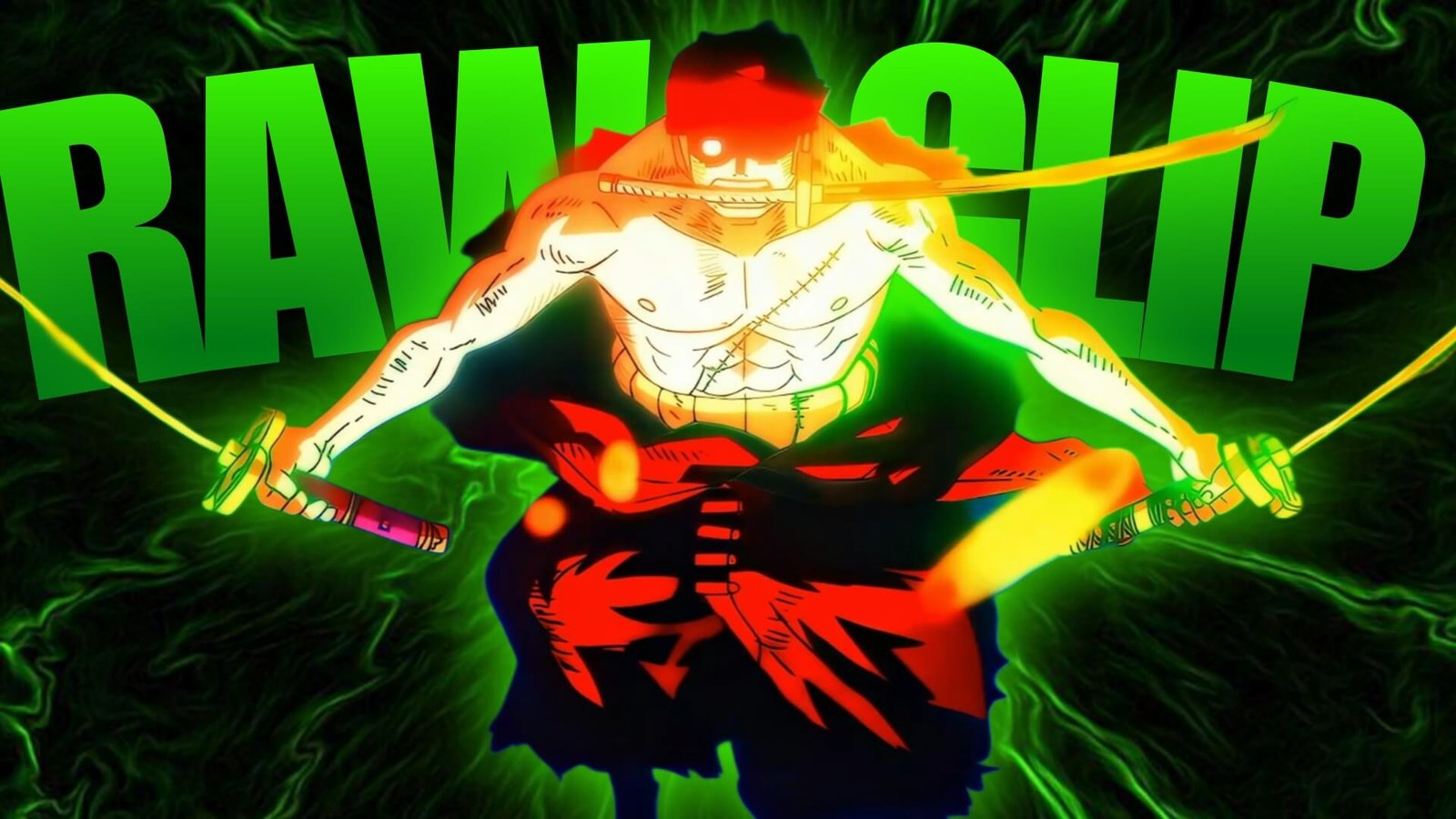
Zoro vs King Clips provide some of the most visually dynamic sword-fighting footage in the Wano storyline. The battle combines Zoro’s three-sword style, Enma, powerful Haki, King’s Lunarian abilities, aerial movement, fire attacks, and dramatic close-ups.
For editors, the fight works particularly well because its pacing constantly changes. There are quiet character moments, rapid sword exchanges, large attacks, aerial sequences, and explosive finishing shots.
Editorial Note: This article focuses on editing ideas, scene selection, and creative use of anime footage. It does not host or distribute copyrighted One Piece footage.
What Makes Zoro vs King Different?
The visual contrast between the two fighters is one of the biggest strengths of Zoro vs King Clips.
Zoro’s sword-based attacks create sharp, directional movements, while King combines his sword, physical strength, flames, wings, and Lunarian abilities.
That gives editors several categories to work with:
- Sword clashes
- Enma shots
- Haki effects
- King’s flames
- Aerial attacks
- Character close-ups
- Impact frames
- Explosions
- Wide battlefield shots
- Finishing attacks
This variety makes the fight suitable for both short velocity edits and longer cinematic montages.
Zoro’s Entrance Into the Fight
A strong Zoro-focused edit does not need to start with his biggest attack.
Use his stance, facial expressions, swords, and movement to establish the character first.
A cinematic opening could be:
Zoro close-up → swords → King reveal → battlefield → Zoro movement → first clash
This creates anticipation before the action begins.
For Zoro vs King Clips, these slower shots are especially useful for creating contrast before a beat drop.
King and the Lunarian Visuals
King’s appearance provides a completely different visual identity.
His black wings, flames, mask, sword, and aerial movement can be used to create darker and more aggressive sections.
Try alternating between Zoro and King rather than showing one character continuously.
For example:
King close-up → flame → Zoro close-up → sword → King attack → Zoro counter
This creates a visual conversation between the two fighters.
Sword Clash Sequences
The sword clashes are some of the easiest moments to synchronize with music.
Look for clear points where:
- Blades collide
- Zoro changes direction
- King attacks
- Zoro blocks
- Sparks appear
- Characters separate
These moments can be matched with individual beats.
A useful rhythm is:
Approach → clash → pause → second clash → acceleration
This prevents the edit from becoming a continuous stream of fast cuts.
Enma-Focused Clips
Enma is an important part of Zoro’s progression during the fight.
Close-ups of the sword and moments where Zoro struggles to control its power can provide useful buildup before stronger attacks.
For a Zoro vs King Clips edit, you can create an Enma-focused section:
Sword close-up → Zoro reaction → Haki buildup → movement → attack
This works particularly well for a dramatic soundtrack.
King’s Fire Attacks
King’s flame-based attacks offer strong material for transitions and beat drops.
Use the flame itself as a visual element rather than covering it with artificial effects.
You can slow the beginning of a fire attack and return to normal speed as the attack reaches its target.
This produces a simple velocity pattern:
Buildup → slow motion → acceleration → impact → aftermath
Aerial Combat
The fight becomes visually different when King takes the battle into the air.
Aerial footage can be used to break up ground-based sword sequences.
Wide shots are particularly useful here because they communicate the scale and movement of the battlefield.
For Zoro vs King Clips, try transitioning from a close-up sword clash into a wide aerial shot to create a change in scale.
Zoro’s Haki Moments
Zoro’s Haki visuals can be used as major turning points in an edit.
Instead of adding excessive glow, allow the original animation to establish the effect.
A strong sequence can be:
Zoro close-up → Haki buildup → sword movement → attack → impact frame
If the soundtrack has a major drop, synchronize it with the moment Zoro unleashes the attack.
Final Attack
The finishing portion of the battle provides a natural climax for an edit.
Rather than revealing the strongest moment immediately, build toward it with:
- Zoro close-up
- Enma
- Haki buildup
- King attack
- Zoro counter
- Final technique
- Impact
- Aftermath
This structure gives Zoro vs King Clips a clear beginning, escalation, and conclusion.
Creating a Zoro Velocity Edit
Zoro’s sword movements are particularly suitable for velocity editing because they contain clear directional motion.
Try using different speed levels for different actions.
Slow
- Sword preparation
- Character close-ups
- Haki buildup
Normal
- Movement
- Dialogue
- Positioning
Fast
- Sword swings
- Dashes
- Clashes
Impact
- Brief slowdown or speed change
- Strong beat synchronization
This creates a more dynamic edit than applying one speed setting to every clip.
Twixtor Tips for Sword Fights
When using Zoro vs King Clips with Twixtor, sword movements require careful attention.
Frame interpolation can sometimes struggle with:
- Fast sword swings
- Sparks
- Flames
- Character limbs
- Rapid camera movement
- Overlapping effects
Keep slow-motion sections relatively short when the animation becomes extremely complex.
A clean workflow is:
Original speed → controlled slowdown → interpolation → impact → normal speed
Preview the footage at full resolution before final export.
Music Choices
The fight can support several editing styles.
Aggressive Trap
Works well with rapid sword clashes and impact shots.
Cinematic
Useful for the buildup and final attack.
Rock
Fits the physical intensity of the fight.
Phonk
Good for short-form velocity edits.
Orchestral
Works particularly well with Haki and finishing sequences.
Choose the music based on the story you want the edit to tell rather than simply selecting the fastest track.
Color Grading Zoro vs King
The fight contains dark environments, bright flames, Haki effects, and metallic sword visuals.
A balanced grade can bring these elements together.
Focus on:
- Contrast
- Highlights
- Shadows
- Saturation
- Exposure
- Sharpness
Avoid excessive sharpening around the swords and flames because it can introduce harsh edges.
For King’s sections, darker tones can reinforce the atmosphere, while Zoro’s Haki moments can remain brighter and more contrast-heavy.
Transition Ideas
Sword Match Cut
Match one sword movement with another.
Flame Transition
Use King’s flames to cover a scene change.
Impact Cut
Cut immediately after a major clash.
Haki Flash
Use an existing bright Haki frame as a transition point.
Aerial-to-Ground Cut
Switch from a wide aerial shot to a close ground-level attack.
These transitions keep Zoro vs King Clips connected without relying on excessive presets.
Edit Concepts
Zoro Power Edit
Focus on Enma, Haki, sword clashes, and the final attack.
King vs Zoro Velocity Edit
Use rapid sword movements and controlled speed ramps.
Wano Sword Edit
Build a cinematic sequence around Zoro’s strongest sword moments from the battle.
King Fire Edit
Focus on King’s flames, aerial movement, and attacks.
Cinematic Rivalry Edit
Give both characters equal screen time and build toward their final clash.
Clip Organization
If you’re organizing footage you have the legal right to use, divide the material into categories.
Zoro
- Close-ups
- Swords
- Enma
- Haki
- Attacks
- Reactions
King
- Close-ups
- Flames
- Wings
- Sword
- Aerial attacks
- Reactions
Fight
- Clashes
- Wide shots
- Impact frames
- Explosions
- Final sequence
- Aftermath
This makes it easier to build multiple edits from the same source material.
Common Editing Mistakes
When working with Zoro vs King Clips, avoid turning every moment into an effect-heavy sequence.
Common problems include:
- Excessive camera shake
- Too many flashes
- Extreme slow motion
- Heavy sharpening
- Over-saturated flames
- Too much glow
- Random transitions
- Excessive overlays
- Cutting away too quickly from sword clashes
- Using identical velocity curves
The original animation already provides strong visual effects, so your editing should complement those elements.
FAQ
What are Zoro vs King Clips?
Zoro vs King Clips refers to footage from the Zoro and King battle in One Piece, used as source material for creative edits when the editor has the appropriate rights to use the footage.
Why is Zoro vs King good for edits?
The battle combines sword combat, Haki, Enma, King’s flames, aerial movement, close-ups, and large impact sequences.
Are Zoro’s Enma scenes good for velocity edits?
Yes. Sword movements and Haki buildup provide natural points for controlled speed changes.
What King scenes should I use?
King’s flames, aerial attacks, sword movements, close-ups, and Lunarian abilities provide a strong selection of footage.
How can I make Zoro clips smoother?
Use clean footage, apply Twixtor selectively, avoid extreme slow motion during complex sword movements, and preview the interpolation around fast attacks.
What software can I use?
You can edit these clips using After Effects, Premiere Pro, DaVinci Resolve, CapCut, or another editor with speed-control and visual-effects features.
Final Thoughts
Zoro vs King Clips provide a strong combination of sword combat, Haki, Enma, flames, aerial movement, and cinematic finishing moments.
The key to a strong edit is pacing. Let the close-ups and buildup establish the scene, use sword clashes for rhythmic sections, and save the strongest Haki and finishing footage for the climax.
For velocity edits, focus on clear movements and controlled speed ramps. For cinematic edits, give the battle enough breathing room to show the rivalry between Zoro and King.
With selective Twixtor, clean transitions, balanced grading, and well-timed music, Zoro vs King Clips can provide excellent source material for a polished One Piece edit.
Disclaimer
This article is for editing inspiration and informational purposes only. One Piece, Roronoa Zoro, King, and related anime footage are protected by their respective copyright holders. This site does not host or distribute copyrighted footage. Use footage you have the legal right or permission to edit and follow applicable copyright and platform policies.

Get Exclusive CC & Quality Setting Here : https://payhip.com/QualityCCLab