LINKS
More Post Like This:
Anime Twixtor Clips Available: https://twixtorclips.com/anime-twixtor/
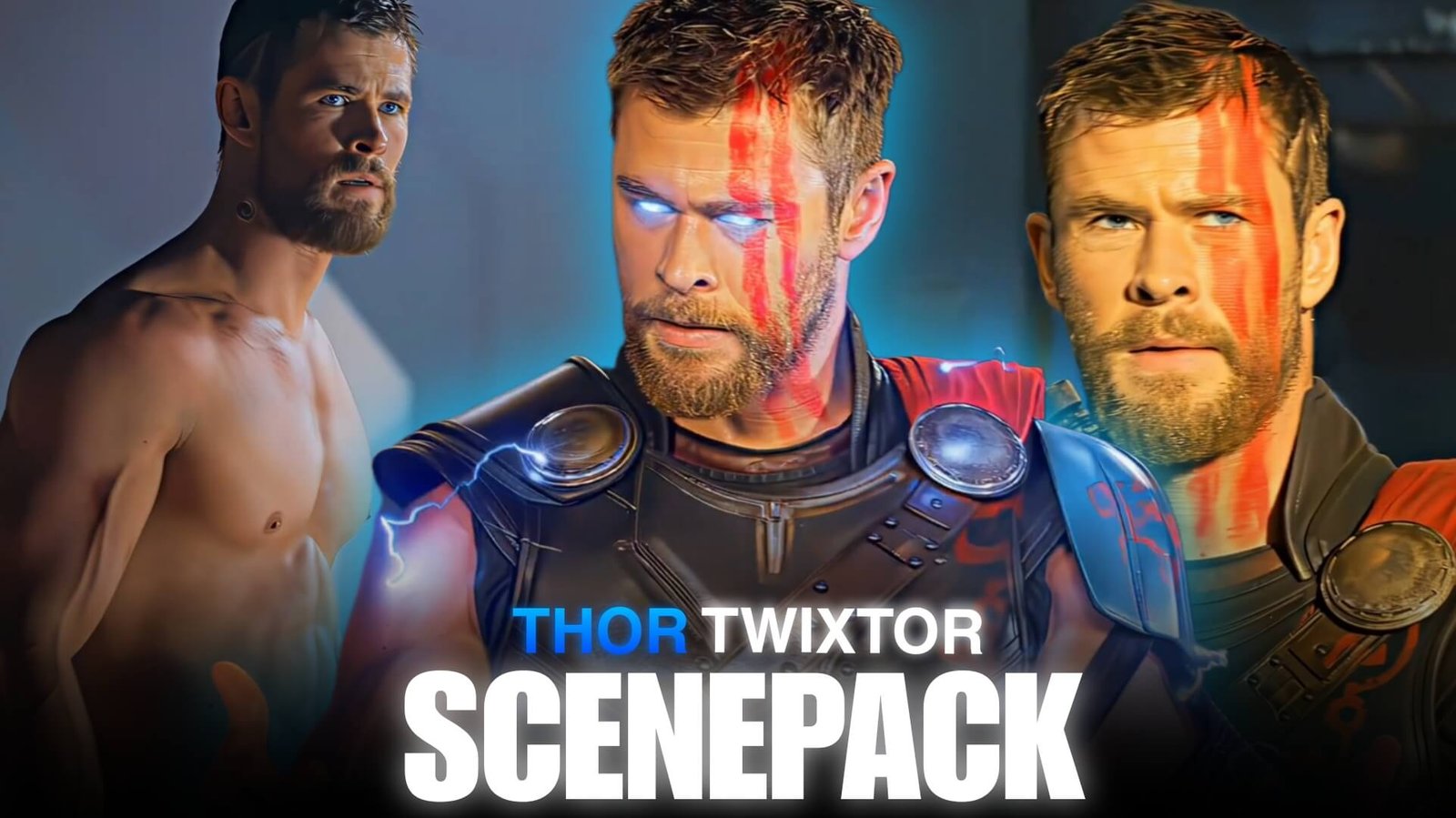
Thor Twixtor Clips: Cinematic God of Thunder Scenes for Edits
Thunder, lightning, weapons, battlefields, and larger-than-life entrances give Thor some of the most recognizable visual material in the Marvel universe. His scenes can shift from quiet character moments to enormous action sequences within seconds, giving editors plenty of opportunities to control pacing.
Thor Twixtor Clips work particularly well when an edit uses the character’s movements as the rhythm: the swing of Mjolnir, the arrival of lightning, a weapon impact, or Thor stepping into a battlefield can all become natural points for a speed change.
Editorial Note: This article focuses on creative editing techniques and scene selection. It does not host or distribute copyrighted Marvel footage.
Begin With the Thunder
Thor doesn’t always need to appear immediately.
An edit can begin with environmental details that suggest his presence:
- Storm clouds
- Lightning
- Weapon close-ups
- A distant battlefield
- Thunder effects
- Thor’s silhouette
Then reveal the character.
For example:
Storm → lightning flash → weapon → Thor close-up → beat drop
This creates anticipation before the main action begins.
Mjolnir and Stormbreaker as Movement Tools
Thor’s weapons are useful editing elements because they create strong directional motion.
A hammer swing can be used to connect two scenes, while Stormbreaker movements can introduce larger and heavier impacts.
Try matching:
Weapon movement → camera movement → next scene
A fast swing can hide a cut, while a weapon impact can provide the exact frame for a beat transition.
Lightning Changes the Pace
Lightning is one of the easiest visual elements to use as a timing marker.
When lightning appears, you can:
- Cut to another scene
- Add a short flash
- Change speed
- Introduce a new section
- Synchronize a sound effect
- Transition into a battle shot
For Thor Twixtor Clips, lightning can act as a recurring visual motif throughout the edit.
You don’t need to add artificial lightning to every scene. The original footage often provides enough visual energy.
Thor’s Entrance Shots
Hero entrances can work as the turning point of an edit.
Look for shots where Thor:
- Lands
- Walks into a battlefield
- Raises his weapon
- Looks toward an opponent
- Appears through lightning
- Stands after an attack
A good entrance can follow a long buildup.
Keep the footage slower before the entrance, then allow the music and movement to accelerate when Thor appears.
Combat Without Overusing Slow Motion
Thor’s fights contain large movements, but slowing everything down can make the edit lose momentum.
Instead, isolate individual moments.
For example:
Attack at normal speed → acceleration → impact → short Twixtor section → immediate return to normal speed
This makes the slow-motion moment feel intentional.
Clear weapon swings, jumps, turns, and controlled body movements can be particularly useful for interpolation.
Thor Across Different Eras
One interesting approach is to build an edit around Thor’s visual evolution.
You can move between:
Early Thor → darker Thor → Ragnarok-era Thor → Infinity War Thor → Endgame Thor
This creates a character-development edit rather than a simple fight montage.
Match similar movements between different scenes to make the transitions feel deliberate.
For example, a weapon swing from one era can cut into a similar movement from another.
The Scale of Thor’s Battles
Thor’s footage can shift between intimate combat and enormous battlefield sequences.
Use that difference to control perspective.
Start with:
Close-up → medium shot → wider battle → lightning → massive action shot
The gradual expansion makes the scene feel bigger.
Wide shots are especially useful as breathing points between rapid combat cuts.
Creating a Lightning-Based Velocity Edit
A possible structure for Thor Twixtor Clips is:
Opening
Use a quiet Thor close-up.
Warning
Introduce thunder or lightning.
Build
Show Mjolnir or Stormbreaker movement.
Drop
Hit the first major attack on the beat.
Velocity Section
Use speed ramps across several combat movements.
Twixtor Moment
Slow down one visually clean movement.
Climax
Use lightning and the largest available action shot.
Ending
Finish on Thor standing still after the action.
The contrast between movement and stillness gives the ending more weight.
Music and Sound Effects
Thor edits can work with several different musical directions.
Epic orchestral: useful for heroic and battlefield footage.
Rock: fits Thor’s energetic personality and fast combat.
Dark cinematic: works for more serious or dramatic edits.
Electronic: useful for modern velocity edits.
Sound design can be just as important. A hammer impact, thunder crack, or weapon swing can reinforce a cut without requiring another visual effect.
Color Grading the God of Thunder
Thor footage can contain dramatically different environments, from bright outdoor scenes to dark battlefields.
Instead of applying one aggressive grade, establish a consistent baseline.
Pay attention to:
- Exposure
- Contrast
- Highlights
- Shadows
- Skin tones
- Blue tones
- Lightning brightness
- Overall saturation
Blue and cool tones can complement lightning-heavy footage, but don’t push them so far that skin tones become unnatural.
Three Ways to Build a Thor Edit
The God of Thunder
Focus on lightning, powerful attacks, weapons, and heroic entrances.
Thor Through the Years
Connect scenes from different stages of Thor’s character journey.
Weapon-Centered Edit
Make Mjolnir and Stormbreaker the visual connection between scenes.
Use matching swings, throws, catches, and impacts to create transitions.
A Better Way to Arrange Your Footage
Instead of storing everything as one collection, sort clips by their visual function.
Atmosphere
- Storms
- Lightning
- Wide shots
Character
- Close-ups
- Expressions
- Walking
- Heroic poses
Weapons
- Mjolnir
- Stormbreaker
- Throws
- Catches
Combat
- Punches
- Dodges
- Weapon attacks
- Impacts
Power
- Lightning
- Energy attacks
- Major abilities
This organization lets you build the edit around a concept rather than searching randomly for clips.
Mistakes to Watch For
Thor’s footage already has strong visual effects, so adding too much can make the final edit look crowded.
Avoid:
- Excessive flashes
- Constant camera shake
- Overusing Twixtor
- Extreme sharpening
- Artificial lightning everywhere
- Over-saturated blue tones
- Too many transitions
- Slowing every weapon movement
Use effects selectively so the original cinematic moments remain visible.
FAQ
What are Thor Twixtor Clips?
Thor Twixtor Clips are Thor scenes used as source material for slow-motion, velocity, cinematic, and character edits when the editor has the appropriate rights to use the footage.
Which Thor scenes work well with Twixtor?
Clear weapon swings, controlled movements, walking shots, jumps, turns, and selected combat moments can work well when the source motion is suitable.
Are Mjolnir and Stormbreaker shots good for velocity edits?
Yes. Their throws, swings, catches, and impacts provide strong directional movement that can be synchronized with music.
How can I make a Thor edit cinematic?
Use scale and contrast. Combine quiet close-ups with environmental shots, weapon movements, lightning, and larger battle sequences instead of keeping every shot at the same intensity.
Which Thor scenes are useful for transitions?
Weapon swings, lightning flashes, character turns, and fast camera movement can all provide natural transition points.
Which software can I use?
After Effects, Premiere Pro, DaVinci Resolve, CapCut, and other editors with speed-control and visual-effects capabilities can be used.
Final Thoughts
Thor Twixtor Clips offer editors a strong combination of character presence, weapon movement, lightning, and large-scale action. Instead of treating these elements as separate effects, use them to create a visual rhythm throughout the edit.
Let the storm establish the mood, use weapons to guide movement, reserve Twixtor for selected moments, and save the biggest lightning or battlefield sequence for the climax.
The result can feel more like a cinematic Thor sequence and less like a collection of unrelated effects.
Disclaimer
This article is intended for editing inspiration and informational purposes. Thor, Marvel characters, films, and associated footage are protected by their respective copyright holders. This site does not host or distribute copyrighted footage. Use footage you have the legal right or permission to edit and follow applicable copyright and platform policies.

Get Exclusive CC & Quality Setting Here : https://payhip.com/QualityCCLab