LINKS
More Post Like This: https://twixtorclips.com/captain-america-scenepack-4k/
Anime Twixtor Clips Available: https://twixtorclips.com/anime-twixtor/
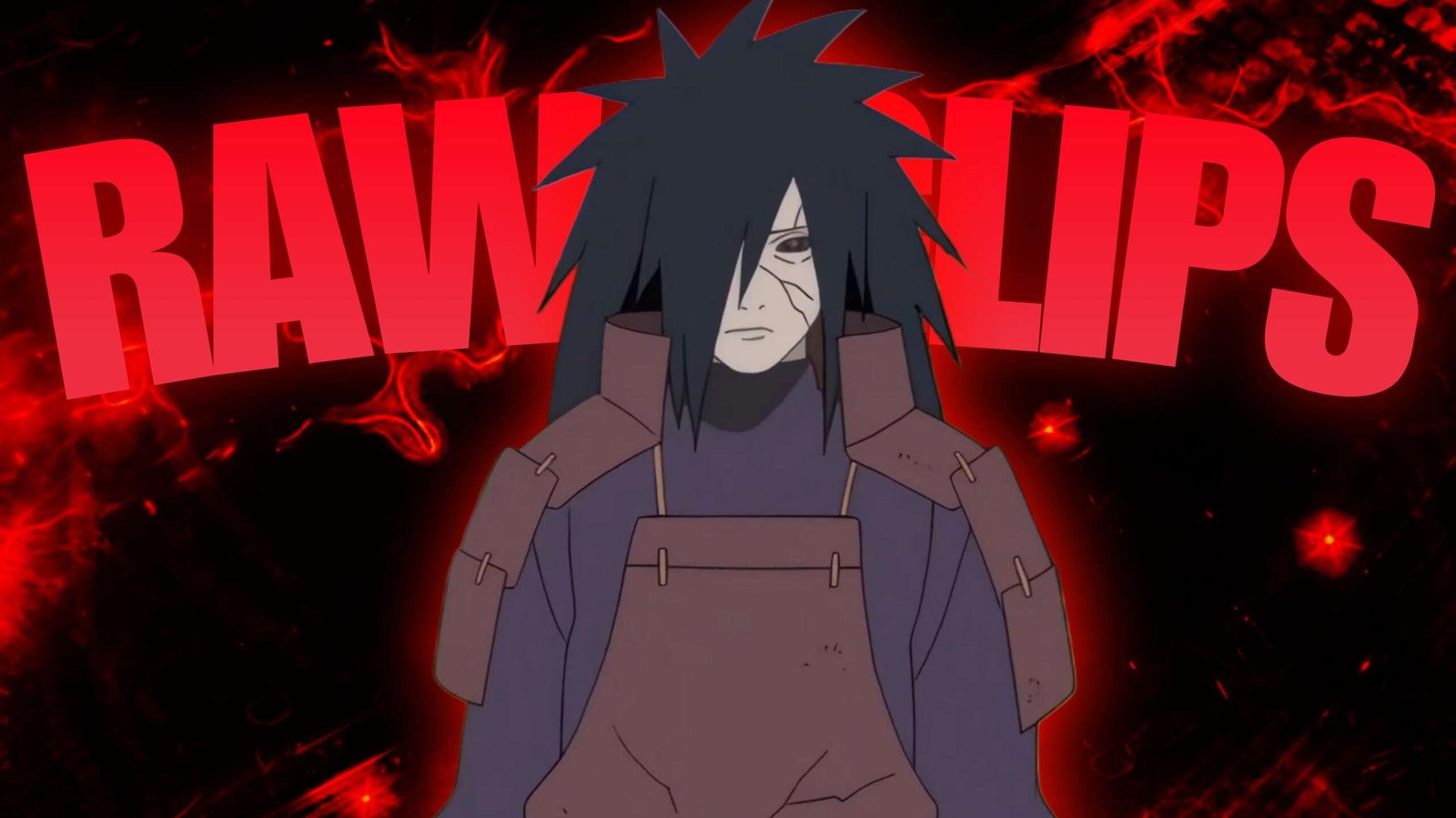
Madara vs Shinobi Alliance Clips: Best Naruto War Arc Scenes for Edits
Few Naruto battles create the same sense of scale as Madara’s confrontation with the Allied Shinobi Forces. The sequence moves between massive armies, individual combat, hand-to-hand exchanges, powerful jutsu, and Madara’s overwhelming presence.
That variety makes Madara vs Shinobi Alliance Clips particularly useful for editors who want to create an edit that feels progressively larger instead of relying on one type of action throughout.
Editorial Note: This article is about scene selection and creative editing techniques. It does not host or distribute copyrighted Naruto footage.
Open With the Battlefield
Rather than immediately beginning with Madara’s strongest attack, establish the scale of the confrontation first.
Wide battlefield shots can show:
- The Allied Shinobi Forces
- Large groups of fighters
- Madara facing the army
- Dust and destruction
- Wide environmental shots
A short establishing sequence gives the later close-ups and combat shots more impact.
Try:
Battlefield → Shinobi reactions → Madara close-up → silence → first movement
That pause can make the character’s entrance feel considerably heavier.
Madara’s Presence
Madara doesn’t need to attack immediately for the footage to feel powerful.
His facial expressions, walking shots, and calm reactions can be used as pacing tools.
For an edit, contrast his composure with the movement of the surrounding battlefield.
A useful rhythm is:
Fast army movement → sudden Madara close-up → slow motion → beat drop → attack
This creates tension before the action begins.
The Taijutsu Sequence
One of the most recognizable parts of the battle is Madara fighting large numbers of shinobi through close-range combat.
These sequences provide plenty of individual movements to isolate.
Look for:
- Dodges
- Counters
- Punches
- Kicks
- Weapon movements
- Rapid direction changes
- Multiple opponents entering the frame
Instead of using the entire sequence continuously, break it into individual movements.
For example:
Dodge → beat cut → kick → brief slow motion → counter → impact
This keeps the edit synchronized without making the footage feel rushed.
Build the Sharingan Moment
Madara’s Sharingan provides a natural visual change within the fight.
A close-up of his eyes can work as a bridge between two sections of an edit.
You could transition from:
Taijutsu → eye close-up → Sharingan → major attack
The eye shot gives the audience a brief visual pause before the next escalation.
For a darker edit, you can also use the Sharingan close-up as the first major reveal.
When the Battle Gets Bigger
The battle can gradually move from hand-to-hand combat toward larger-scale techniques.
This creates a natural escalation:
Taijutsu → weapons → jutsu → Susanoo → battlefield destruction
This progression is one of the strongest ways to structure Madara vs Shinobi Alliance Clips because each stage feels larger than the previous one.
Don’t reveal the biggest shot at the beginning. Save it for the later part of the edit.
Madara’s Susanoo
Susanoo footage provides a completely different visual scale.
Wide shots are particularly valuable here because they communicate size.
Use:
- Susanoo reveals
- Sword movements
- Wide battlefield shots
- Shinobi reactions
- Destruction
- Madara inside the Susanoo
For a cinematic edit, let the wide shot breathe for a moment before cutting back into faster footage.
This contrast makes the large-scale sequence feel even bigger.
Turning the Fight Into a Story
Instead of treating the footage as a collection of random action shots, create a progression.
Act One — The Arrival
Establish Madara and the battlefield.
Act Two — The Demonstration
Use close combat and Sharingan shots.
Act Three — Escalation
Introduce stronger techniques and larger attacks.
Act Four — Overwhelming Power
Bring in the most visually powerful Susanoo and battlefield sequences.
Act Five — Final Image
End on Madara, the battlefield, or a powerful reaction shot.
This structure gives Madara vs Shinobi Alliance Clips a beginning, middle, and ending.
Speed Ramping the Combat
Fast combat does not mean every frame needs to be sped up.
Use speed changes around specific movements.
For example:
Normal speed → acceleration during attack → impact frame → slow motion → normal speed
This makes individual hits easier to notice.
For particularly clean movements, Twixtor can be used for a short slow-motion section after an impact.
Make the Impact Feel Heavy
Impact frames are important in a Madara edit.
When a punch, kick, weapon strike, or jutsu connects, consider:
- A short speed reduction
- Small camera movement
- Brief motion blur
- A sound-effect accent
- A quick exposure change
Keep these effects short. The original animation already provides much of the impact.
Music Should Follow the Escalation
Instead of choosing a track only because it has a strong beat, choose one that can support multiple stages.
A suitable track can begin with:
Low intensity → buildup → percussion → major drop → sustained climax
Use the quieter beginning for Madara’s entrance and the strongest section for Susanoo or large-scale destruction.
For a nostalgic Naruto edit, a more atmospheric soundtrack may work better than an aggressive beat.
Color and Atmosphere
The War Arc contains dusty battlefields, darker environments, bright jutsu effects, and large-scale destruction.
A consistent grade can help these different scenes feel like one edit.
Pay attention to:
- Contrast
- Shadows
- Highlights
- Saturation
- Skin tones
- Red Sharingan tones
- Blue and purple energy
- Overall exposure
Avoid making every shot extremely dark. Important details can disappear during battlefield scenes.
Editing Ideas
The Arrival Edit
Start with the battlefield and reactions before revealing Madara.
One Against an Army
Build the entire edit around the contrast between Madara and the surrounding shinobi.
Sharingan Focus
Use eye close-ups as recurring transitions between combat sections.
Susanoo Reveal
Keep the first half relatively restrained and make the Susanoo appearance the major climax.
War Arc Montage
Combine Madara’s battle footage with broader Fourth Great Ninja War imagery to create a larger Naruto-themed edit.
A Useful Clip Order
When arranging your footage, try categorizing the material by intensity instead of simply by character.
Level 1 — Atmosphere
- Battlefield
- Army
- Wide shots
Level 2 — Character
- Madara close-ups
- Walking
- Reactions
Level 3 — Combat
- Taijutsu
- Dodges
- Weapon attacks
Level 4 — Power
- Sharingan
- Jutsu
- Susanoo
Level 5 — Destruction
- Large attacks
- Battlefield impact
- Final cinematic shots
This makes it easier to construct an edit that naturally grows in intensity.
What to Avoid
The battle is already visually dense, so excessive editing can reduce its impact.
Try not to:
- Add constant shakes
- Slow every attack
- Overuse Twixtor
- Put transitions between every cut
- Over-saturate the Sharingan
- Hide action behind excessive effects
- Use unrelated clips simply to fill time
A clean cut at the right moment can sometimes work better than a complicated transition.
FAQ
What are Madara vs Shinobi Alliance Clips?
Madara vs Shinobi Alliance Clips are scenes from Madara Uchiha’s confrontation with the Allied Shinobi Forces that can be used as source material for creative video edits when the editor has the appropriate rights to use the footage.
Which part of the fight works best for edits?
The battle’s progression from Madara’s entrance and taijutsu into larger-scale techniques provides several different editing opportunities.
Are Madara’s taijutsu scenes suitable for velocity edits?
Yes. His close-range combat contains many clear movements that can be synchronized with beats and speed ramps.
Can Twixtor be used on Naruto footage?
It can be used on suitable shots where the movement is clear. Test individual scenes because complex animation and overlapping motion can produce interpolation artifacts.
How can I make a Madara edit feel cinematic?
Use scale and pacing. Begin with battlefield establishing shots, introduce Madara gradually, increase the combat intensity, and reserve the largest visual moments for the climax.
What should I use as the final shot?
A strong Madara close-up, Susanoo shot, battlefield image, or another visually dominant moment can work as the ending depending on the story of the edit.
Final Thoughts
Madara vs Shinobi Alliance Clips offer much more than fast fight footage. The battle has a natural progression from an imposing character entrance to close-range combat and eventually massive displays of power.
Use that progression to your advantage.
Let the battlefield establish the scale, use Madara’s expressions to control the pacing, make the taijutsu section energetic, and gradually introduce the larger techniques. When the edit finally reaches its biggest moment, the earlier restraint will make the climax feel more significant.
Disclaimer
This article is intended for editing inspiration and informational purposes. Naruto, Madara Uchiha, the Allied Shinobi Forces, related characters, animation, and footage are protected by their respective copyright holders. This site does not host or distribute copyrighted footage. Use footage you have the legal right or permission to edit and follow applicable copyright and platform policies.

Get Exclusive CC & Quality Setting Here : https://payhip.com/QualityCCLab